
Adobe Podcast
Record remote guests, edit audio through transcripts and clean up spoken recordings
Pricing
Pricing not verified
- Capture solo or remote speakers, then use a transcript to arrange the recording.
- Reduce recording noise and add podcast-ready music around the conversation.
- Keep in mind: Free Studio downloads are limited to projects up to 30 minutes, with 2 projects per day.
What is Adobe Podcast?
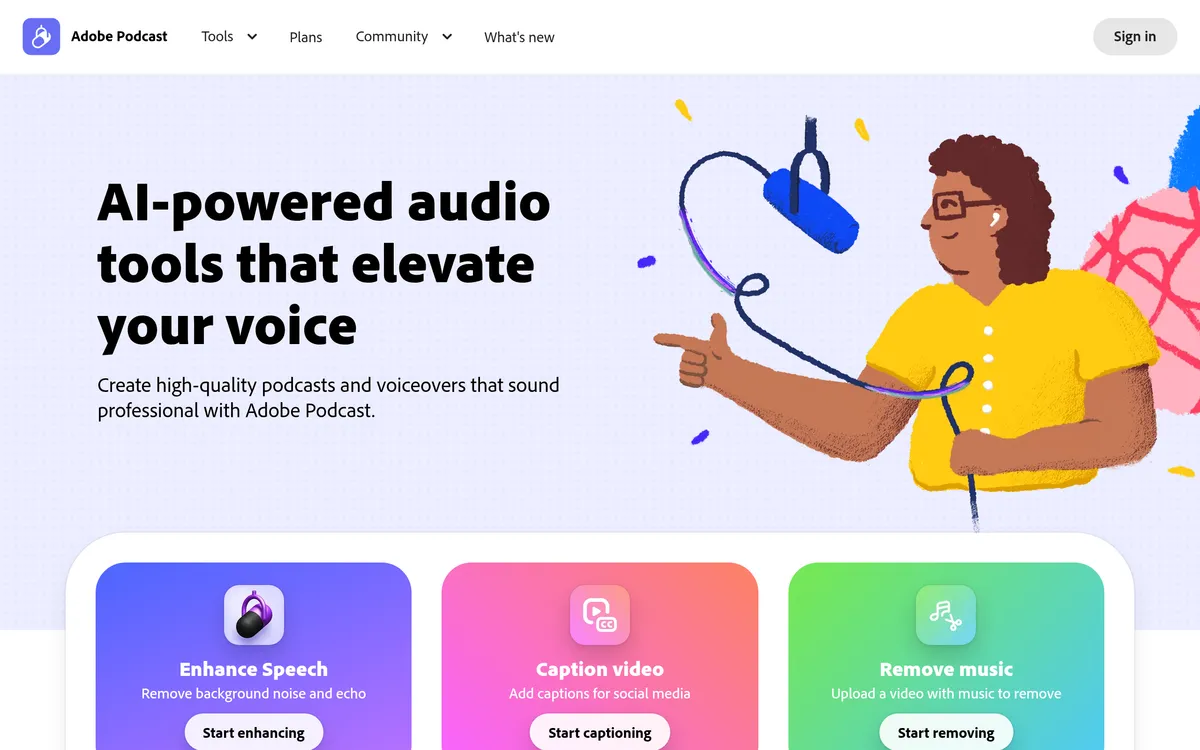
Adobe Podcast provides browser-based tools for recording, editing and improving spoken audio. Creators can record solo or with remote guests, then develop the recording into a podcast or voiceover without downloading a desktop editor. Studio captures each participant on a separate audio track, giving the production distinct source material for each speaker.
Studio transcribes speech so that audio can be cut, copied and pasted like text. Enhance Speech removes background noise and echo from recordings, while podcast-ready music collections provide intros, outros and transitions. The wider toolkit can also transcribe audio or video and download the transcript as text or PDF, helping turn the same recording into material for other uses.
Record and edit a conversation in the browser
- Separate speaker tracks Record each participant individually for an editable conversation.
- Transcript editing Cut, copy and paste audio like text to shape the story.
Clean speech and finish the production
- Speech enhancement Remove background noise and echo from a voice recording.
- Music collections Add intros, outros, transitions and background tracks.
Details
- Platforms
- Web
User reviews
No reviews yet. Be the first to review this tool.
Log in to write a review.
Join the Aivolut newsletter
Occasional practical AI tips, app updates, and offers. Unsubscribe anytime.