
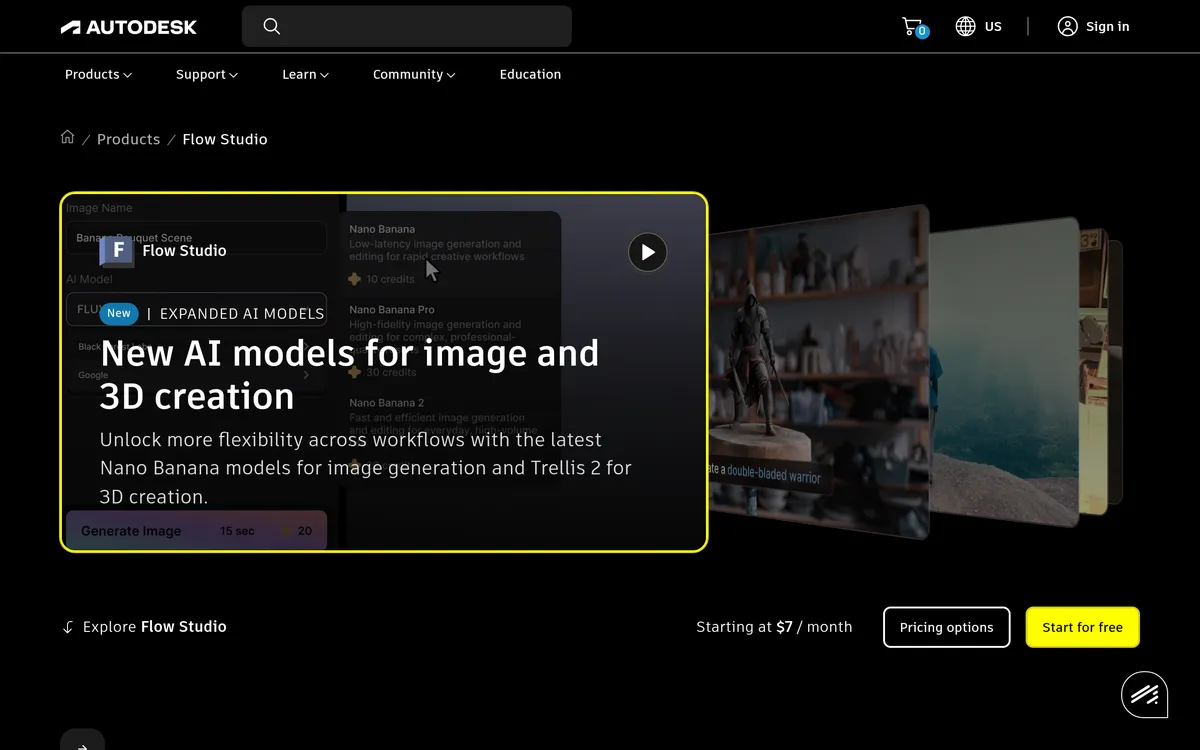
Autodesk Flow Studio
Create editable 3D scenes and visual effects from footage, text, and reference images
Pricing
Pricing not verified
- Use recorded performances to animate CG characters and prepare visual-effects elements.
- Compose scenes, generate assets, and export elements for further work.
What is Autodesk Flow Studio?
Autodesk Flow Studio combines AI-assisted visual effects with tools for building and directing 3D scenes. It can animate and light CG characters within live-action footage, while markerless motion capture turns recorded performances into editable animation. Creators can work with a built-in character library or upload their own characters.
The platform also generates 3D assets from text or reference images and provides an editor for arranging characters, cameras, and animation. Its exports include motion-capture data, camera tracking, masks, and clean plates. Those editable elements let artists continue refining a shot in tools such as Maya, Blender, or Unreal Engine.
Turn footage into editable character animation
- Markerless motion capture turns facial, body, and hand movement from footage into editable animation.
- Live-action character integration animates and lights CG characters within recorded scenes.
Build scenes and continue editing in 3D tools
- Text-to-3D creation turns a prompt into a textured character, creature, or prop.
- Editable scene elements preserve motion, tracking, masks, and clean plates for post-production.
User reviews
No reviews yet. Be the first to review this tool.
Log in to write a review.
Details on this page are for reference only and may be out of date or inaccurate. Check Autodesk Flow Studio's official website for current features and pricing.
Join the Aivolut newsletter
Occasional practical AI tips, app updates, and offers. Unsubscribe anytime.