
Cardboard AI
AI video editor for first cuts, social clips, and team review
Lite on Mac
Free in the Mac app
No card required.
Starter plan
400 generative credits
$29/month
Pricing
Free plan; paid from $8/mo
- Start with a written brief, existing footage, or both and get a first cut that stays editable.
- Find excerpts in long recordings, trim interruptions in speech, and adapt clips with reframing and captions.
- Keep in mind: Cardboard runs in Chrome on computers or in its Apple Silicon Mac app, with no phone or tablet support.
What is Cardboard AI?
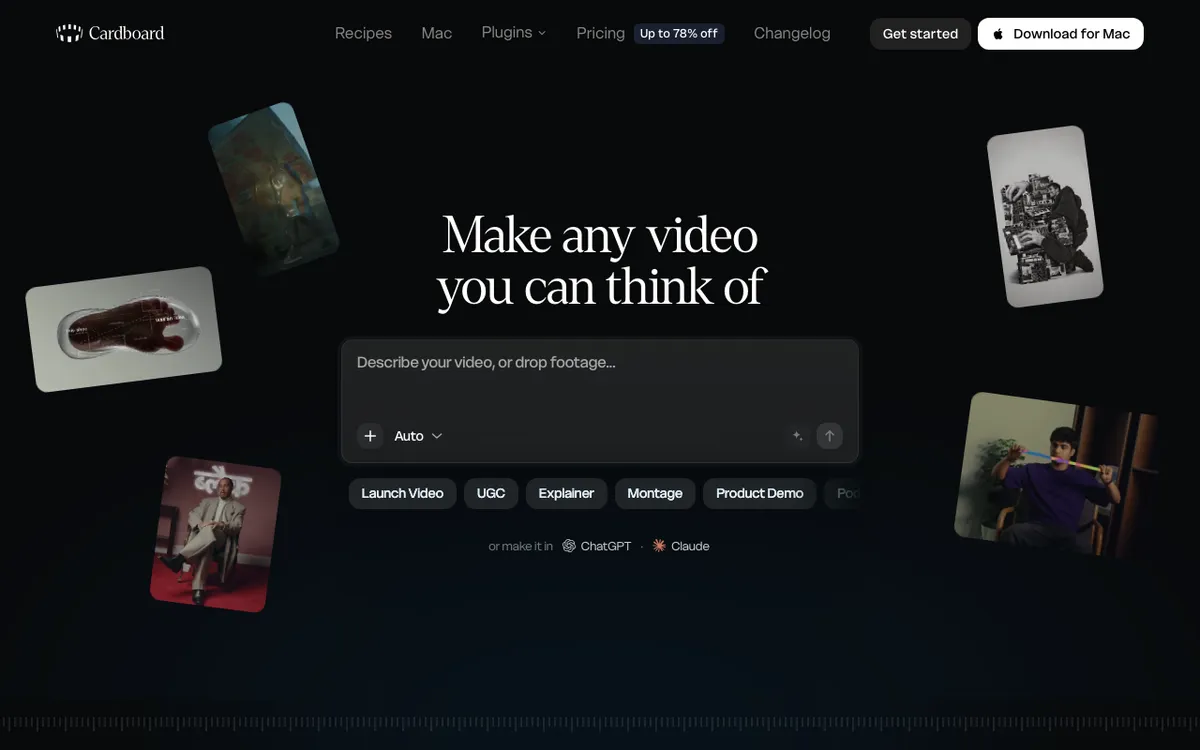
Cardboard AI is a video editor that builds an editable first cut from a written prompt, existing footage, or both. Creators, writers, and marketers can use it for launch videos, explainers, and podcast clips. It can generate video, images, music, and sound effects when a scene needs more material.
Editors can request changes in chat and fine-tune the cut directly on the timeline. Cardboard can trim dead air and retakes, pull highlights from long recordings, and reframe clips with captions for different layouts. Teams can share a link for feedback before exporting the finished cut as an MP4 or MOV.
Build and revise an editable first cut
- Chat and timeline revisions let editors describe a change in plain language or make the adjustment directly on the timeline.
- Edit plan preview shows how the Director intends to change the cut before it starts editing in the Mac app.
- Text style and audio matching uses a linked video as a reference for the look of on-screen text and the sound of a new cut.
Turn long recordings into captioned clips
- Speech cleanup removes pauses, filler words, and retakes to tighten the pacing of spoken footage.
- Highlight extraction surfaces moments from long recordings so editors have a shortlist of excerpts to review.
- Speaker-centered reframing keeps the speaker in view in a vertical 9:16 crop and adds captions for clips destined for Reels.
Fill gaps in a cut with visuals and sound
- Video, image, and audio generation creates extra shots, stills, music, or sound effects to fill gaps in the source footage.
- Prompt-based motion graphics turns a short description into an animated title or logo reveal that editors can adjust on the timeline.
- Voice cloning lets a creator narrate a video using a clone of their own voice.
- Web-sourced B-roll finds relevant footage online to illustrate parts of the story that the original footage leaves uncovered.
Review and deliver a cut
- Shared workspaces let teammates keep their video projects together in one place.
- Comments on specific moments let reviewers flag where a cut needs work and send those notes to the Director for revisions.
- MP4 and MOV export delivers a finished video in either format at resolutions up to 4K.
- Browser timeline exports hand off an editable cut to Premiere Pro or DaVinci Resolve so editors can continue work there.
Work with camera files on a Mac
- Local footage processing lets editors start cutting on the Mac without waiting for an initial upload.
- Video, audio, and image imports let editors bring footage, sound, and stills into a Mac project.
- Claude and Codex connections let Mac editors direct edits from Cardboard’s chat using an eligible paid Claude or ChatGPT subscription.
User reviews
No reviews yet. Be the first to review this tool.
Log in to write a review.
Details on this page are for reference only and may be out of date or inaccurate. Check Cardboard AI's official website for current features and pricing.
Join the Aivolut newsletter
Occasional practical AI tips, app updates, and offers. Unsubscribe anytime.