
Clyper
AI clipping for video podcasts, interviews and recorded streams
Starter plan
200 minutes of source video per month
$20 billed monthly.
Pro plan
600 minutes of source video per month
$38 billed monthly or $19/mo billed annually.
Pricing
From $19/mo (annual)
- Start with a hosted video or a local file and get a shortlist of standalone moments ranked by their openings.
- Keep the active speaker in view in a vertical crop and place word-timed captions above the app’s overlays.
- Keep in mind: Clyper requires speech to find highlights, so gameplay without commentary and music videos without dialogue are unsuitable.
What is Clyper?
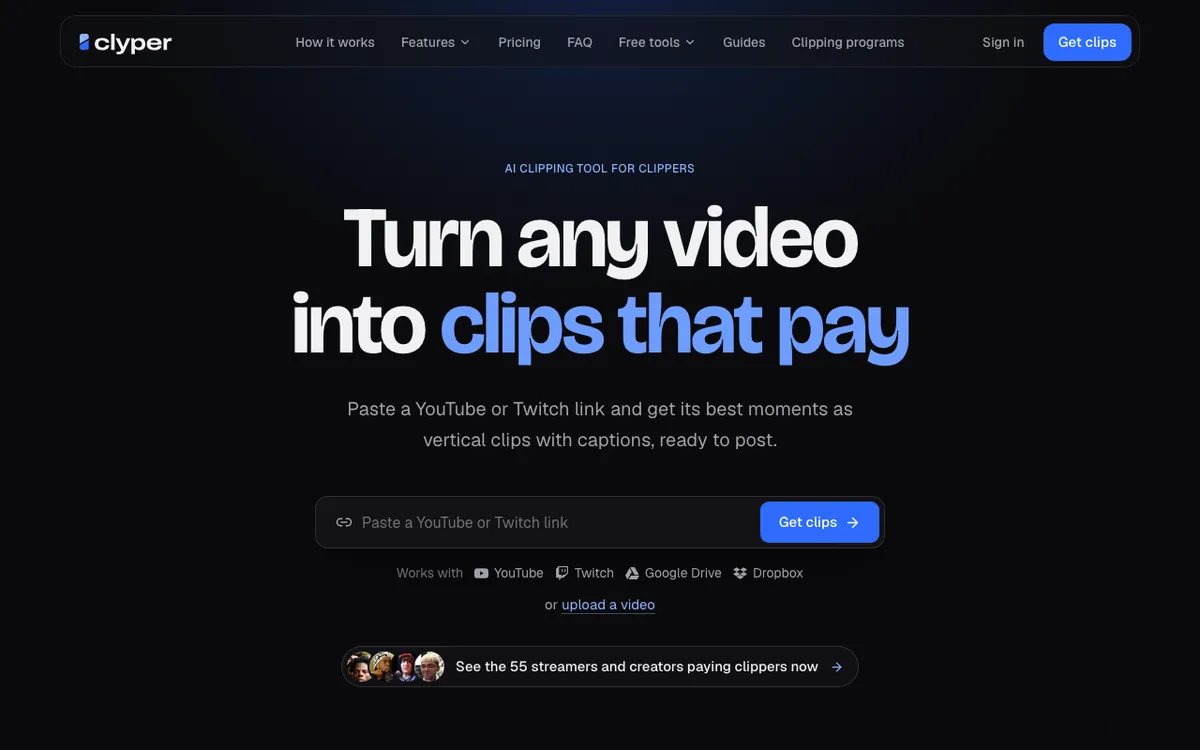
Clyper turns video podcasts, interviews and recorded streams into short vertical clips for creators and social media teams. It accepts video uploads and links from YouTube, Twitch, Google Drive and Dropbox. Clyper reads the transcript to find excerpts that make sense on their own, cuts at sentence boundaries and ranks the clips by hook score so editors can decide which to review first.
The vertical crop follows whoever is speaking, and captions display the dialogue in time with each word. An editor shows changes as creators tighten a cut or correct a caption. The clips download as watermark-free vertical MP4s for TikTok, Instagram Reels and YouTube Shorts.
Find highlights in long recordings
- Link and file imports let editors use public or unlisted YouTube videos, Twitch VODs, shared Drive or Dropbox files up to 10 GB, or MP4, MOV, WebM and MKV uploads up to 4 GB.
- Time ranges and clip counts let editors target part of a longer recording and request up to one clip per two minutes of video, capped at 30, or let Auto choose the count.
- Hook scores and sentence cuts help editors choose which openings to review first on a 0–100 scale, with excerpts cut at sentence boundaries and typically running 20 to 60 seconds.
- Studio bulk import lets editors submit up to 10 links in one batch and gives those jobs priority processing.
Frame and caption clips for social feeds
- Speaker tracking shifts the 9:16 crop as the conversation moves between guests, keeping the person speaking in view.
- Split-screen framing stacks a corner or side facecam above the center of the gameplay so both stay visible in the vertical clip.
- Captions in 50+ languages keep the recording’s spoken language and script, including right-to-left scripts used for Arabic and Hebrew.
Polish and download each clip
- Word-level trimming and extensions let editors tighten a cut at a word boundary or add up to 15 seconds at either end for context.
- Caption corrections let editors fix a misheard name or slang while keeping the original word timing.
- 1080 × 1920 MP4 export burns the captions into the video so they stay visible when the clip is posted to TikTok, Reels or Shorts.
Reuse caption styles and highlight openings
- Caption brand kit saves up to 10 custom styles so editors can reuse a look across clips.
- Opening headlines display the hook for the first four seconds so viewers can read it as the clip begins.
User reviews
No reviews yet. Be the first to review this tool.
Log in to write a review.
Details on this page are for reference only and may be out of date or inaccurate. Check Clyper's official website for current features and pricing.
Join the Aivolut newsletter
Occasional practical AI tips, app updates, and offers. Unsubscribe anytime.