
Editpad
A browser notepad whose official URL now opens iLoveNote
Pricing
The iLoveNote notepad is free. This does not verify the price or limits of every linked AI tool.
- Create and organize text in the current iLoveNote destination of Editpad’s official site.
- Import supported document formats, then copy or download the result.
- Keep in mind: Users seeking the former Editpad interface should check the current iLoveNote destination first.
What is Editpad?
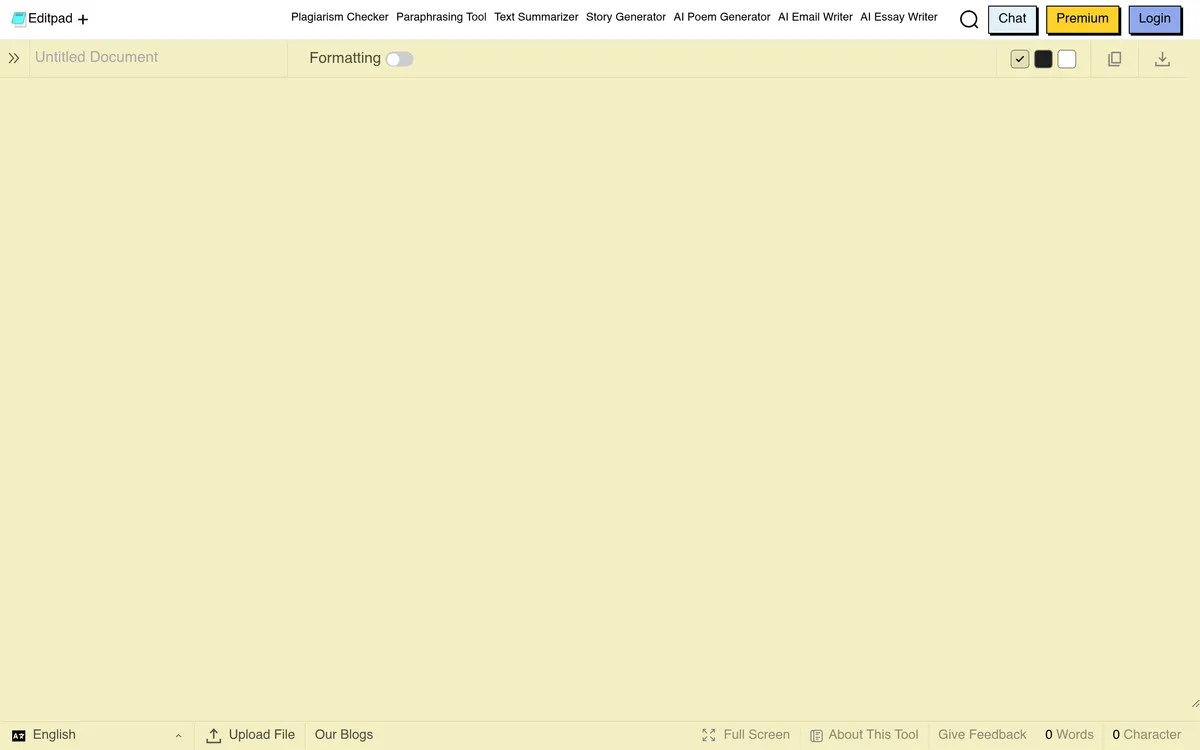
Editpad’s official website now opens iLoveNote, a browser notepad with text editing and linked AI writing tools. The page still links the Editpad mobile app. This profile describes the current destination, rather than assuming the old AI-writer offering is unchanged.
The useful starting task is simple: paste notes or import a document, format the text, then copy or download it. Check any separate AI tool before assuming it shares the notepad’s free access.
Write and format notes directly in your browser
- Start with a blank note or paste an existing draft and edit the text in the browser-based notepad.
- Structure the page with headings and lists alongside bold, italic, and other formatting controls.
Bring a document in and take the edited text with you
- Import TXT, DOC, DOCX, or PDF content instead of retyping notes that already exist in a document.
- Copy or download the edited document when you are ready to move the text into the next part of your work.
User reviews
No reviews yet. Be the first to review this tool.
Log in to write a review.
Details on this page are for reference only and may be out of date or inaccurate. Check Editpad's official website for current features and pricing.
Join the Aivolut newsletter
Occasional practical AI tips, app updates, and offers. Unsubscribe anytime.