
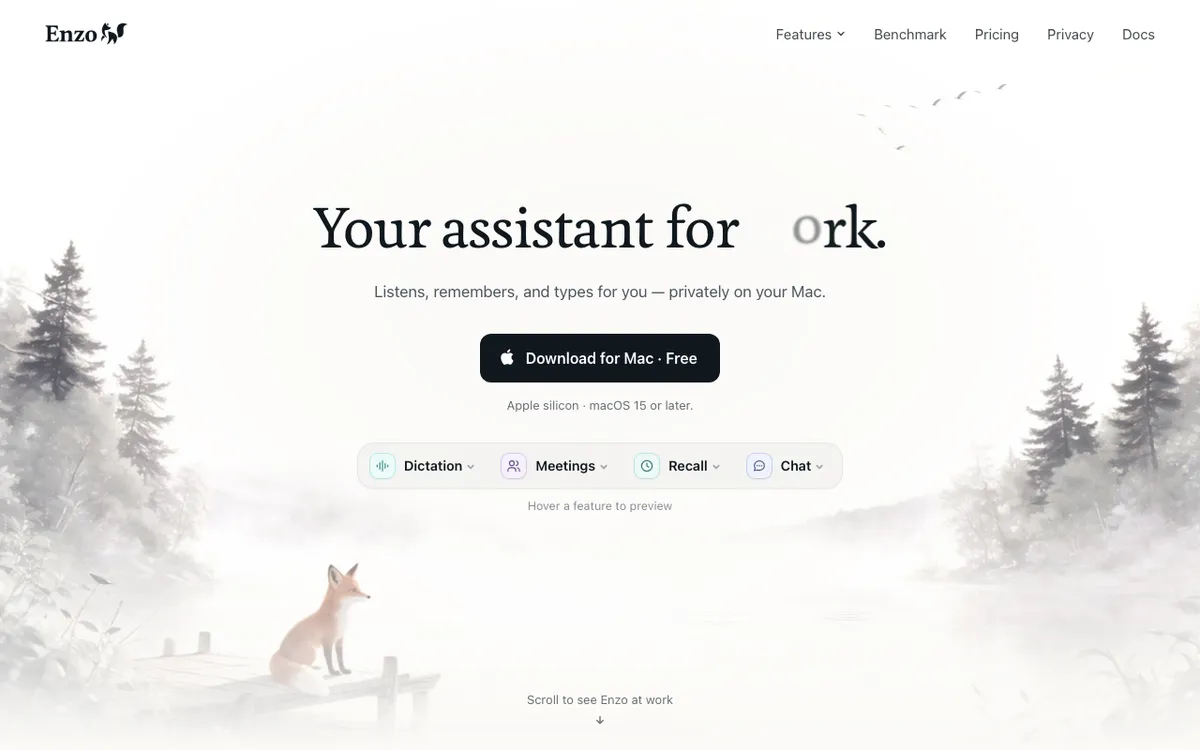
Enzo
Mac assistant for voice dictation, speaker-labeled meeting notes, and search across earlier work
Free plan
5,000 dictated words and 60 meeting minutes per week
Plus and Pro
Plus $10/mo or $100/yr. Pro $20/mo or $200/yr.
Both have unlimited dictation. Plus has 180 meeting min/week. Pro has unlimited meetings.
Pricing
Free plan; paid from $10/mo
- Place punctuated dictation at the cursor in an open document, message, or other app.
- Review who spoke, what was decided, and what needs follow-up after a call or a conversation around one microphone.
- Keep in mind: Enzo requires an Apple Silicon Mac with an M1 chip or newer and macOS 15 Sequoia or later.
What is Enzo?
Enzo is a Mac assistant that combines voice dictation, meeting transcription, Recall, and Chat. Writers can press a key to turn speech into punctuated text at the cursor, starting a draft in an open document or replying in a message window. For a client review, Enzo takes notes without a bot joining the call, distinguishes speakers even around a shared microphone, and captures decisions and follow-ups.
Recall saves readable screen text on the Mac so creators can recover details from earlier work. Chat uses meetings, Recall, and connected Mac apps to answer project questions, such as what was decided in a review. Enzo can also open replies as editable drafts in Mail so the sender can refine the wording before sending.
Turn spoken drafts into text
- Automatic paragraph formatting breaks multi-sentence English dictation into paragraphs so a spoken draft arrives ready to edit.
- Dictation without a silence timeout keeps a take open while the writer checks a figure or thinks through the next sentence.
- Playback from a transcript word jumps to that point in a saved solo recording so the writer can check the original wording.
- Clipboard-only dictation lets a writer speak while reading a document and paste the text where it belongs later.
Capture decisions from meetings
- Bot-free recording captures the Mac’s microphone and system audio on Zoom, Google Meet, and Teams so the participant list stays free of a recording bot.
- Speaker recognition identifies returning teammates by voice, helping attribute remarks in recurring project reviews.
- On-device meeting briefs give attendees a reference before a call using a brief assembled on the Mac.
Find text from earlier work
- Search by meaning finds pages, documents, and apps from the idea they contained, even when the exact wording is hard to remember.
- Offline Recall search makes previously captured text available for lookup when the Mac has no internet connection.
- One-click pause gives users control over when Recall captures screen text, and capture starts only after they turn it on.
Ask questions about project work
- Active-window and file context lets Chat answer a question about what is open on screen or in a dropped file without a copy-and-paste step.
- Reply and commitment tracking surfaces messages that need a response and promises made in meetings, helping keep follow-ups in view.
- Editable Mail drafts open replies in Mail for the sender to review and revise before sending.
User reviews
No reviews yet. Be the first to review this tool.
Log in to write a review.
Details on this page are for reference only and may be out of date or inaccurate. Check Enzo's official website for current features and pricing.
Join the Aivolut newsletter
Occasional practical AI tips, app updates, and offers. Unsubscribe anytime.