
FlexClip
Turn scripts into videos, edit clips, and create adjustable automatic captions
Free video export
720p, up to 10 minutes
Subtitle transcription
Up to 140 languages
Pricing
Free editor with limited AI trial. Plus: US$143.88 billed annually or US$19.99/month; AI use is credit-limited.
- Use a script you already have, or let AI help draft one, then assemble a video with visuals, narration, and subtitles.
- Use the editor to shape the sequence and add the text or audio needed to explain your message.
- Keep in mind: Free exports are limited to 720p and ten minutes; AI features have a limited free trial.
What is FlexClip?
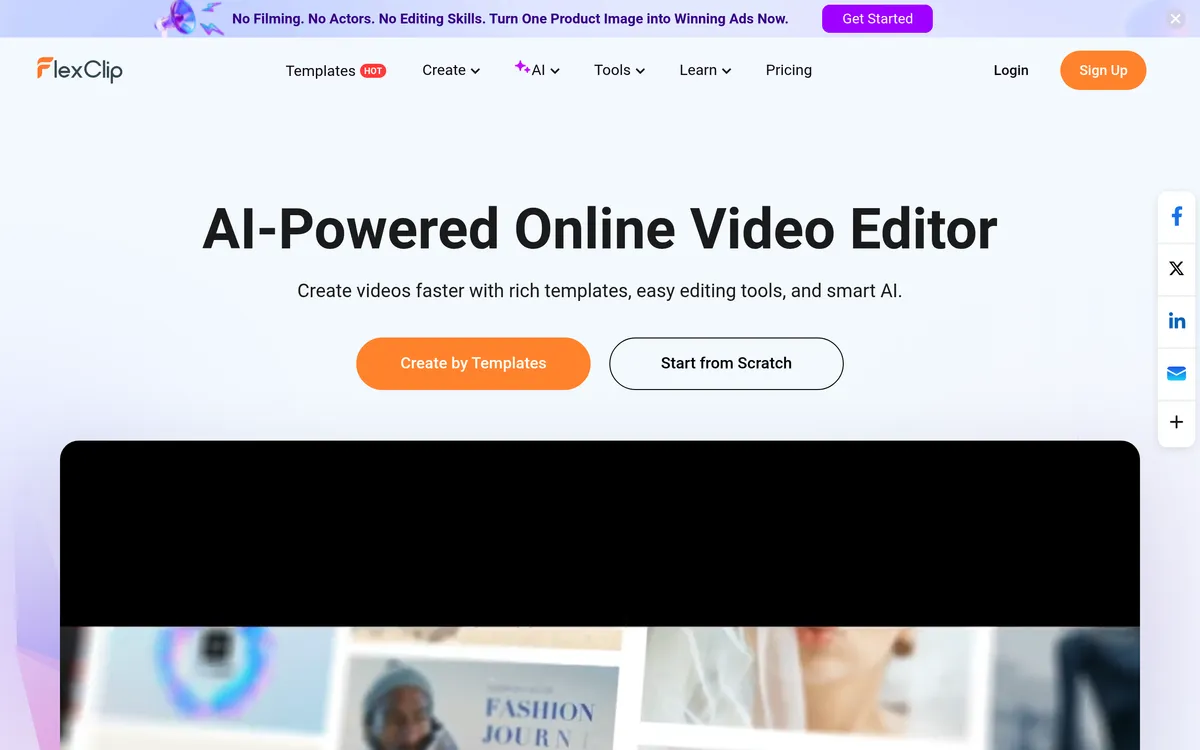
FlexClip is an online video maker for turning a script or existing footage into a finished video. Start from written text with AI-assisted visuals and narration, or edit clips by trimming, merging, and adjusting their speed. Automatic subtitles can be split, merged, and restyled to suit the video. Choose an editor plan when you need its editing resources and export options; an AI Credits plan provides AI-tool usage and does not include the same editor access.
Build a first video from written text
- Script-to-video workflow — Paste a script or generate one with AI, then convert the text into a video.
- Visuals and narration — Combine stock media, AI images, text-to-speech voiceovers, and animated subtitles.
Refine the footage and finishing touches
- Clip editing — Trim, merge, reverse, speed up, or slow down video clips.
- Text and audio layers — Add titles, subtitles, music, or voiceover to a project.
Create captions you can still adjust
- Automatic transcription — Recognize audio and place subtitles at the corresponding moments in a video.
- Editable subtitle styling — Split or merge subtitles and change fonts, alignment, and styles.
User reviews
No reviews yet. Be the first to review this tool.
Log in to write a review.
Join the Aivolut newsletter
Occasional practical AI tips, app updates, and offers. Unsubscribe anytime.