
Flow Machines Mobile
AI-assisted melody generation and Style Palette workflow for iPad and Mac (service discontinued March 18, 2026)
What is Flow Machines Mobile?
Flow Machines Mobile was an app that combined on-device input with cloud AI to suggest melodies, chords and basslines tailored to a chosen style. It launched in September 2021 for iPad and Mac users and built workflows around a distinctive Style Palette concept.
The app prompted users to create or pick a Style Palette and then capture short melody fragments via an on-screen keyboard to teach the model a personal musical vocabulary. After capturing example phrases, the AI would generate new melodies to match the selected chord progression and palette.
Composition used an explicit compose action that produced fixed-length phrases — typically eight-bar melodies — which users could iterate on with parameter controls. Generated material was MIDI-based so users could save favorites and move them into external production tools.
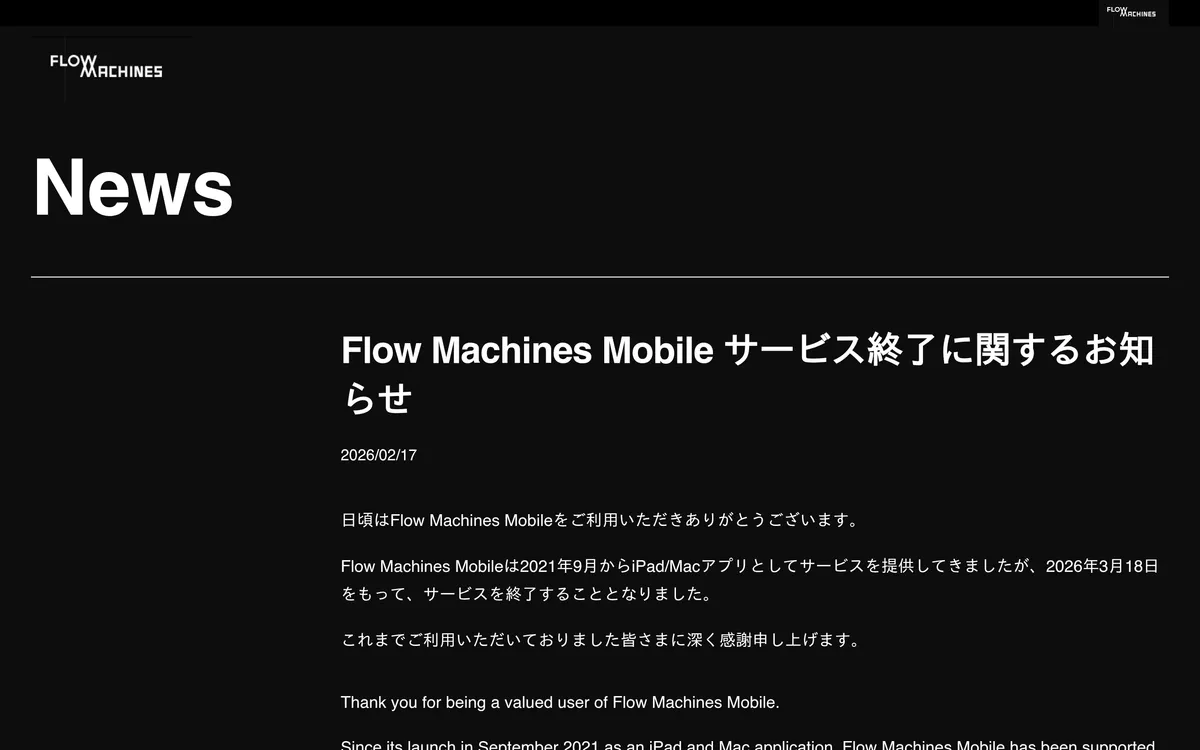
Flow Machines Mobile was supported by a community of creators while available, and the project team announced that the service would end on March 18, 2026. The app’s workflow focused on quick idea generation, parameter-driven variation, and easy export of MIDI material for further production.
Flow Machines Mobile Features
AI-assisted composition
The app provided a compose action that produced short, structured melodies from the chosen style and chord progression. Generated phrases were presented as editable MIDI so users could audition and refine ideas immediately.
Style Palette modeling
A central concept is the Style Palette: a palette encapsulates the musical model used to generate melody consistent with a chosen genre or personal input. Users could select preset palettes or build custom palettes by entering seed material.
Capture and training with user melody input
Creating a Style Palette involved recording short melody fragments using the on-screen keyboard; those fragments served as training examples for the palette model. The capture workflow guided users measure by measure so the model could learn their melodic tendencies.
Parameter controls for variation
After generation, users could change parameters to steer the AI’s output, including harmony match, note duration, and melodic complexity. Adjusting these sliders produced different melodic textures that could be re-composed on demand.
MIDI export and DAW compatibility
Favorites could be saved as MIDI files on an iPad, enabling export to other music production tools for arrangement or mixing. Because data is MIDI-based, the workflow supported importing material into DAWs and Apple's GarageBand for further production.
Chord progression and measure workflow
Users defined key, scale, tempo and the number of measures up front, and the app determined chord progressions for the chosen length. The generated melodies matched the progression and repeated as structured 4- or 8-bar phrases which could be extended or stopped by the user.
Pricing
Pricing not verified
User reviews
No reviews yet. Be the first to review this tool.
Log in to write a review.