
Fotor
Online photo editing, AI image generation, and collage design
Pro plan
100 credits per month
US$47.99 billed yearly
Collage export formats
JPEG, PNG, and PDF
High-resolution exports
Pricing
Free plan; paid from US$3.99/mo (annual)
- Balance brightness and contrast or retouch portraits in the online editor.
- Describe a visual in a text prompt to generate an illustration, a realistic-looking photo, or a character with a 3D look.
- Keep in mind: The Basic plan includes limited free credits and runs one generation at a time.
What is Fotor?
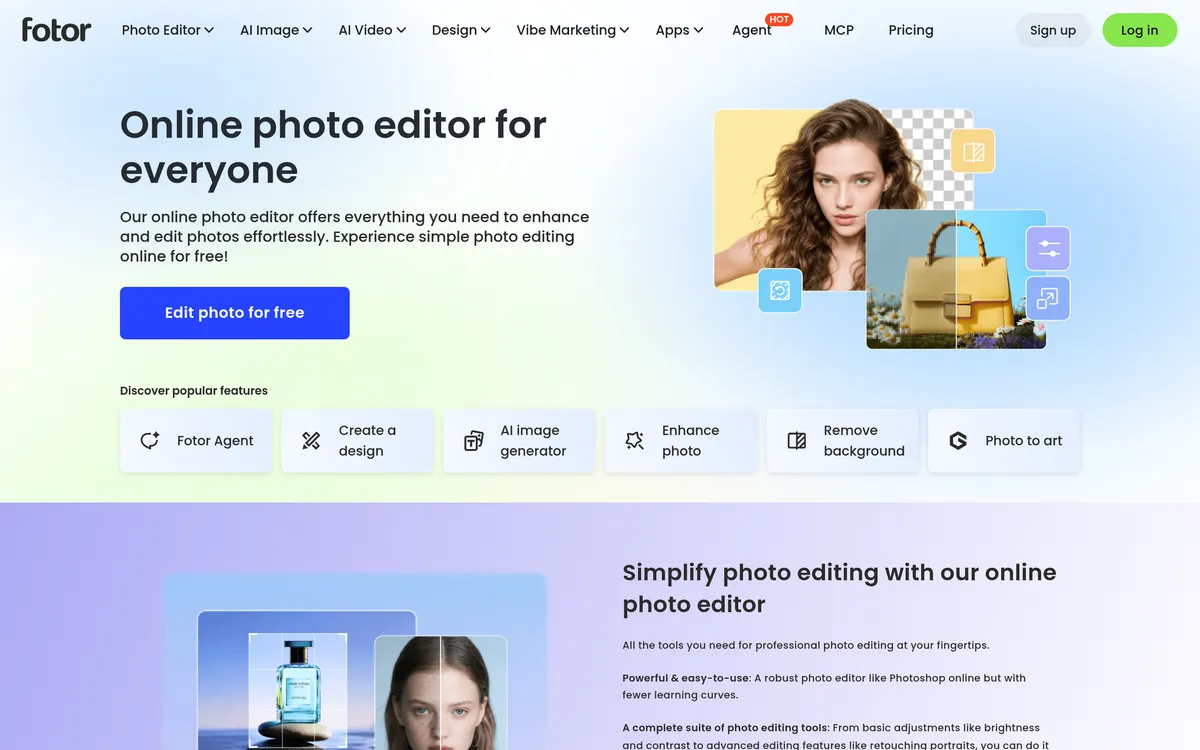
Fotor is an online photo editor for creators, writers, and marketers preparing still images. Creators can balance a shot with brightness and contrast controls, retouch a portrait, or add film grain and light leaks for an analog look. When a writer needs an illustration for a story, Fotor can generate one from a written description.
For photos that need a different aspect ratio, the AI extender fills in new content beyond the original edges. The collage maker can place several uploaded photos into a chosen grid or template. Creators can drag images between cells to adjust the sequence and export the finished collage as a high-resolution file.
Adjust light and color in photos
- White balance and saturation controls help correct a color cast or tone down oversaturated colors.
- HDR Pro helps bring out detail in dark shadows and bright highlights.
- Duotone filters apply a two-color palette to give social graphics a consistent brand look.
- Batch photo editing lets creators work through a set of images in one pass.
Turn a written brief into an image
- Logo generation turns a written concept into a visual starting point for a logo.
- Image model selection lets creators try Kling Image 4.0, Nano Banana Pro, or GPT Image 2 for a visual concept.
Reframe photos and replace elements
- Prompt-based object replacement lets creators brush over part of a photo and describe what should appear in that spot.
- Object removal clears distracting objects from the frame.
- Batch background edits let Pro subscribers remove or replace backgrounds across a set of images.
Build a collage from several photos
- Border and corner controls adjust the gaps between photos, the outer margins, and the roundness of corners to frame the collage.
- Per-photo editing makes it possible to crop, brighten, or remove the background from one shot while it stays in the collage.
- Automatic layout realignment rearranges the photos when the canvas changes shape, such as turning a square collage into a vertical Instagram Story.
- Watermark-free image downloads save the finished collage as a high-resolution PNG or JPG ready to share.
User reviews
No reviews yet. Be the first to review this tool.
Log in to write a review.
Details on this page are for reference only and may be out of date or inaccurate. Check Fotor's official website for current features and pricing.
Join the Aivolut newsletter
Occasional practical AI tips, app updates, and offers. Unsubscribe anytime.