
GPTZero
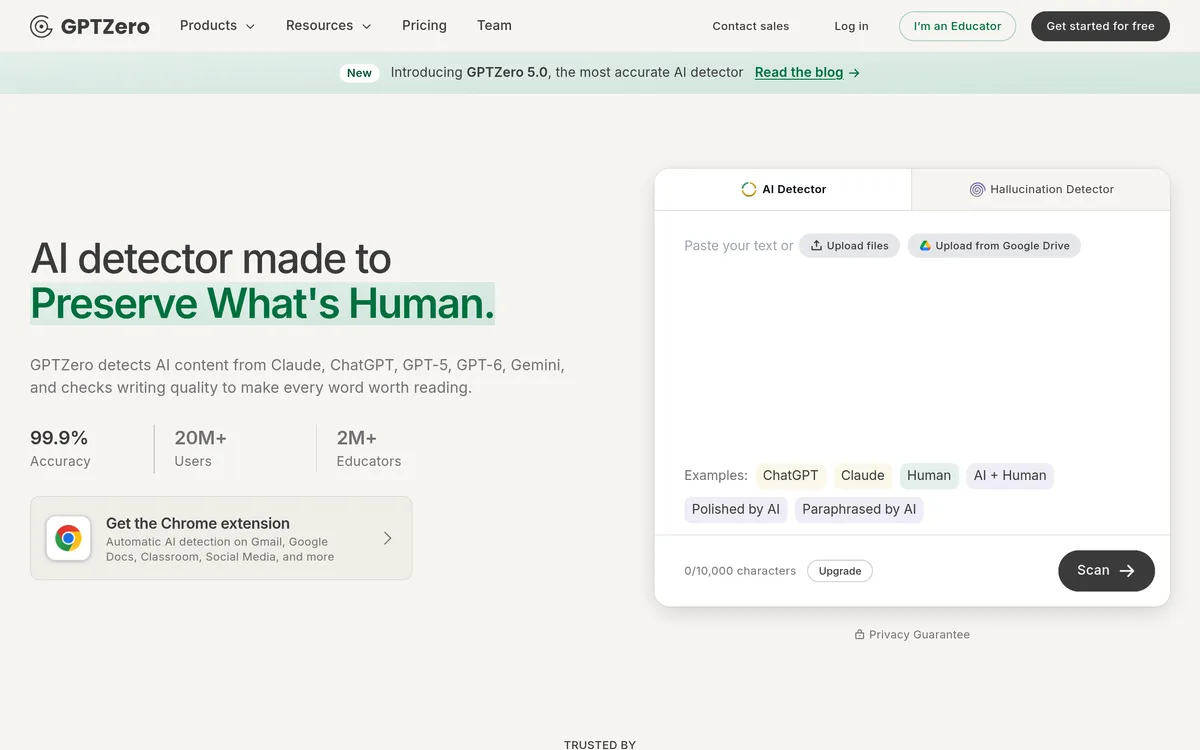
AI writing detection with phrase highlights and Google Docs replay
Free plan
10,000 words per month
Includes basic AI scanning, one advanced scan and five AI highlights in Chrome.
Premium plan
Up to 300,000 words per month
Includes multilingual AI detection. The listed rate is billed annually.
Pricing
Free plan; paid from $12.99/mo (annual)
- Scan pasted text or an uploaded draft to estimate how much is likely AI-generated and locate flagged phrases.
- See how a draft took shape in Google Docs, including pasted text and unusual typing patterns.
- Keep in mind: GPTZero can flag human writing as AI-generated or miss AI-generated writing.
What is GPTZero?
GPTZero helps copywriters, marketers and publishers review drafts for signs of AI-generated writing. It scans pasted text or uploaded files, estimates how much of the text is likely AI-generated, and highlights phrases for a closer read. Sentence-level explanations show what prompted a flag, such as a stock metaphor, so editors can assess the wording in context.
In Google Docs, a replay shows how a draft developed, including pasted text and unusual typing patterns. The Chrome extension brings AI detection and typing-pattern metrics to Google Docs and other web pages. Organizations can also use GPTZero to check submissions for plagiarism as part of the same editorial review.
Find passages that need a closer read
- Sentence-level explanations identify patterns such as stock metaphors, giving editors specific wording to examine in context.
- Mixed-text detection lets reviewers check drafts that blend human and AI writing or contain AI-generated text revised by a humanizer.
- Google Drive uploads let reviewers submit drafts directly from Drive.
- Downloadable AI reports let Premium users save a copy of their scan results to share with collaborators.
Review how a Google Doc was written
- Writing Replay lets reviewers watch text appear in the document and see where material was pasted during drafting.
- Chrome extension scans put AI detection results and typing-pattern metrics alongside the Google Doc or web page under review.
Scan batches and review individual pages
- Batch file scanning lets Professional users submit up to 250 files at once, so a set of drafts can go through one scan.
- Page-by-page scanning lets Professional users focus on individual pages within a longer document.
Coordinate writing checks across a team
- Plagiarism checks give editorial teams a way to look for potentially copied material as well as signs of AI-generated writing.
- Shared team credits let members on the Professional Team Plan draw from a common pool for scans.
User reviews
No reviews yet. Be the first to review this tool.
Log in to write a review.
Details on this page are for reference only and may be out of date or inaccurate. Check GPTZero's official website for current features and pricing.
Join the Aivolut newsletter
Occasional practical AI tips, app updates, and offers. Unsubscribe anytime.