
Highlight AI
A desktop assistant for meeting prep, campaign drafts, and follow-ups
Free plan
10 hours of meeting transcription per month
500 chat credits and 10 meeting briefs per month
Free trial
14 days
Pricing
Free plan; paid from $35/mo; free trial
- See recent updates and open questions before a call so attendees can focus on what still needs a decision.
- Combine call discussions with existing materials such as positioning documents and past briefs to produce drafts in the team’s template.
- Keep in mind: The Free plan shows only titles for suggested follow-ups and lets users generate up to three follow-ups per month.
What is Highlight AI?
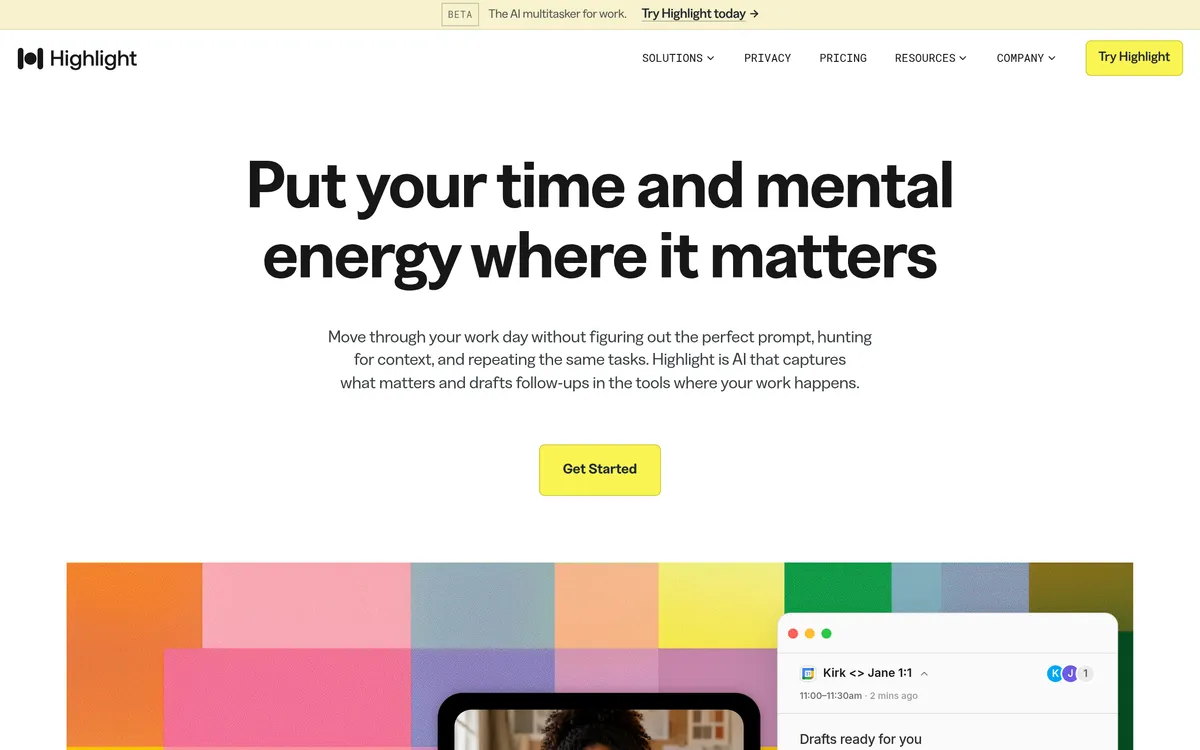
Highlight AI is a desktop assistant that joins work calls. It transcribes meetings and produces summaries, giving teams a quick recap and a fuller record to consult when they need the details. Team members can also ask questions about what was agreed and get answers grounded in meetings, messages, and documents.
For marketers and writers, Highlight AI can turn a campaign kickoff into a brief in the team’s template, with the agreed audience, deliverables, and timeline. It drafts customer stories from calls and flags quotes for approval. It also prepares documents, tickets, and emails from conversations, giving the team a starting point for the work that comes out of a meeting.
Prepare for meetings and find answers
- Contextual chat answers questions using meetings, messages, and documents, so teammates can check a decision without retracing the whole discussion.
- Meeting transcripts and summaries give teammates a quick recap and a fuller record when they need to check what was said.
- Granola history import brings over past meeting context when a team switches notetakers.
Draft campaign and customer materials
- Kickoff briefs put the final strategy, audience, deliverables, and timeline into the team’s template for collaborators to review and share.
- Launch kits assemble a one-pager, FAQ, and enablement summary from a positioning document, product meeting, and Slack thread, saving the team from gathering those inputs by hand.
- Customer story drafts organize what was said into a challenge, solution, and results, with quotes flagged so the writer knows what needs approval.
- Brand voice and document structure carry over from the team’s existing writing, giving reviewers a draft in a familiar tone and format.
Turn meeting decisions into follow-ups
- Google Docs drafting and edits use meeting context and notes to help update shared documents after decisions change.
- Gmail drafts draw on meetings, recent work, and connected apps, giving the sender a draft with the conversation details already in it.
- Scheduled and event-triggered skills start recurring work when it’s due or when a relevant event occurs, without a fresh prompt each time.
User reviews
No reviews yet. Be the first to review this tool.
Log in to write a review.
Details on this page are for reference only and may be out of date or inaccurate. Check Highlight AI's official website for current features and pricing.
Join the Aivolut newsletter
Occasional practical AI tips, app updates, and offers. Unsubscribe anytime.