
Ideogram
Generate images with text and character references, then refine them with editing and Studio tools
Plus generation allowance
2,400 credits / month
Generation cost varies by model and settings
Free weekly allowance
30 credits
Google or Apple signup required
Pricing
Plus is US$20 per month, or US$15 per month billed US$180 yearly. A free plan is available with signup-dependent credits.
- Guide the generated composition with text instructions or a recurring character.
- Describe edits, make variations and prepare assets for a new composition.
- Keep in mind: Free-plan generations are public. Weekly free credits are available to accounts signed up with Google or Apple; Microsoft and email signups do not receive them by default.
What is Ideogram?
Ideogram is an image-generation and editing platform for creators developing visual designs from prompts, photos and reference images. It supports text within images, letting a prompt specify wording, typography, placement and design context for assets such as posters, packaging and book covers. Character references also guide a person or mascot into new poses, outfits and scenes.
The editing workflow works with uploaded photos as well as generated images. Creators can describe a change, mask a specific area, make a variation with Remix, or combine images and text in Studio. Background removal and upscaling help adapt the result into a cutout or larger asset, giving teams ways to refine an existing composition alongside generating a new one.
Build designs around wording and reference images
- Text rendering uses requested wording, typography style and placement as part of the image prompt.
- Character references guide Ideogram 4.5 with one to five images of a person or character for a new pose, outfit or scene.
- Reference guidance distinguishes character identity from style, palette and composition when planning a recurring visual.
Refine a generated image or uploaded photo
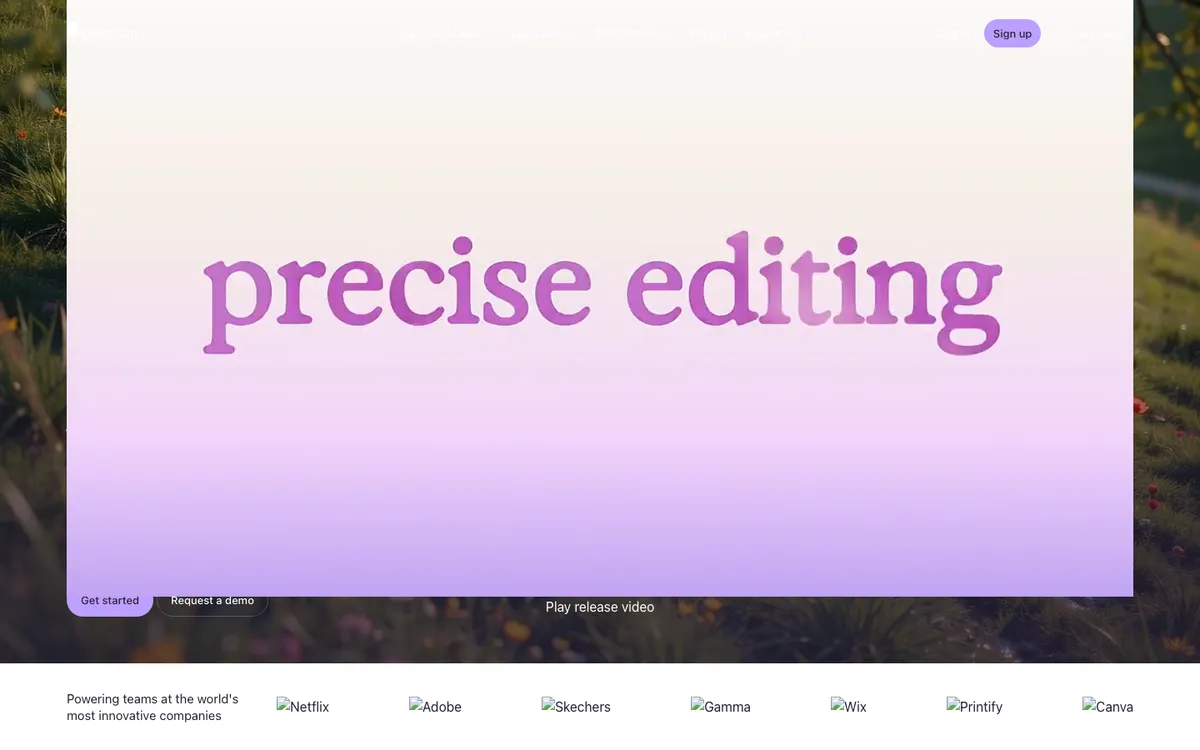
- Prompted local edits change an image through Precise Edit, with a mask when the change should stay in one area.
- Remix variations start from a finished image and use a new prompt to guide how closely the result follows it.
- Studio composition combines images and text, edits selected areas and extends the canvas beyond the original frame.
- Background removal and upscaling turn an image into a transparent cutout or enlarge it for another use.
User reviews
No reviews yet. Be the first to review this tool.
Log in to write a review.
Details on this page are for reference only and may be out of date or inaccurate. Check Ideogram's official website for current features and pricing.
Join the Aivolut newsletter
Occasional practical AI tips, app updates, and offers. Unsubscribe anytime.