
Laxis
AI meeting notes, follow-up drafts, and a voice keyboard
Basic plan
300 transcription minutes per month
Business plan
Unlimited transcription and dictation
Pricing
Free plan; paid from $19.99/mo
- Capture what was said, review what needs doing, and start the follow-up email from a draft.
- Turn spoken ideas into an email, message, or document inside the app where the text belongs.
- Keep in mind: The Basic plan caps each recording at 45 minutes and stores conversations for 30 days.
What is Laxis?
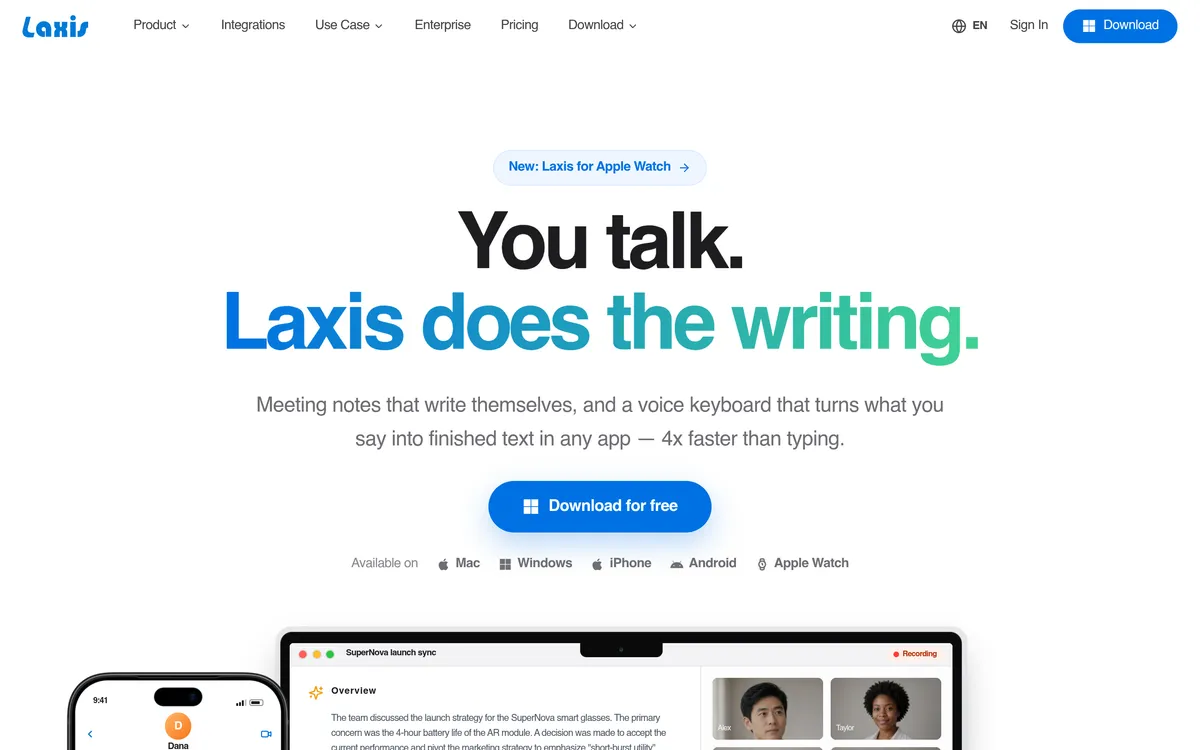
Laxis combines an AI meeting note taker and a voice keyboard for creators, writers, and marketers who work from conversations and spoken ideas. It transcribes meetings and extracts action items, giving teams a record to check when they need to confirm a detail or see what comes next. It also prepares a follow-up email after the call. For in-person conversations, Laxis can record on Apple Watch and sync the recording for later review.
The voice keyboard turns rough dictation into emails, messages, or documents in the app where the user is writing. It removes filler words and adds punctuation, leaving less to edit after speaking. A dictated reply can also draw on an earlier meeting to include an agreed date or condition.
Turn meetings into notes and follow-ups
- Pre-meeting briefs recap the previous discussion and surface open items for the next call.
- Bot-free transcription creates a written record in more than 100 languages so teams can check details after a call.
- Post-meeting reports and drafts give teams a report, a task list, and an email to edit when following up.
- CRM automation on Business handles meeting-related CRM updates so teams can spend less time entering them manually.
Draft emails and documents by speaking
- Dictation cleanup drops filler words and adds punctuation, leaving less to edit after speaking.
- Meeting-aware replies bring details such as an agreed date or condition into a draft from a short spoken prompt.
- Voice translation supports more than 60 languages for drafting a message in a different language from the one spoken.
Capture conversations from Apple Watch
- On-watch recording uses the watch microphone while the iPhone is elsewhere and syncs the recording for later review.
- Transcript bookmarks turn flags tapped during recording into jump points for finding a quote or detail later.
- Automatic note filing puts notes under the upcoming meeting when recording starts from that meeting on the watch.
User reviews
No reviews yet. Be the first to review this tool.
Log in to write a review.
Details on this page are for reference only and may be out of date or inaccurate. Check Laxis's official website for current features and pricing.
Join the Aivolut newsletter
Occasional practical AI tips, app updates, and offers. Unsubscribe anytime.