
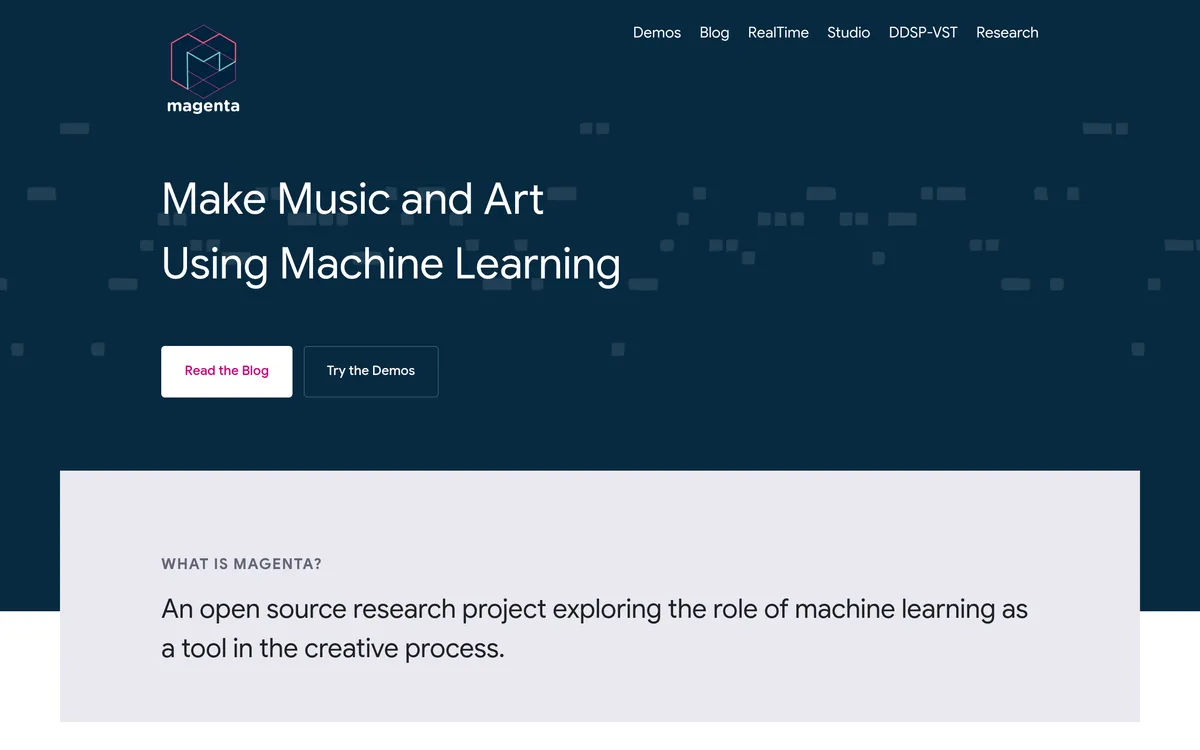
Magenta
Explore AI-generated MIDI ideas, neural instrument sounds and interactive music models
Studio Continue extension
Up to 32 measures
Pricing
Pricing not verified
- Use Magenta Studio in Ableton Live to generate phrases, extend clips and blend musical ideas.
- Transform instrument timbres with DDSP-VST or control live generation through Magenta RealTime 2.
- Keep in mind: Studio melody input is monophonic: one note at a time.
What is Magenta?
Magenta gives musicians and developers tools for generating MIDI ideas, reshaping instrument sounds and building interactive musical instruments. Magenta Studio works with MIDI clips in Ableton Live, DDSP-VST morphs audio while preserving pitch and dynamics, and Magenta RealTime 2 responds to MIDI, text and audio controls.
Develop musical ideas from MIDI clips
- MIDI phrase generation creates a four-bar idea without an input clip, providing material to develop into an original part.
- Beat and melody continuation extends an input clip into additional musical material for the track.
- MIDI interpolation combines two beats or melodies into up to 16 clips, helping explore transitions between them.
Explore neural instruments and responsive music
- DDSP audio morphing changes the instrument sound while retaining nuances of the input’s pitch and dynamics.
- DDSP MIDI playback uses the plugin like a virtual instrument alongside existing MIDI sources and effects.
- MRT2 interactive generation responds to MIDI, text and audio controls so developers and musicians can explore playable AI instruments.
User reviews
No reviews yet. Be the first to review this tool.
Log in to write a review.
Join the Aivolut newsletter
Occasional practical AI tips, app updates, and offers. Unsubscribe anytime.