
MagicSlides
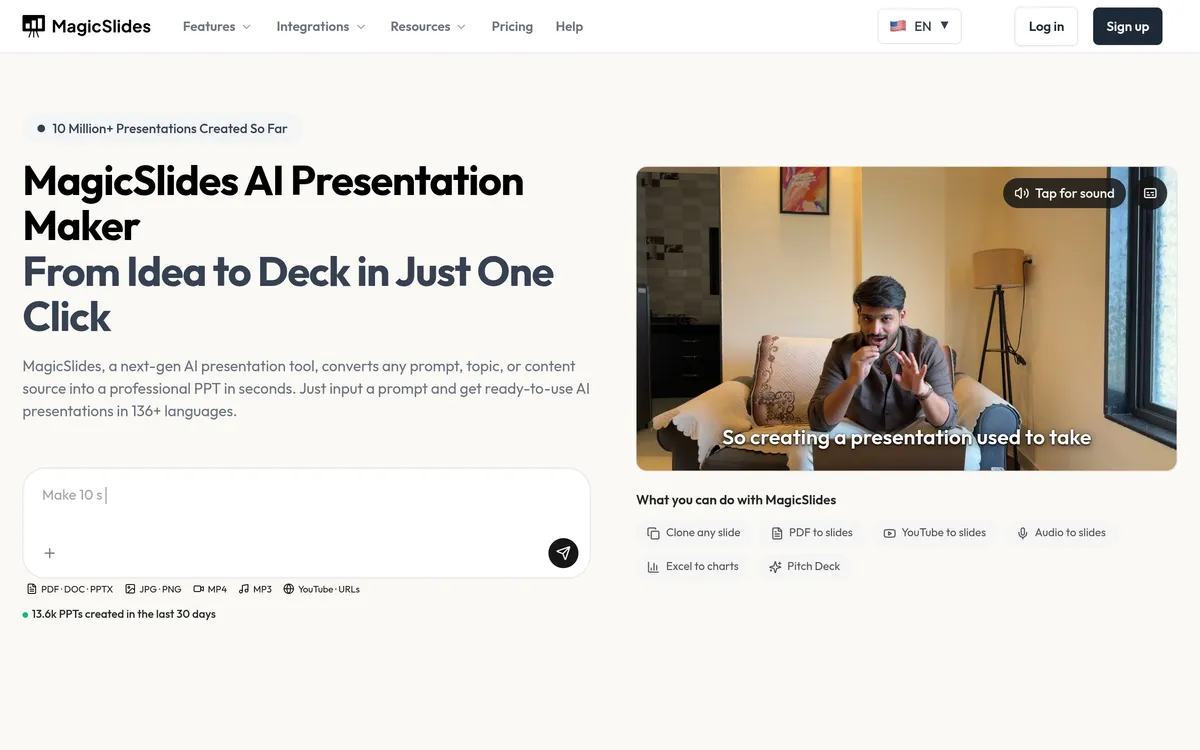
AI presentation maker that turns prompts, documents, and videos into editable decks
Essential plan
10 presentations per month
100 slides per month. Annual billing totals $80.
Free account
1 free slide clone
Pricing
From $6.67/mo (annual)
- Choose a design before generating a deck so the first draft has a layout in place.
- Use material from existing documents or videos to draft slides for a new presentation.
- Keep in mind: The Essential plan caps each presentation at 10 slides.
What is MagicSlides?
MagicSlides is an AI presentation maker that turns a topic or pasted text into a deck using a selected template. Writers can turn a Word draft into slides, and marketers can use a PDF report as the basis for a PowerPoint briefing. Video creators can turn a YouTube link into a recap deck for people who missed a webinar.
The generated deck can be revised in MagicSlides, PowerPoint, or Google Slides before it is presented. When a team wants to reuse a layout, the slide cloner can rebuild an editable PowerPoint slide from a screenshot. Text boxes and shapes become separate objects, so the team can replace the copy and move individual elements.
Draft a deck from a topic or brief
- Template customization lets users adjust the design before generating slides from a topic or pasted brief.
- Pitch deck generation turns written pitch material into a slide draft for an investor presentation.
- Multilingual deck generation supports 136+ languages and lets users choose a slide language different from the one used to enter the topic.
- MCP connection lets users request a deck in Claude, ChatGPT, or Grok and get links to the editor, PPTX, and PDF in the chat.
Repurpose documents and recordings
- PDF-to-PowerPoint conversion gives users a slide draft for presenting the main findings of a report.
- Word-to-slide conversion gives writers a presentation draft based on an existing DOCX document.
- YouTube-to-slide conversion turns a linked webinar into a deck that can be shared with people who missed it.
- Audio-to-slide conversion organizes spoken material from a podcast, lecture, or meeting into a presentation.
Rebuild a slide layout from an image
- Native PowerPoint elements let users replace copy, resize shapes, and adjust colors on a rebuilt slide.
- Multi-slide cloning combines uploaded screenshots into one presentation, with each image rebuilt as its own editable slide.
- Chrome area capture sends a selected region of a webpage, such as a slide in a video, to the MagicSlides editor for cloning.
Revise and republish an existing deck
- Bulk slide edits let the AI Agent make changes across several slides together when revising a deck.
- PowerPoint translation keeps the deck's formatting in place when the content is translated for another audience.
- MP4 conversion turns PowerPoint slides into a video that can be shared with viewers.
Visualize data and project plans
- Excel and CSV conversion creates a PowerPoint presentation using an uploaded .xlsx or CSV file as the source.
- Timeline slides organize events in a launch plan into a single slide for a project or client update.
User reviews
No reviews yet. Be the first to review this tool.
Log in to write a review.
Details on this page are for reference only and may be out of date or inaccurate. Check MagicSlides's official website for current features and pricing.
Join the Aivolut newsletter
Occasional practical AI tips, app updates, and offers. Unsubscribe anytime.