
Motiff
AI interface design from briefs, wireframes, and screenshots
Pricing
Pricing not verified
- Create an interface layout from a written brief, a wireframe, or an existing screenshot.
- Give layouts and components a consistent look with a preset that can be adjusted to suit the project.
What is Motiff?
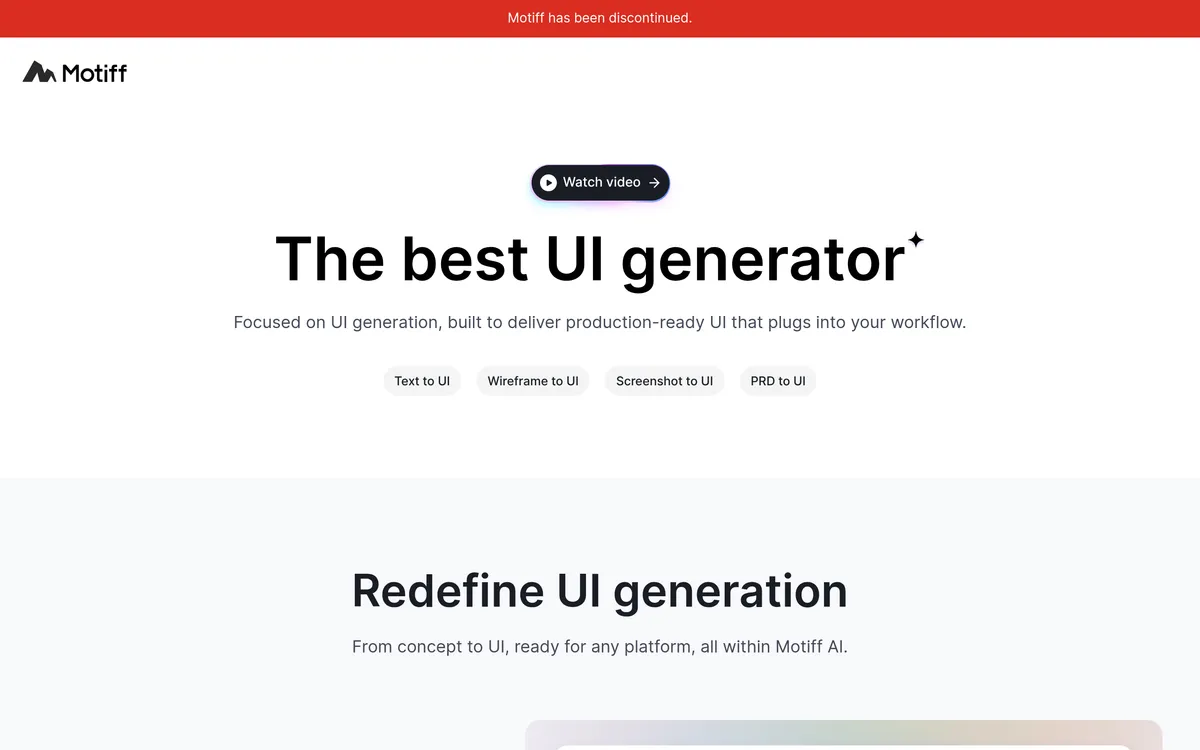
Motiff uses AI to generate user interface layouts from text prompts, wireframes, screenshots, and product requirements documents. Designers and product teams can use it to turn a written brief or a rough layout into a first screen. Motiff also accepts images, PDFs, and Markdown files, so existing project references can inform the design.
Adjustable presets such as Material Design and shadcn/ui help carry a consistent visual style across layouts and components. To revise a screen, a designer can select an individual element and describe the change in plain language. For handoff, Motiff can export the design to another tool or generate React or HTML code in one click, giving developers a starting point for implementation.
Turn briefs and references into screens
- Text prompts and requirements documents turn written specifications into a screen layout.
- Wireframe and screenshot inputs give the generator a visual starting point for a new layout.
- Image, PDF, and Markdown inputs let teams bring existing project references into the design.
Style and refine generated layouts
- Adjustable style presets provide a starting look in Minimalist, Material Design, Ant Design, or shadcn/ui.
- Element-level edits let designers select the part of a screen they want to revise and describe the change in plain language.
Hand off designs for implementation
- One-click React or HTML generation gives developers code from the layout to use as an implementation starting point.
User reviews
No reviews yet. Be the first to review this tool.
Log in to write a review.
Details on this page are for reference only and may be out of date or inaccurate. Check Motiff's official website for current features and pricing.
Join the Aivolut newsletter
Occasional practical AI tips, app updates, and offers. Unsubscribe anytime.