
Mubert
Generate background music and refine its arrangement for content
Free Ambassador allowance
25 tracks/month
5 MP3 downloads/month; fixed duration
Pricing
Free Ambassador is for non-commercial use; paid Creator, Pro, and Ultra plans are available.
- Use a prompt or visual reference to create music, then choose the form that suits the edit.
- On Pro and Ultra, use the full Track Editor to change an arrangement while keeping the track as your starting point.
- Keep in mind: Free and Creator plans are non-commercial; monetized videos require Pro or Ultra.
What is Mubert?
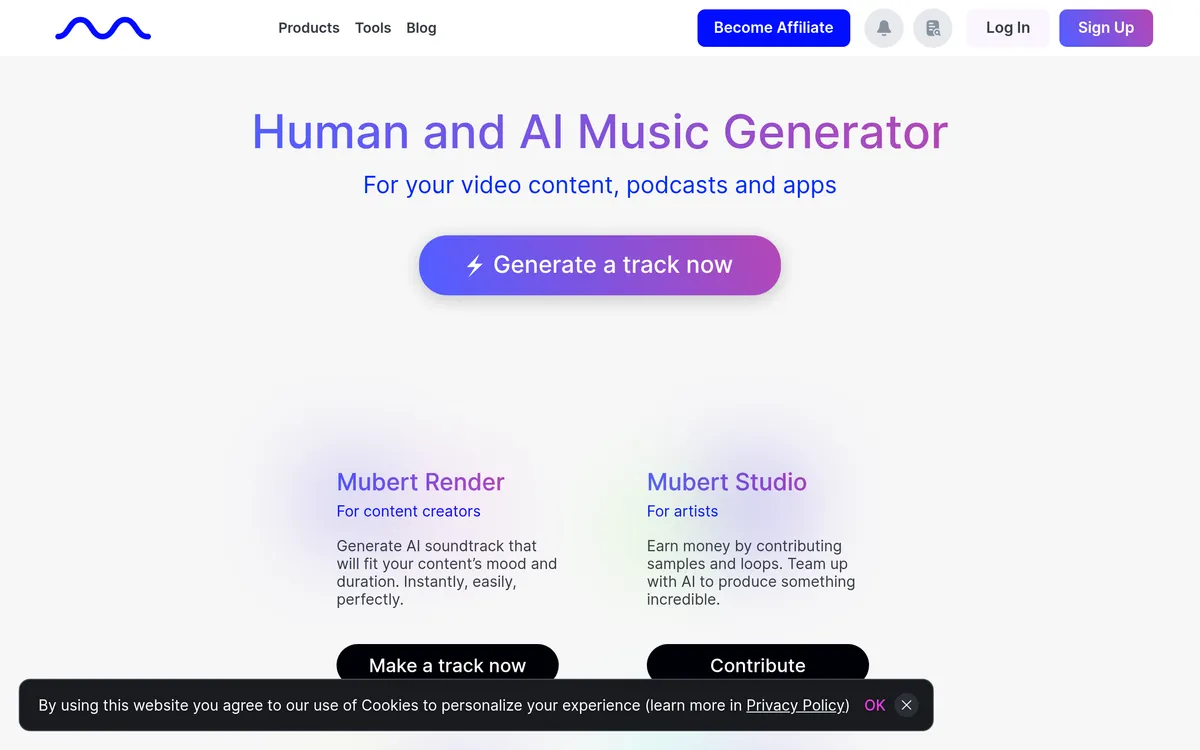
Mubert creates AI soundtracks for videos, podcasts, and other content. Render starts from a text brief, mood, genre, or image, with track, loop, mix, and jingle formats. Chat to Music lets you develop a musical idea through conversation. Pro and Ultra include the full Track Editor for reshaping a generated track’s sections, stems, duration, BPM, and key. Choose a plan for the project’s usage rights: monetized content requires Pro or Ultra, while client work and apps require Ultra.
Start a soundtrack from your creative brief
- Text, mood, or image input — Describe the sound or upload an image to establish a direction for the track.
- Track formats — Generate a track, loop, mix, or jingle for different background-music needs.
- Chat to Music — Shape a track through conversation as you develop the idea.
Refine the parts of a generated track
- Section arrangement — Add, remove, reorder, or change sections such as an intro, break, drop, or outro.
- Stem changes — Regenerate or remove drums, bass, lead, or effects, including within a specific section.
- Project matching — Adjust duration, BPM, and key to adapt the track to the content you are scoring.
User reviews
No reviews yet. Be the first to review this tool.
Log in to write a review.
Join the Aivolut newsletter
Occasional practical AI tips, app updates, and offers. Unsubscribe anytime.