
Murf AI
Turn scripts into voiceovers and refine their pacing, pronunciation and delivery
Pricing
Pricing not verified
- Start with written text, choose a voice and preview generated narration.
- Use detailed delivery controls and regenerate narration when the written content changes.
- Keep in mind: The free text-to-speech tier is intended for testing and short projects: the official guide lists two projects, one editor and ten minutes of generation.
What is Murf AI?
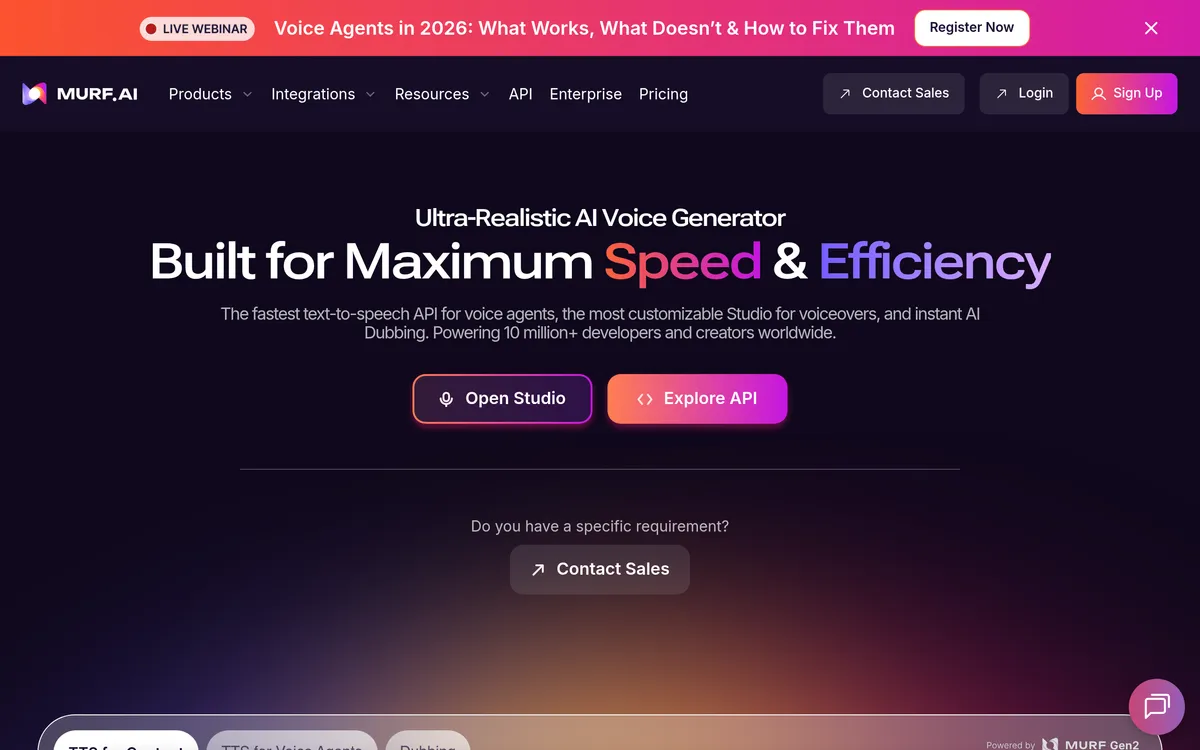
Murf AI turns written scripts into spoken audio for videos, presentations and learning content. Creators can paste text or upload a text file, select a voice, and generate a voiceover without recording each line themselves. Murf’s Studio brings the script and voice controls into one editor so a production can be developed around the delivery it needs.
The editor adjusts speed, pitch, emphasis, pronunciation and pauses, with controls that can reach individual words. A creator can preview the result, revise the delivery and export audio for use in a video or training module. Updating the script and regenerating its narration also provides a way to revise learning material without repeating a recording session.
Turn a script into spoken audio
- Script input Paste a script or upload a text file as the source for narration.
- Voice selection Choose a voice style and tune its delivery for the content.
- Audio export Preview the speech and export audio for video, learning or presentation work.
Direct and revise the vocal performance
- Word-level direction Adjust speed, pitch, emphasis and pauses to refine a line.
- Pronunciation controls Customize the pronunciation and delivery within the voiceover editor.
- Training updates Revise a module’s text and regenerate its audio rather than re-recording a session.
User reviews
No reviews yet. Be the first to review this tool.
Log in to write a review.
Join the Aivolut newsletter
Occasional practical AI tips, app updates, and offers. Unsubscribe anytime.