
Napkin AI
Create editable graphics and presentations from written material
Free plan
500 AI credits per week
Visual generation uses about 1 credit per selected word.
Plus plan
10,000 AI credits per month
Pricing
Free plan; paid plans available
- Create standalone graphics from text for a presentation, document, or other project.
- Shape a presentation outline around the goal and audience before generating the deck.
- Keep in mind: The Free plan adds Napkin branding to visuals and limits their export formats to PNG and PDF.
What is Napkin AI?
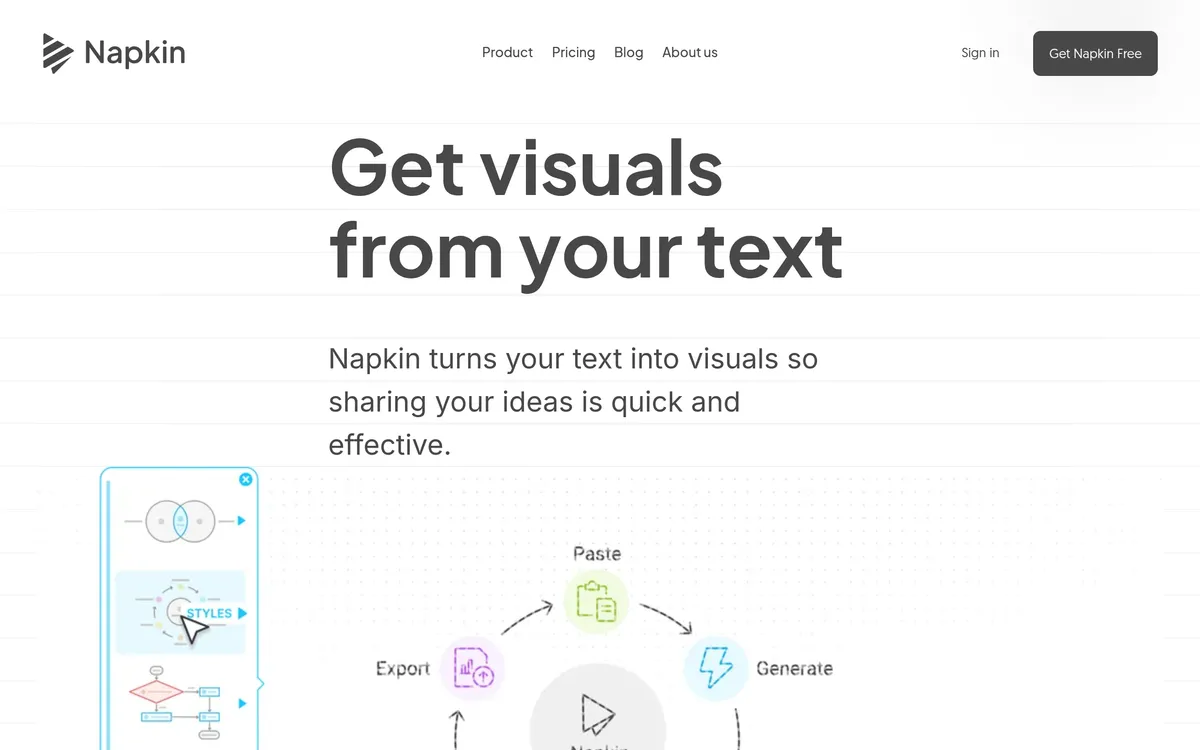
Napkin AI turns text into standalone graphics and develops ideas into complete presentations. Napkin Visuals generates options from the source text so creators can choose a graphic that fits the message. Writers can use a flowchart to explain a process or a mind map to show how ideas connect, then adjust the colors to match their brand.
Napkin Slides starts with a described idea, pasted notes, or a file such as a PDF, Word document, or PowerPoint. It asks follow-up questions and drafts an outline for the presenter to approve before generating the deck. Marketers and other presenters can then rewrite slide text or replace visuals as they refine the presentation.
Illustrate written material
- File imports let creators start from existing material in PPT, DOC, PDF, HTML, or Markdown.
- Infographics and data charts give writers formats for summarizing ideas or showing figures.
- Individual element reshaping lets creators adjust specific parts of a graphic to emphasize the ideas they want readers to notice.
- PPT, PNG, PDF, and SVG exports let creators choose a slide, image, or document format for reusing a graphic outside Napkin.
Develop notes into a slide deck
- Slide layout options let presenters choose how much detail to show on each slide.
- Deck-wide edits let presenters ask the agent to apply changes across the presentation in one pass.
- Repeatable design polish lets presenters refresh the slide design while keeping their edits.
- Editable PPT export lets presenters continue editing a deck in PowerPoint, Google Slides, or Keynote.
User reviews
No reviews yet. Be the first to review this tool.
Log in to write a review.
Details on this page are for reference only and may be out of date or inaccurate. Check Napkin AI's official website for current features and pricing.
Join the Aivolut newsletter
Occasional practical AI tips, app updates, and offers. Unsubscribe anytime.