
Pixlr
Browser-based AI photo editor with layered editing and metered AI credits
What is Pixlr?
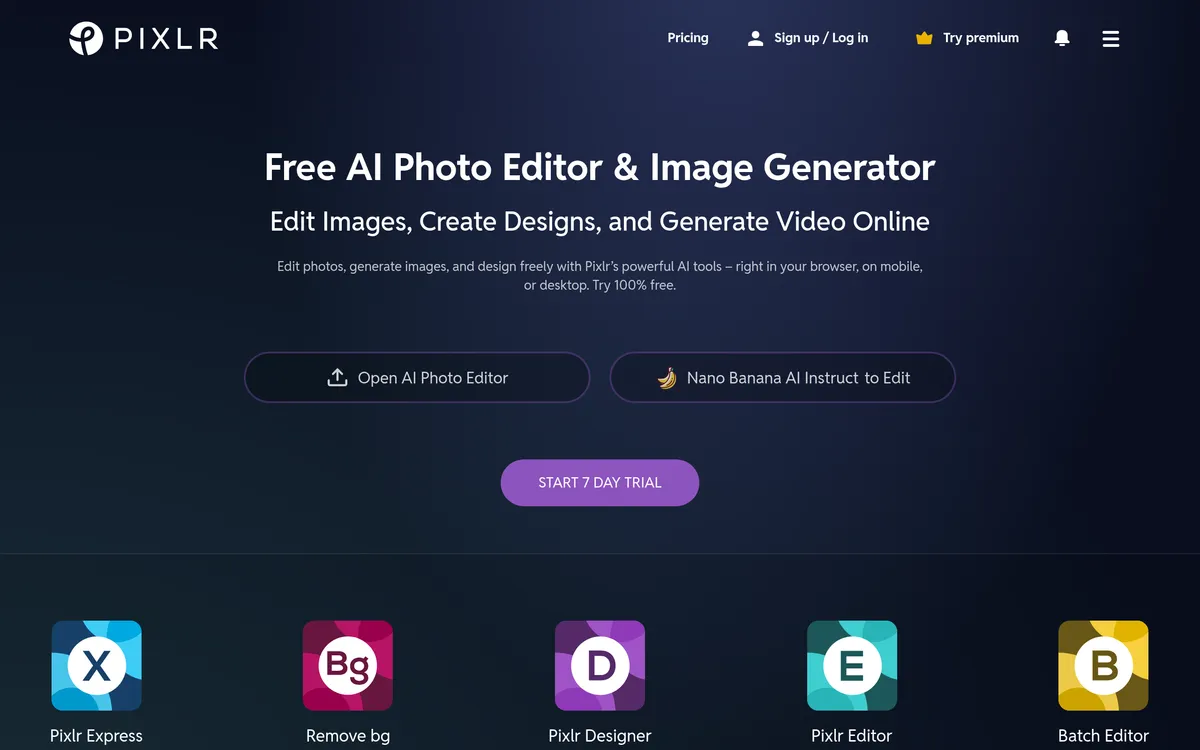
Pixlr is a browser-accessible image editor that blends traditional layer-based tools with a broad set of AI features. It provides both quick-edit and advanced editor modes, letting beginners move fast while offering layers, masks and common retouching tools for more detailed work. The web app also has mobile and desktop clients so projects move with you.
The platform consolidates many generative capabilities: text-to-image, text/image-to-video, generative fill and expand, background and object removal, upscaling, denoise, and face swap. Many of these functions run on third-party and in-house models such as Flux, Kling, Recraft and Stable Diffusion variants. AI actions are metered through a shared credit system that limits free use and expands with paid plans.
For everyday photo work, Pixlr provides fast background removal, selectable AI cutouts, standard adjustments, filters, and a collage maker. The E editor gives a familiar layers-and-masks workflow with blend modes, clone stamp, curves and more for compositing tasks. Exports are watermark-free, which makes the free editor useful for social and ecommerce producers.
The service offers paid plans that increase AI credits, remove ads, and add priority generation queues and model access. Entry-level subscriptions are inexpensive and aimed at light AI users, while higher tiers add large monthly credit pools for heavy generation. Education users can access free arrangements under Pixlr’s education offering.
Pixlr Features
Text-to-image and video generation
Pixlr includes text-to-image generation and short video creation driven by multiple AI models. You can generate assets from prompts or seed images and choose among several underlying models depending on the desired result and format.
Background and object removal
One-click AI background removal isolates subjects quickly, and an object removal brush lets you erase unwanted elements. These tools are tuned for fast cutouts and clean fills on many common photos, making batch workflows simpler.
Layered editing and compositing
Pixlr offers a true layer-and-mask editor for compositing and more advanced retouching tasks. The E editor supports blend modes, masks, levels and clone tools that let users perform multi-step edits in a familiar non-linear canvas.
AI enhancement: upscaling, sharpening and denoise
AI-driven enhancement tools can upscale images while preserving edge detail and reduce noise for cleaner results. These utilities are useful for rescuing lower-resolution or grainy photos intended for web or social use.
Face swap and portrait retouching
Pixlr provides face-swap capability alongside portrait retouch tools to alter or enhance faces consistently. These tools target quick creative edits and standard portrait clean-up rather than high-end retouch pipelines.
AI credits and subscription tiers
Most AI actions consume credits from a shared pool, and free accounts receive a limited allotment each month. Paid plans raise monthly credit limits, remove ads, and add priority generation and private modes for heavier users.
Pricing
Freemium
User reviews
No reviews yet. Be the first to review this tool.
Log in to write a review.