
PureBox
AI cleanup for Gmail with reviewable sorting, batch approvals, and bulk unsubscribe
Free sample
Up to 100 emails
One-time manual scan
PureBox Pro
$5.99/month or $47.88/year
Pricing
Free plan; paid from $3.99/mo (annual)
- Review Inbox, Archive, and Trash recommendations, then go through the messages individually or approve an entire track at once.
- PureBox Pro sorts incoming mail, sends bulk unsubscribe requests, and can automate cleanup for recurring patterns users trust.
- Keep in mind: PureBox requires access to a Gmail account through Google OAuth.
What is PureBox?
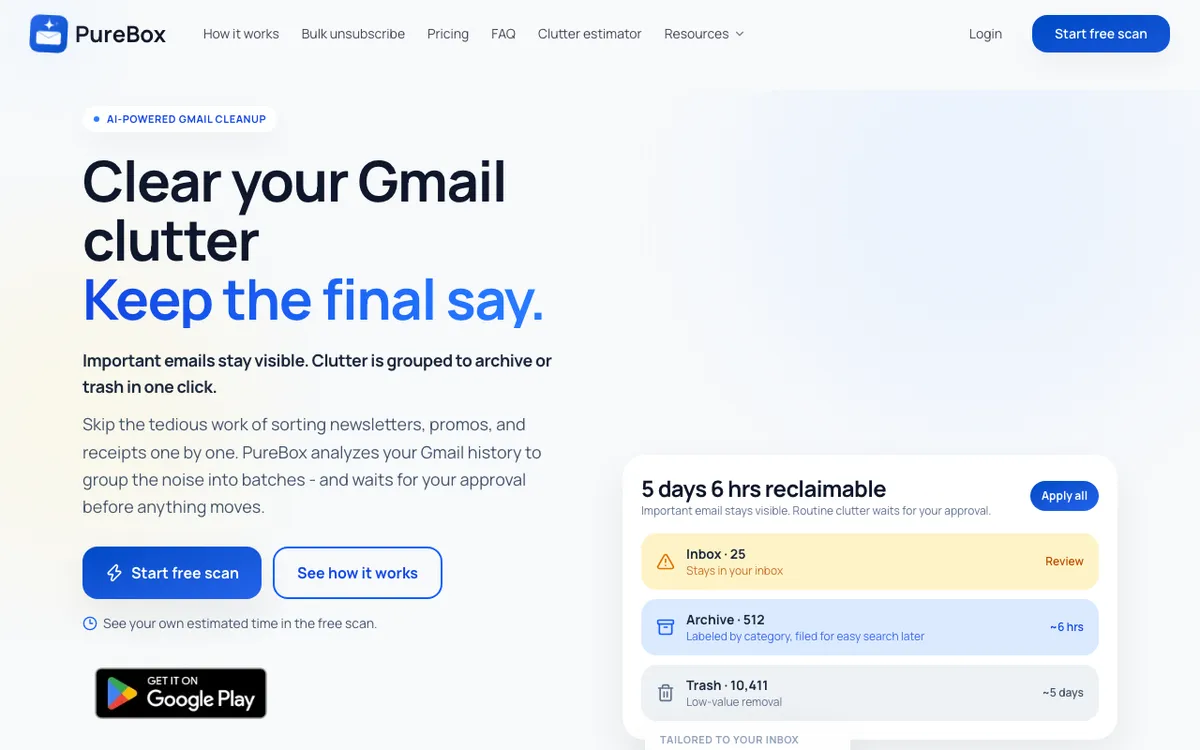
PureBox uses AI to sort Gmail by message type, sender patterns, and each user’s email history. Creators, writers, and marketers who use Gmail can review routine mail such as newsletters, promotions, and receipts in batches. Each suggestion shows a category label, a recommended destination in Inbox, Archive, or Trash, and the reason for that choice. Users can change an individual destination before approving the batch.
Archived messages stay searchable in Gmail by sender, subject, or keyword, so users can find records after clearing the inbox. Bulk unsubscribe sends requests for several unwanted mailing lists in one go. PureBox also classifies incoming mail and can automatically handle recurring patterns users choose to trust.
Review and clear a Gmail backlog
- Read-only inbox scan previews the proposed Inbox, Archive, and Trash split and estimates the time involved in sorting the mail by hand.
- 21 message categories give users context for each recommendation and stay attached when users change the suggested destination.
- Inbox fallback for uncertain messages puts low-confidence suggestions in the Inbox track so users can decide what to do with them.
- One-click batch approval applies a reviewed set of suggestions together, saving users from moving messages individually.
Manage incoming mail and mailing lists
- Mailing list review lets users inspect the lists found in the free sample and mark the subscriptions they want to keep.
- One-click bulk unsubscribe sends requests for several unwanted lists together, so users can deal with recurring mail at the source.
- Real-time classification sorts new messages as they arrive, giving users fresh cleanup suggestions to review between passes.
- Opt-in automatic cleanup handles trusted recurring patterns in the background while other messages still wait for review.
Find or restore messages after cleanup
- Searchable Gmail archives let users look up filed messages by date or attachment and move them back to the inbox when needed.
- Cleanup history shows which emails changed so users can trace a move and reverse it in Gmail.
Prepare cleanup plans in an AI assistant
- Reversible assistant actions follow PureBox’s limits, so users can undo resulting moves in Gmail.
- One-click assistant controls let users link or disconnect a compatible assistant from PureBox account settings.
User reviews
No reviews yet. Be the first to review this tool.
Log in to write a review.
Details on this page are for reference only and may be out of date or inaccurate. Check PureBox's official website for current features and pricing.
Join the Aivolut newsletter
Occasional practical AI tips, app updates, and offers. Unsubscribe anytime.