
ScreenCraft
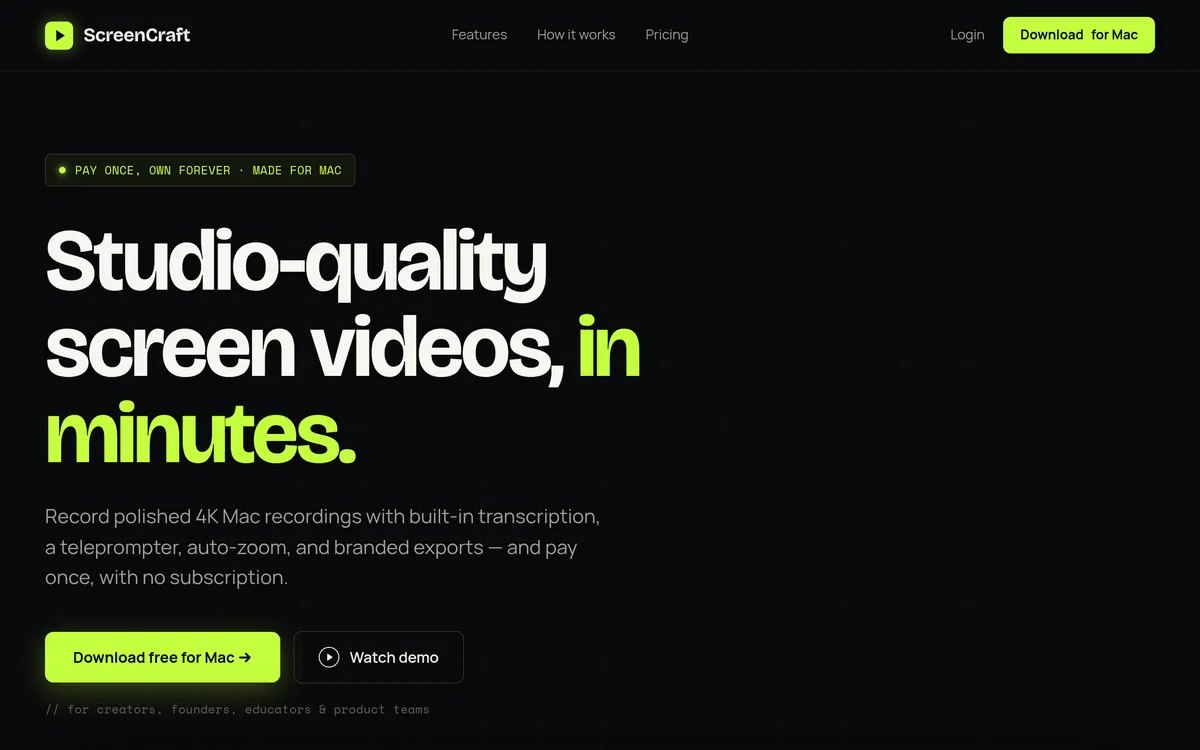
Record and polish Mac screen videos with auto-zoom, captions and branded exports
Pricing
Lifetime license: $89 one-time payment for one Mac, with future updates included.
- Record the screen with camera and audio, then focus attention with automatic zoom and cursor polish.
- Edit the recording and transcript, then export a video with captions and a logo.
- Keep in mind: Windows workflows: ScreenCraft is a native macOS application.
What is ScreenCraft?
ScreenCraft records and polishes screen videos for creators, founders, educators and product teams on Mac. It captures a screen, window or selected area alongside camera, microphone and system audio. A built-in teleprompter lets presenters read a script while recording, while automatic zoom and cursor smoothing help viewers follow the action in a demo or walkthrough.
After recording, users can trim, cut or speed up footage, edit a timestamped transcript and add captions. Captions can be burned into a video or exported as an SRT file, giving the recording a reusable text companion. A logo watermark and MP4 or GIF exports at up to 4K let teams prepare tutorials, onboarding videos and launch clips with consistent branding.
Capture a guided product walkthrough
- Flexible recording Capture a whole screen, window or area with camera, microphone and system audio.
- Teleprompter Read a pasted script while recording and adjust its scroll speed to match the presentation.
- Automatic zoom Follow clicks and smooth cursor movement so viewers can track the demonstration.
Prepare captioned, branded exports
- Editable transcript Correct words in the transcript and burn captions into the video or export an SRT file.
- Export formats Render MP4 or GIF at 1080p, 2K or 4K for the intended sharing channel.
Details
- Affiliate URL
- https://www.screencraft.live/account
- Platforms
- macOS 14+ (Apple Silicon)
User reviews
No reviews yet. Be the first to review this tool.
Log in to write a review.
Details on this page are for reference only and may be out of date or inaccurate. Check ScreenCraft's official website for current features and pricing.
Join the Aivolut newsletter
Occasional practical AI tips, app updates, and offers. Unsubscribe anytime.