
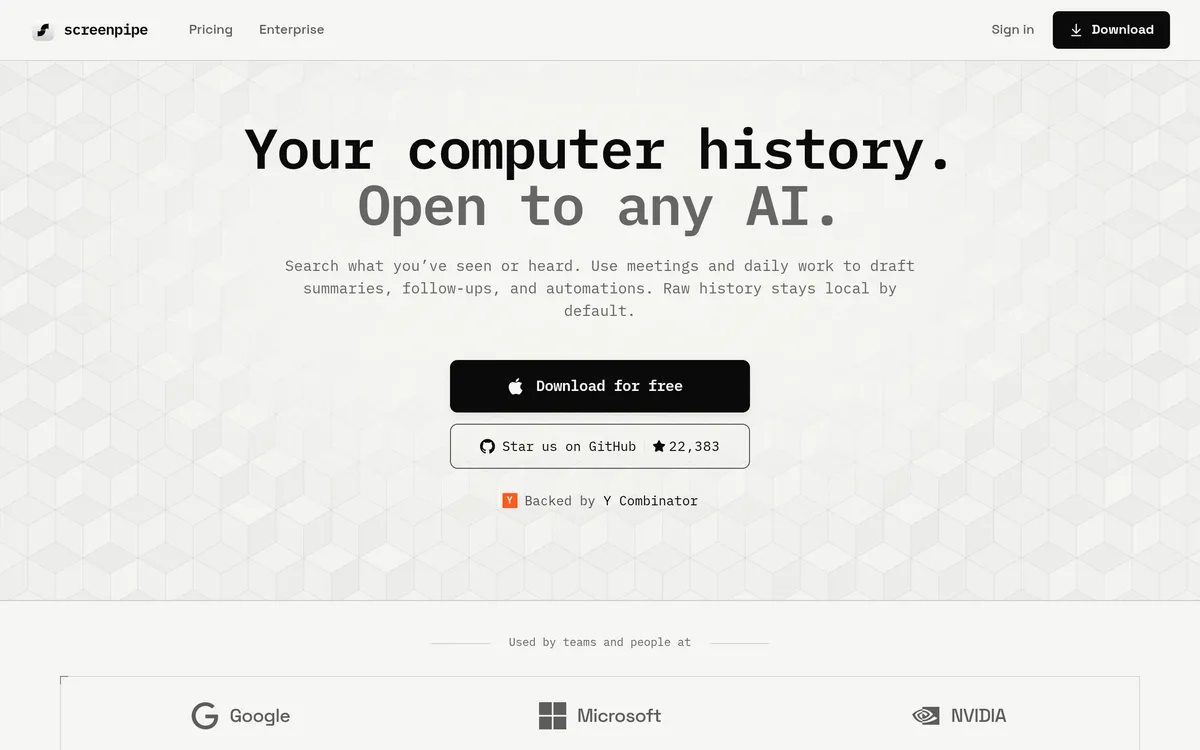
Screenpipe
Search past screens and conversations and give AI the context to draft recaps
Basic plan
$21/mo or $250/yr
Full searchable history and unlimited scheduled workflows that users install.
Business plan
$42/seat/mo or $500/seat/yr
Personal device sync and team seat management.
Pricing
Free plan; paid from $21/mo
- Return to the point in the workday where a document, screen, or conversation appeared.
- Use meetings and daily activity as source material for AI-assisted summaries and follow-ups.
- Keep in mind: The Free plan captures work on one device and limits search to recent activity.
What is Screenpipe?
Screenpipe gives creators, writers, and marketers a searchable record of what they saw and heard while working across apps. It keeps screen, audio, and app history on the device by default, using accessibility data, screen images with text recognition as a fallback, and audio transcripts to capture details. A writer can return to a reference they had open, and a marketer can revisit the discussion behind a campaign decision.
Users can share selected history with AI tools such as Claude and Codex. That gives the assistant material to draft a meeting recap or follow-up from the captured discussion. Teams can also turn recorded work into a set of steps they review before handing it to an agent.
Find a screen or conversation from earlier
- Timeline scrubbing lets users revisit the exact screen where they saw a reference.
- Screen text recognition reads text from captured screen images when accessibility data leaves out a detail.
Draft recaps and follow-ups from captured work
- Audio transcripts turn spoken details into text users can refer to when drafting a recap.
- Selected context sharing lets users give Claude, Codex, or another AI tool the parts of their work history that are relevant to a draft.
- Local database, REST API, and MCP server give users ways to reuse the same work history across models.
Control what the desktop app records
- Desktop installers cover Apple Silicon and Intel Macs, Windows including ARM, and Linux so users can choose the build for the computer they want to record.
- App, window, and URL exclusions let users keep specific workspaces or pages out of their capture history.
Document and test recurring workflows
- Recurring workflow discovery surfaces repeated work across apps so teams can inspect the steps and exceptions before deciding where to make changes.
- AI interviews add the decisions, exceptions, and checks that a recording alone leaves unexplained.
- Separate workspace testing lets teams review how an agent repeats captured steps before using the workflow in production.
- Workflow exports, APIs, and MCP let teams use reviewed steps with agents they already use.
User reviews
No reviews yet. Be the first to review this tool.
Log in to write a review.
Details on this page are for reference only and may be out of date or inaccurate. Check Screenpipe's official website for current features and pricing.
Join the Aivolut newsletter
Occasional practical AI tips, app updates, and offers. Unsubscribe anytime.