
Shortwave
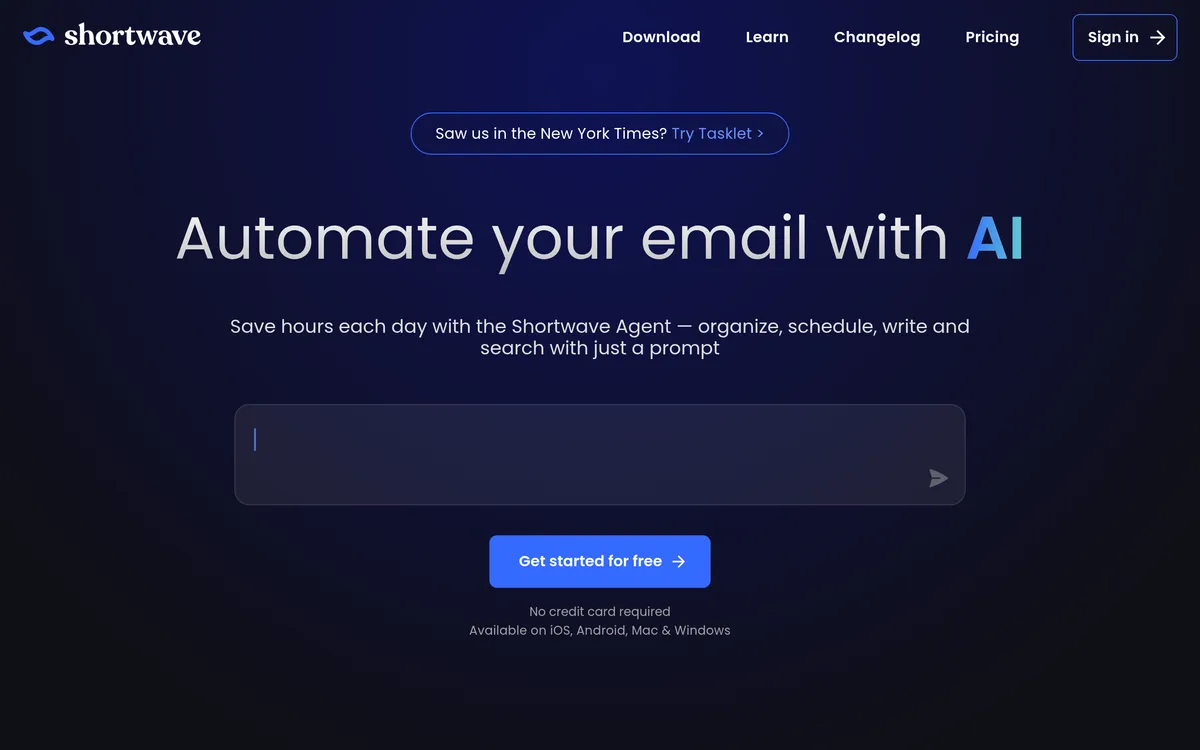
Organize email, find answers and draft replies with an AI-assisted inbox
Pricing
Pricing not verified
- Search email context and use writing assistance to develop a response.
- Automate inbox actions and connect messages with tasks and calendar work.
What is Shortwave?
Shortwave combines an email inbox with AI tools for organizing messages, finding information and drafting replies. Its assistant can search emails and attachments for answers, while writing assistance draws on sent messages to reflect the sender’s style. Plain-English filters automate actions such as labeling, starring and archiving, helping reduce repetitive inbox work.
Users can divide their inbox into tabs for particular senders, labels or queries and turn messages into prioritized action items. The assistant can also check calendar availability, create events and draft scheduling emails. These capabilities keep message handling, follow-up work and scheduling connected inside the inbox rather than spread across separate routines.
Find information and prepare replies
- Email and attachment search Ask for answers grounded in messages and attached material.
- Personalized writing Use sent-email context to draft messages in the sender’s style.
Organize incoming work and schedule follow-ups
- Plain-English filters Automatically label, star or archive messages using written instructions.
- Email action items Group, prioritize and add notes to messages that require follow-up.
- Scheduling assistance Check availability, create events and prepare scheduling emails.
User reviews
No reviews yet. Be the first to review this tool.
Log in to write a review.
Details on this page are for reference only and may be out of date or inaccurate. Check Shortwave's official website for current features and pricing.
Join the Aivolut newsletter
Occasional practical AI tips, app updates, and offers. Unsubscribe anytime.