
Splitter
Separate vocals and instruments, with extra cleanup and browser tools
Pricing
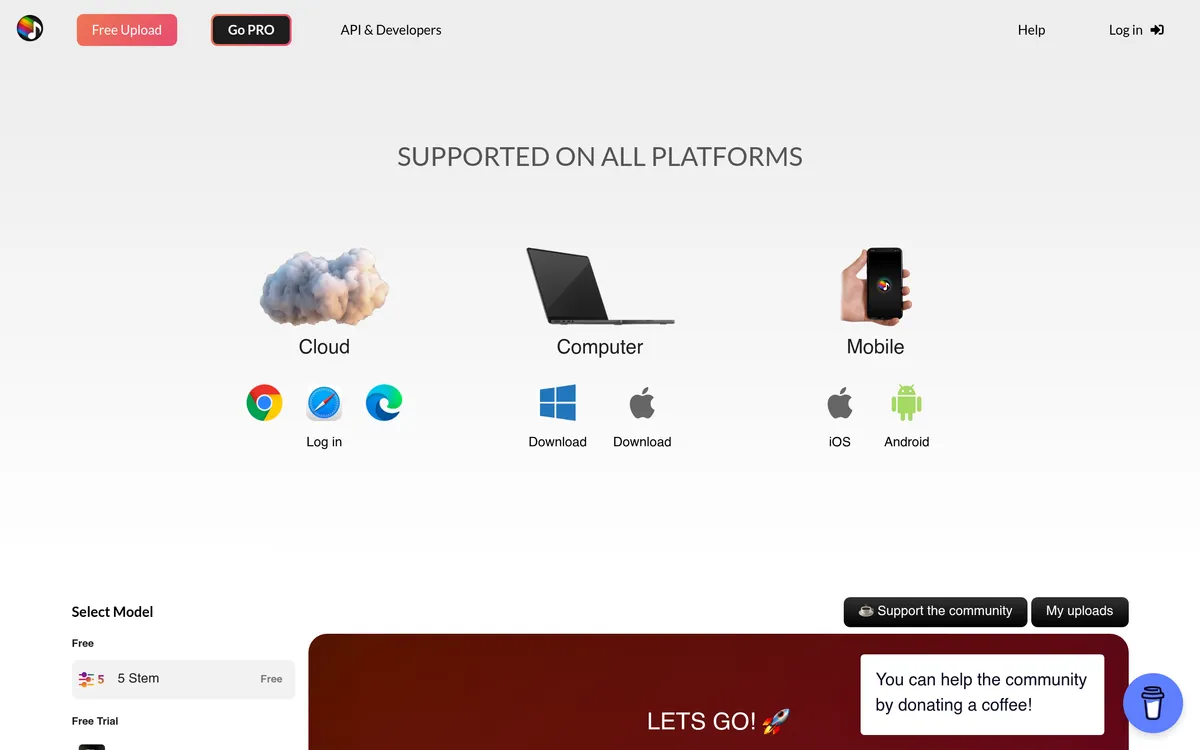
Free five-stem service is available through the dashboard. Pro tools and the browser extension have paid options.
- Choose a stem layout for a vocal/instrumental split or more detailed instrument separation.
- Use Pro processing for reverb removal or a purchased Chrome extension to start splitting from a YouTube page.
- Keep in mind: The free service requires signing in to the Splitter Dashboard.
What is Splitter?
Splitter isolates vocals and instruments from audio using AI. Its five-stem model separates vocals, drums, piano, bass and other sounds, while two-stem separation produces vocals and an instrumental part. Free access runs through the Splitter Dashboard after sign-in.
Pro adds reverb removal and other processing options. A purchased browser extension starts YouTube splitting from Chrome, with an account and the YouTube feature unlocked.
Separate a recording into usable parts
- Five-stem separation extracts vocals, drums, piano, bass and a remaining group that can include guitar or synths.
- Two-stem separation produces a vocal part and an instrumental part for further audio work.
Add cleanup and a browser-based starting point
- Pro reverb removal provides an additional cleanup option alongside stem separation.
- YouTube browser extension starts a split from a video page and shows its progress; it requires purchase, Chrome and an unlocked account feature.
User reviews
No reviews yet. Be the first to review this tool.
Log in to write a review.
Details on this page are for reference only and may be out of date or inaccurate. Check Splitter's official website for current features and pricing.
Join the Aivolut newsletter
Occasional practical AI tips, app updates, and offers. Unsubscribe anytime.