
Tactiq
Live meeting transcription and AI follow-ups
Free plan
10 transcripts and 5 AI credits per month
Pro plan
Unlimited transcripts and 10 AI credits per month
The listed per-user rate requires annual billing.
Pricing
Free plan; paid from $8/user/mo (annual)
- Transcribe calls with the Chrome extension and bring existing meeting files into Tactiq.
- Pull out next steps and use the discussion to draft a follow-up email or project update.
- Keep in mind: Tactiq saves a text transcript without recording or storing meeting audio for playback.
What is Tactiq?
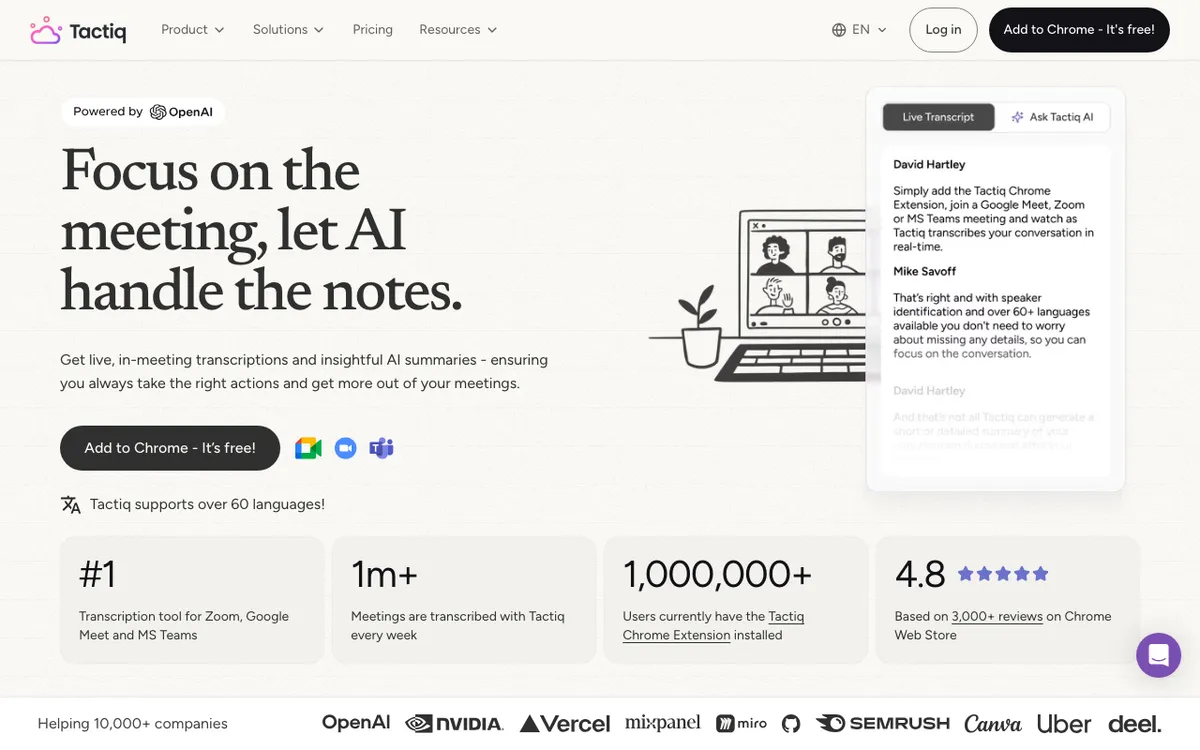
Tactiq turns online meetings into text and uses AI to help teams follow up. Its Chrome extension transcribes Zoom, Google Meet and Microsoft Teams calls live, and Tactiq saves the transcript as text. Writers and creators can refer back to an interview while drafting, and marketers can revisit what a client said during a review. Users can also upload meeting files and share or export transcripts.
Tactiq generates summaries and action items so teammates can catch up on the discussion and see what needs doing. It can draft follow-up emails and project updates, giving teams a starting point for their next message. Users can ask AI about a specific detail and save custom prompts for recurring calls.
Capture conversations as text
- Live transcription saves the conversation as text while the meeting is underway, leaving a record to consult during drafting or review.
- Meeting file uploads let users bring files from earlier meetings into Tactiq after the call has ended.
Turn discussions into follow-ups
- AI summaries and action items give teammates a short recap and a list of tasks to check when following up.
- Follow-up email and project update drafts give teams a starting point for communicating what came out of the call.
- Meeting Q&A and saved prompts let users ask about a detail from the discussion and reuse custom questions in future meetings.
Find and correct transcript details
- Meeting and transcript search helps users locate an earlier call and find a specific passage within it.
- Transcript editing lets users correct details such as misspelled names in the saved text.
Share meeting records with teammates
- Transcript sharing and export let users give a colleague access to the transcript or keep a separate copy for reference.
- Automatic transcript sharing on the Team plan lets colleagues receive transcripts without a manual share after each call.
- Google Drive and Notion integrations let teams connect Tactiq with the tools they already use for documents and notes.
User reviews
No reviews yet. Be the first to review this tool.
Log in to write a review.
Details on this page are for reference only and may be out of date or inaccurate. Check Tactiq's official website for current features and pricing.
Join the Aivolut newsletter
Occasional practical AI tips, app updates, and offers. Unsubscribe anytime.