
Takehound
AI video editor for long-form talking-head recordings
First video
Free for up to 30 minutes of recording
Includes one round of notes. No card required.
Solo plan
Starts with 6,250 credits per month
About 4 videos at 15 minutes of recording and two rounds of changes each.
Pricing
From $50/mo
- Turn a recorded talk and supporting footage into a first cut with on-screen highlights.
- Check why Hound made an edit and ask for changes in plain language.
- Keep in mind: Editing takes place in Chrome on a laptop or desktop and uses Google sign-in.
What is Takehound?
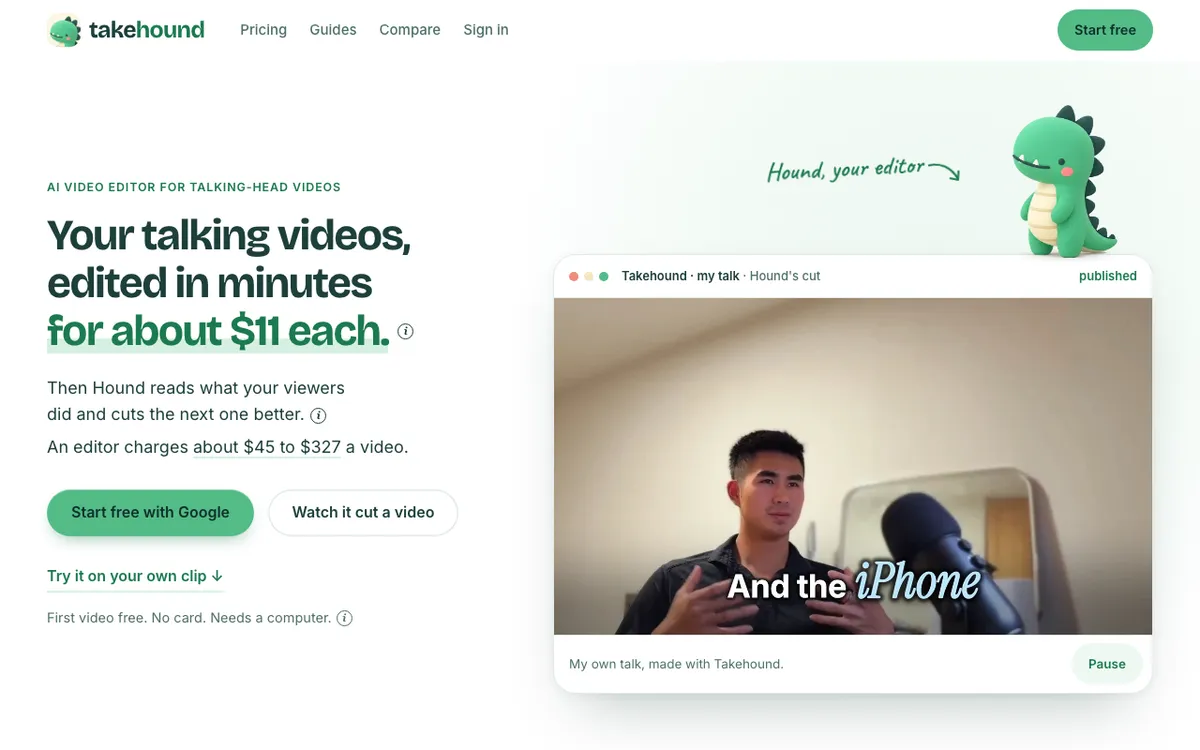
Takehound is a browser-based AI video editor for creators who record long-form videos speaking to camera. Its assistant, Hound, trims pauses, filler words, and repeated takes to give creators a rough cut to review. It matches clips, photos, slides, and screen recordings to the parts of the talk they illustrate and puts key lines on screen.
Hound explains the edits so creators can decide what to keep, and it takes revision requests in plain language. It carries the last color grade and sound choices into the next video, giving a recurring series a consistent starting point. Creators can finish in the browser and export an MP4 or hand off an FCPXML timeline to an editor working in DaVinci Resolve.
Build a rough cut from a recorded talk
- Automatic speech cleanup removes long pauses, filler words, and repeated takes in the first pass.
- B-roll matching uses the creator’s clips, photos, slides, and screen recordings to illustrate the talk and keeps the speaker on screen where nothing fits.
- On-screen highlights draw attention to key lines using the speaker’s own wording.
- On-screen references show a named book or website with its source so viewers can identify what the speaker is citing.
Review and revise individual edits
- Picture and sound checks let Hound hear where a cut lands and see what is already on screen before and after it makes changes.
- Clickable timestamps jump to the moment described in an edit note so creators can check the change in context.
- Reversible text requests let creators describe a revision and undo all the edits from that request in one step.
Carry editing choices into the next video
- Editable preference notebook saves directions for the next project and lets creators remove individual notes when their style changes.
- YouTube retention notes use figures creators supply from YouTube Studio to show where viewers leave and which openings and video lengths hold their attention.
Polish and export the cut
- Local audio cleanup and color grading run in the browser without sending audio or picture for those adjustments.
- Watermark-free MP4 export on Solo saves a video to share without the “Made with Takehound” mark.
- FCPXML timeline export lets an editor pick up the rough cut in DaVinci Resolve.
User reviews
No reviews yet. Be the first to review this tool.
Log in to write a review.
Details on this page are for reference only and may be out of date or inaccurate. Check Takehound's official website for current features and pricing.
Join the Aivolut newsletter
Occasional practical AI tips, app updates, and offers. Unsubscribe anytime.