
ToneBird
Draft email and chat replies using the current thread and past conversations
Free plan
15 uses per day
30 relationships in memory.
Standard plan
100 drafts per day
100 contacts in memory. The annual option costs $96/year.
Pricing
Free plan; paid from $10/mo
- Start with the conversation already on screen and tell ToneBird what the reply needs to say.
- ToneBird brings relevant facts into a draft and adjusts the wording for the person receiving it.
- Keep in mind: Paid checkout is currently unavailable on ToneBird’s website.
What is ToneBird?
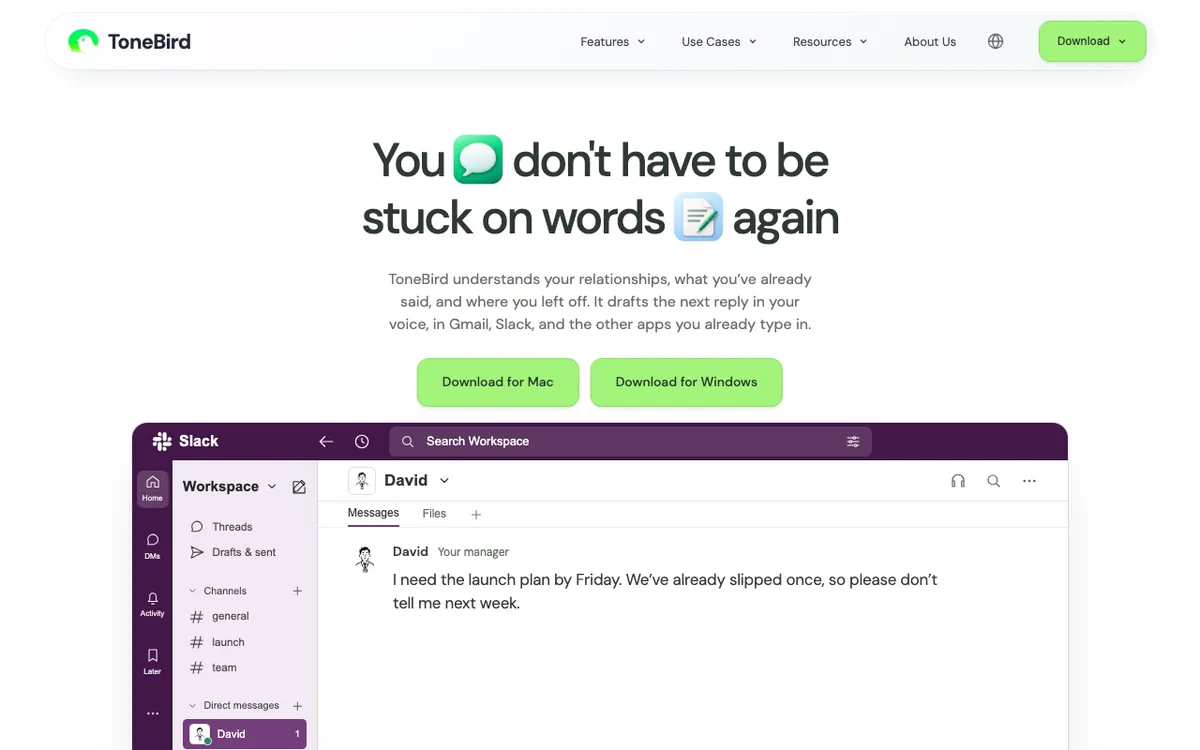
ToneBird drafts email and chat replies using the current conversation, saved relationship context, and the writer’s preferences. With the thread open, the writer can tell ToneBird what they want to say, compare three options, and edit one before inserting it into the reply box. Freelancers and consultants can use it to answer client requests, respond to scope changes, or share project updates.
A pasted note or imported text document can supply details such as prices or terms for a reply. After the exchange, ToneBird collects promised quotes, unanswered questions, and dates to confirm in one follow-up list. When a chat settles on a meeting time, ToneBird can prepare an event in Apple Calendar or Google Calendar for the writer to review and confirm.
Draft a reply in the current thread
- Three editable drafts give the writer several ways to make the same point, with Tweak to refine the chosen wording.
- Mac and Windows shortcuts open ToneBird with two presses of Option on Mac or Ctrl on Windows.
Match the reply to the recipient
- Contact history in Circle shows the latest captured exchange and open tasks, with Rewind for checking available history before picking up the thread.
- Recall of earlier commitments can bring a detail such as a date the writer promised to confirm into the next draft.
- Pasted notes and imported text documents let the writer save reference details for ToneBird to use when a reply calls for them.
- Reusable wording rules and openers carry the writer’s preferences into future drafts. The writer reviews suggested changes before applying them.
Find conversations that need a follow-up
- Follow-up list shows which quotes still need sending, which questions need answers, and which dates need confirmation.
Turn a meeting agreement into a calendar event
- Apple Calendar and Google Calendar support gives the writer a chance to check the proposed event details before confirming.
Manage saved writing and contact data
- Export and delete controls in Settings let the writer make a copy of saved data or remove it.
User reviews
No reviews yet. Be the first to review this tool.
Log in to write a review.
Details on this page are for reference only and may be out of date or inaccurate. Check ToneBird's official website for current features and pricing.
Join the Aivolut newsletter
Occasional practical AI tips, app updates, and offers. Unsubscribe anytime.