
Trevor AI
AI-first time blocking and task planning that syncs with Google and Microsoft calendars
What is Trevor AI?
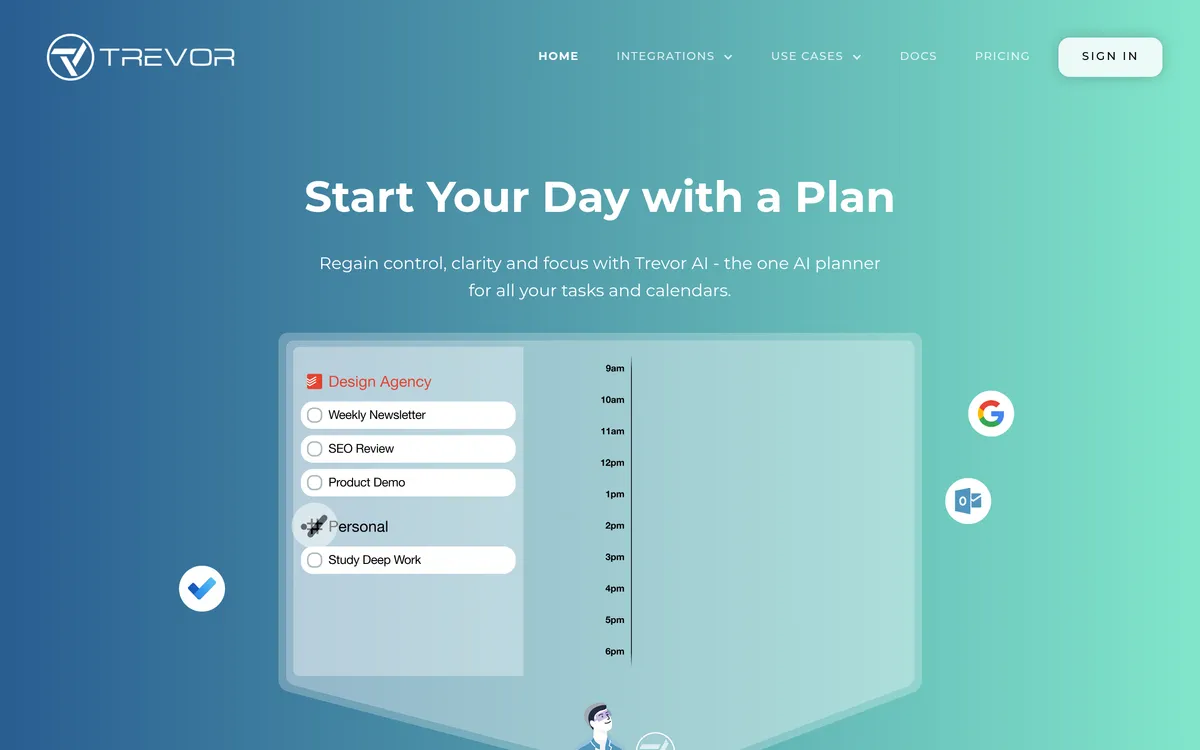
Trevor AI is a planner that brings tasks and calendars together so you can schedule work without switching apps. It shows tasks alongside your day and lets you drag items into time slots while keeping real-time calendar sync.
The app estimates how long tasks will take and suggests time blocks based on your availability, which you can accept or override. It can also plan an optimal day or week automatically and adapts its suggestions over time.
Trevor includes a Focus Mode for single-task work with a timer, notes field, and AI task breakdowns to help you move through work with fewer distractions. A conversational assistant lets you add, schedule, and reschedule tasks, even in bulk, using contextual knowledge of your calendars and preferences.
There is a free plan suited for personal use and a low-cost Pro option for professional use that unlocks advanced AI scheduling features. The product is available on the web for mobile and desktop and synchronizes with Google and Microsoft calendars in real time.
Trevor AI Features
Unified task and calendar view
Trevor brings tasks and calendars together so you can see what’s competing for your time on one screen. You can connect multiple task lists and calendars, then drag items into your schedule with real-time sync across devices.
AI time-blocking with predicted durations
The planner predicts how long tasks will take and suggests specific time slots based on your availability. Suggested blocks can be applied with a click, and predicted durations are editable so you retain control over scheduling details.
Plan My Day and automated planning
A one-button 'Plan My Day' feature can generate an optimal day or week for you, using AI that adapts with each planning session. The assistant continuously learns from your scheduling to improve future recommendations.
Focus Mode for deep work
Focus Mode helps you work on one task at a time with a built-in timer and a notes field to capture progress. The mode also offers an AI-generated task breakdown to get you started and reduce context switching.
Ask Trevor — conversational scheduling assistant
A chat-based assistant lets you add, schedule, and reschedule tasks using the context of your calendars and task lists. It can handle bulk changes and answer planning-related questions to streamline schedule management.
Plans, trials and money-back guarantee
Trevor offers a free plan for personal use and a paid Pro tier that adds advanced scheduling features and removes limits. The Pro plan is available with monthly or annual billing and can include a trial plus a 30-day money-back option.
Pricing
Freemium
User reviews
No reviews yet. Be the first to review this tool.
Log in to write a review.