
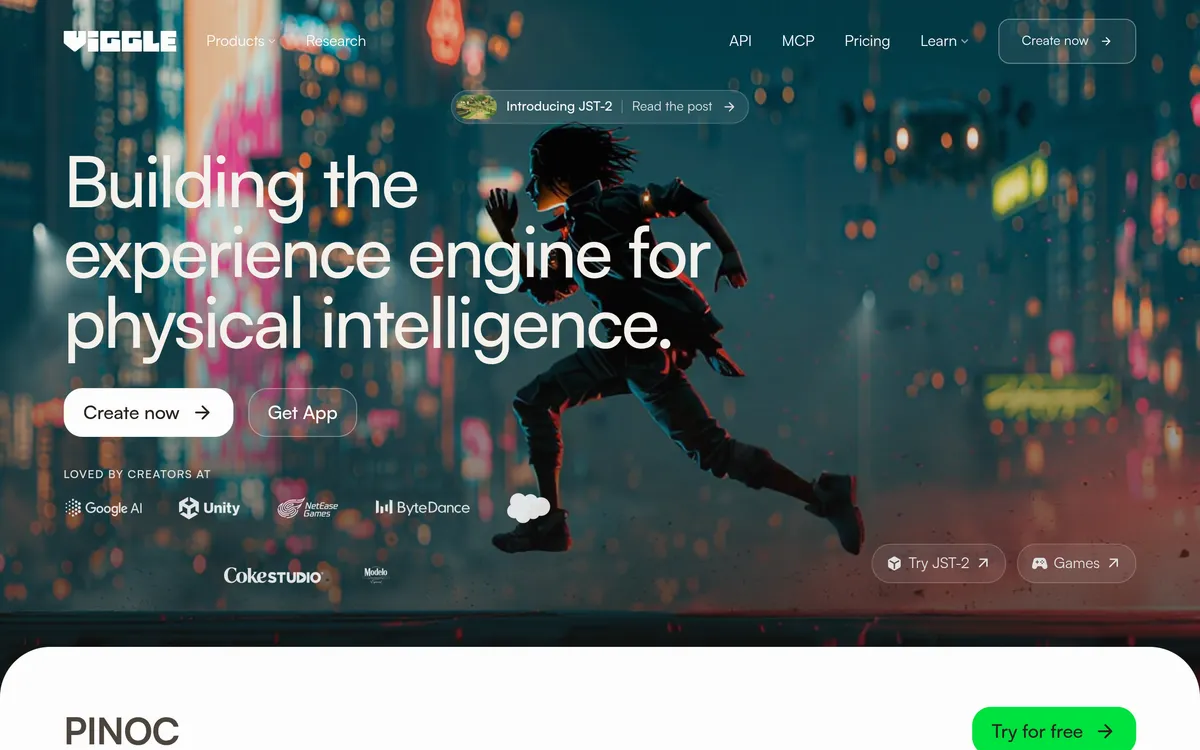
Viggle
Recast filmed performances, animate character photos, and perform live as an avatar.
Pro plan
80 credits per month
Up to four simultaneous video generations
Viggle Remake output
720p at 24 fps
Keeps the original soundtrack
Pricing
Free plan; paid from $7.99/mo (annual)
- Replace the lead or give a group a new cast while reusing the performance already on camera.
- Pair a photo with a motion clip for a Reel or use a prompt to make a vertical short.
- Keep in mind: Mix videos made on the Free plan carry a watermark.
What is Viggle?
Viggle makes character-driven videos for creators and marketers producing memes and social clips. With Mix, a photo and an uploaded clip or template are enough to replace a performer’s face and body. Remake uses written descriptions or reference photos to give individual performers new roles in footage that has already been shot.
Creators can ask for another take or revise one character in Remake’s chat, then compare the result with earlier versions. Viggle also removes objects or text, changes backgrounds, and restyles footage, so creators can rework a shot after filming. For live content, Viggle Live uses a webcam to drive an animated avatar on streams or video calls.
Recast performers in existing footage
- Photo or text recasting assigns a different replacement to each performer from a reference photo or a written description.
- Remake Flash group swaps use one photo per person and a written assignment to recast up to five people in a 5- to 15-second clip.
- Multi-Track character tracking uses one photo per character to carry up to eight replacements across scenes and camera cuts.
- Remake chat revisions let creators adjust one character or request a new take while keeping previous versions available.
Create short character videos for social
- Full-body swaps in Mix put the face and body of a character from one photo into an uploaded clip or a template.
- Text-to-video generation turns a written idea into a character animation or scene without starting from filmed footage.
- Vertical TikTok edits create character and dance clips in the 9:16 format.
Clean up and restyle filmed clips
- Object removal with scene fill clears wires, passersby, or other clutter and fills the space they occupied across the clip.
- Text removal clears distracting signs or lettering from footage while retaining the motion in the shot.
- Background replacement changes the location, weather, or time of day behind performers in footage shot without a green screen.
- Video style transfer gives a filmed performance an anime or oil-paint look while carrying over the original performance.
Create avatars for streams and edits
- Webcam-driven avatars let a creator perform as a character in an OBS production, a Twitch stream, or a Zoom or Discord call.
- Talking or moving avatars give a still photo or an original character a speaking or animated role.
- Green-screen exports put an animated character on a clean backdrop for layering over another shot.
Generate clips from an assistant or app
- Mix over MCP animates a character image using a ready-made motion template or a video the creator supplies.
- Text-to-video API lets an app turn a prompt into a 5- to 15-second MP4 with audio.
User reviews
No reviews yet. Be the first to review this tool.
Log in to write a review.
Details on this page are for reference only and may be out of date or inaccurate. Check Viggle's official website for current features and pricing.
Join the Aivolut newsletter
Occasional practical AI tips, app updates, and offers. Unsubscribe anytime.