
Visme
AI-assisted design for presentations, reports and branded graphics
Free Basic plan
Unlimited projects
Starter annual billing
US$147 per person per year
Pricing
Free plan; paid from $12.25/mo (annual)
- A text prompt can produce an initial design for a new project.
- Visme adds clickable elements and animation to visual content.
- Keep in mind: The free Basic plan caps each project at 50 slides or pages.
What is Visme?
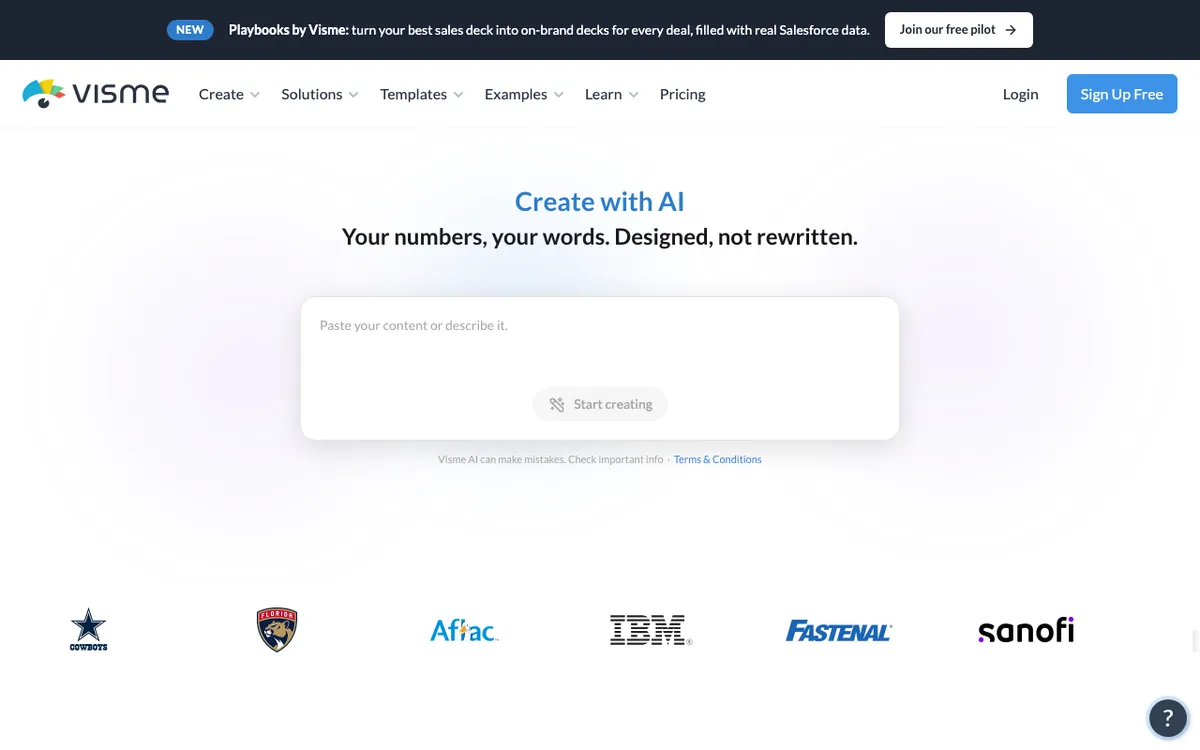
Visme is an AI-assisted design platform for marketers and creators making presentations, reports, infographics and social graphics. Its AI designer turns a text prompt into a design that can serve as a starting point. Writers can also adapt an editable template, then share or download the finished layout.
Teams can apply their own fonts, colors and logo to give related materials a consistent look. Hotspots, hover effects and clickable menus give viewers ways to explore the content on screen. In the editor, teammates can comment on individual objects so feedback stays attached to the part of the draft it refers to.
Build a first layout
- Prompt-to-design generation gives creators a visual starting point from a written brief.
- Editable templates provide layouts for more than 50 content types that creators can adapt, share or download.
- Built-in media library lets creators add photos, icons, video or audio to a design from Visme’s collection.
Make visuals interactive
- Interactive charts and graphs let viewers explore figures within a visual.
- Hotspots, hover effects and clickable menus let viewers interact with individual parts of a design.
- Animated elements add motion to draw attention to specific parts of the content.
Keep shared designs on brand
- Brand Wizard takes a website URL as a starting point for adding brand fonts, colors and a logo to new designs.
- Template locking controls let teams protect selected parts of a branded layout when coworkers reuse it.
- Object-level comments attach feedback to the element under review. Teammates can filter and sort comments in the editor to find the ones they need.
Schedule and publish social posts
- Post scheduling lets marketers plan upcoming posts and publish them from the calendar where they organize the work.
User reviews
No reviews yet. Be the first to review this tool.
Log in to write a review.
Details on this page are for reference only and may be out of date or inaccurate. Check Visme's official website for current features and pricing.
Join the Aivolut newsletter
Occasional practical AI tips, app updates, and offers. Unsubscribe anytime.