
Xmind
AI mind mapping for brainstorming and project planning
Free plan
50 AI credits at sign-up
Up to 10 manually created online maps.
Premium plan
500 AI credits per month
US$8.25 per month, billed annually.
Pricing
Free plan; paid from $4.92/mo (annual)
- Xmind Agent turns rough ideas and source material into a map that makes the connections between key points visible.
- Break project work into tasks and schedule it across working days on a Gantt chart that can be exported or printed.
- Keep in mind: On Free and Pro, AI-generated maps can have up to three sheets, and the standard online map limit resumes when AI credits run out or expire.
What is Xmind?
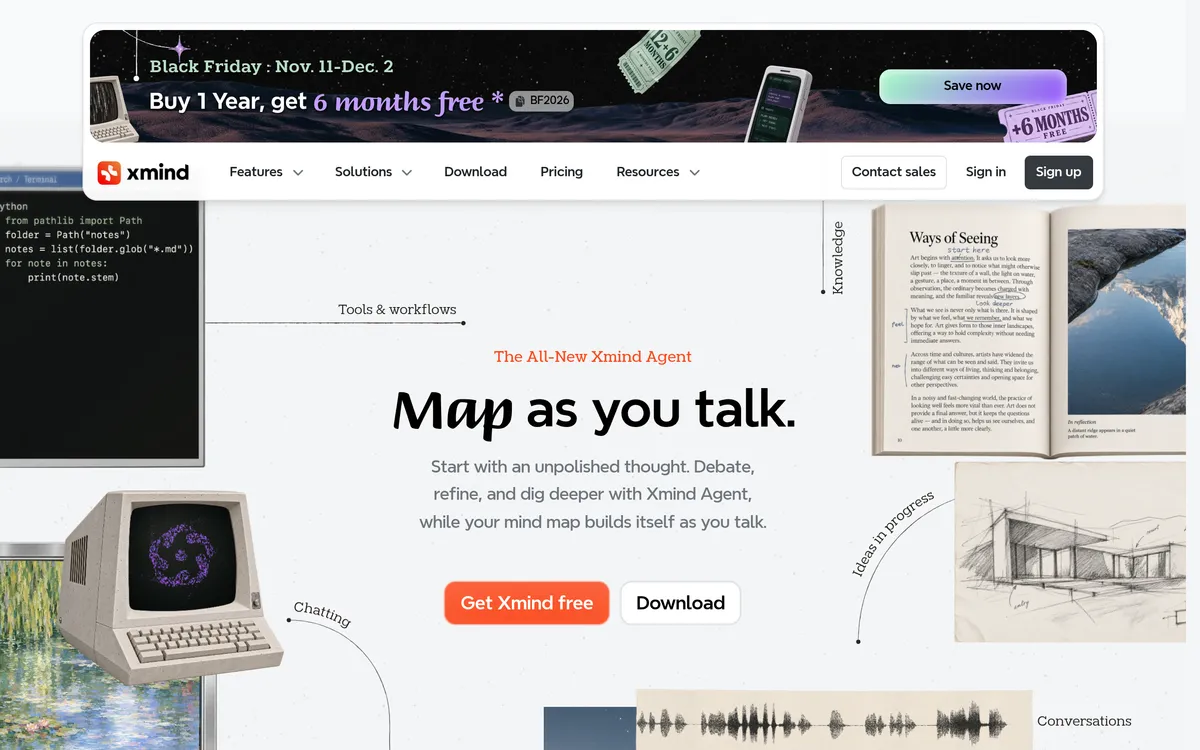
Xmind is an AI-assisted mind mapping tool that helps writers and creative teams organize research and ideas into editable maps for writing and planning. Xmind Agent can turn a rough idea, file, image, or link into a map that shows how the main points connect. A conversation with the agent can surface a new angle, expand a topic, or reshape the map as the idea develops.
Teammates can add notes and refine ideas together in real time. When a brainstorm becomes a project, Xmind helps break it into tasks and connect them on a Gantt chart that accounts for working days. A map can also become a shareable video that walks viewers through the idea.
Build and refine an idea map
- Keyword-to-map generation builds branches from a topic or keywords, giving a brainstorm a structure to start from.
- Conversational map editing lets creators expand a topic or reorganize the map when a discussion takes the idea in a new direction.
- Source summaries condense long text, files, and linked material so writers can review the main points before outlining.
- Recorded audio notes capture key moments from a meeting or lecture and keep them in the map for later reference.
Turn a brainstorm into a schedule
- Task assignments turn map topics into action items with a named owner.
- Gantt task links show how related pieces of work fit together on the timeline.
- Calendar and Excel exports let teams track tasks from the map in a calendar or spreadsheet.
Develop ideas on a shared map
- Live map editing lets teammates add notes and revise ideas together during a brainstorm.
- Follow a collaborator’s view keeps teammates looking at the same part of the map during a walkthrough.
Share maps as presentations or files
- Pitch slides turn a mind map into slides for a meeting or presentation.
- Shareable map videos give people who missed a live presentation a way to follow the idea afterward.
- Map file exports include PNG, SVG, PDF, and Markdown for sharing or reusing a map outside Xmind.
Work on maps from other AI tools
- ChatGPT map editing lets creators start or revise a map in ChatGPT and continue working on it in Xmind.
- MCP workspace access lets compatible AI tools find and update existing maps or create new ones in the Xmind workspace.
User reviews
No reviews yet. Be the first to review this tool.
Log in to write a review.
Details on this page are for reference only and may be out of date or inaccurate. Check Xmind's official website for current features and pricing.
Join the Aivolut newsletter
Occasional practical AI tips, app updates, and offers. Unsubscribe anytime.