
AI in Construction: 10 Tools and Use Cases for Efficient Projects
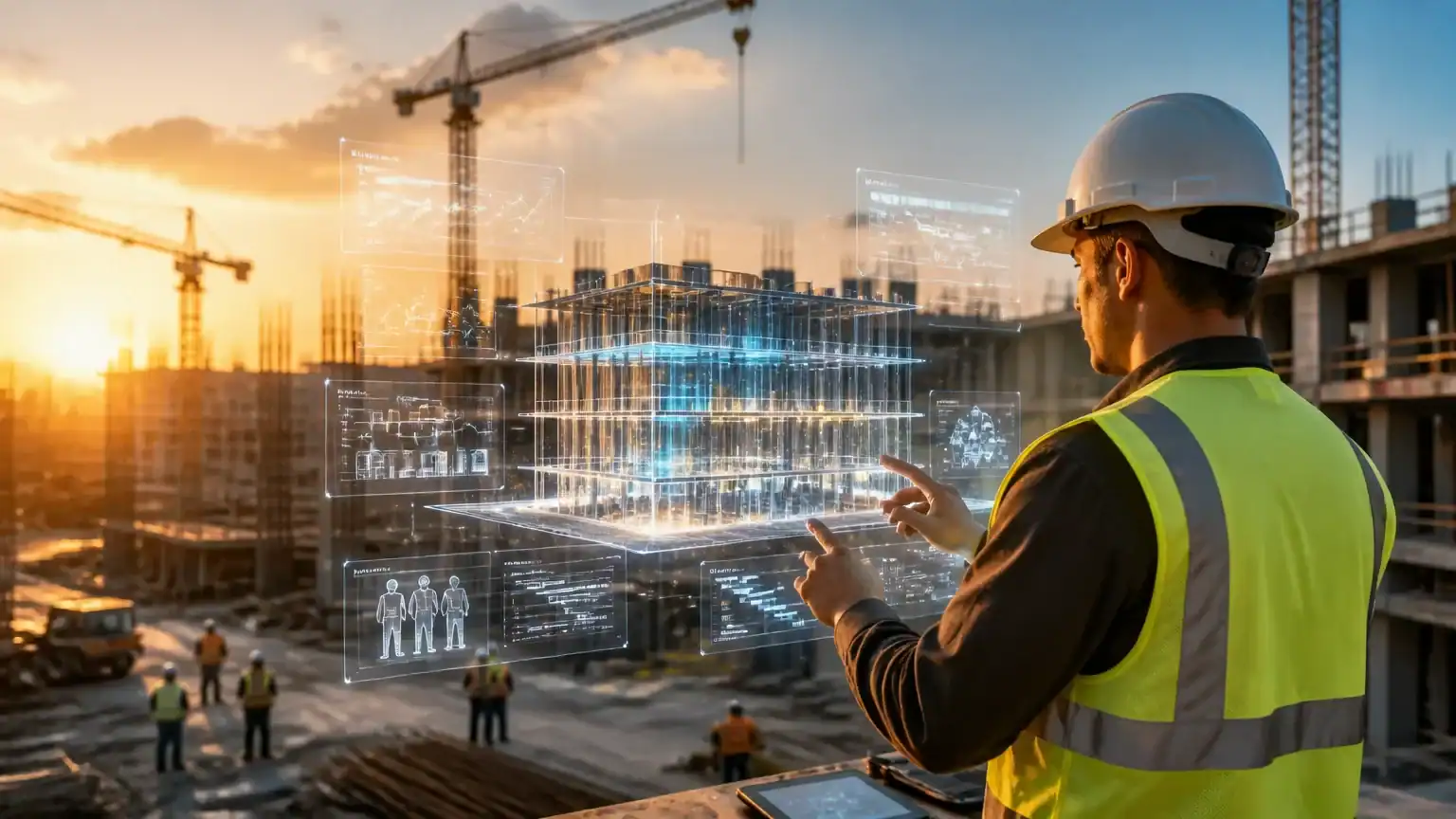
AI in construction is moving from futuristic buzzword to practical jobsite advantage. Today’s tools can help teams spot risks earlier, organize information faster, and make better decisions before small issues become expensive surprises.
This does not mean replacing project managers, engineers, estimators, or skilled tradespeople. Think of AI as an extra layer of support: a tireless assistant that reviews documents, flags schedule conflicts, tracks progress, and turns scattered project data into useful insights.
In this guide, we’ll explore 10 AI tools and use cases across planning, communication, safety, cost control, resource allocation, and project delivery. You’ll see how construction teams use them to reduce delays, speed up documentation, improve forecasting, and keep everyone working from the same playbook. Less searching through email threads, more building. A respectable trade-off.
You’ll also learn what each tool does best and where human judgment remains essential. If you want to compare solutions across categories, an AI tools directory offers a helpful starting point for further research. Whether you manage one project or an entire portfolio, the goal is simple: use AI to make good teams faster, clearer, and better prepared.
What Construction Businesses Should Look for in an AI Tool
Before choosing an AI tool, start with the project—not the sales demo. The best fit depends on project size, specialty, existing software, data quality, workforce adoption, and security requirements. A tool built for a large commercial portfolio may overwhelm a small residential contractor.
Check how well the solution connects with your current systems. Useful integrations may include project management, accounting, BIM, scheduling, estimating, field reporting, and communication platforms. If workers must reenter the same information five times, the “smart” tool may simply be creating smarter paperwork.
Next, define measurable results. Can the tool save hours, reduce errors, improve forecasts, or speed up change-order reviews? Evaluate ease of deployment, pricing, data ownership, auditability, and the quality of customer support. Ask whether your team can export its data if the relationship ends.
Finally, consider human oversight. AI in construction should support project managers, estimators, and crews—not quietly make high-impact decisions without review. Test the tool on a real workflow, such as turning field notes into daily reports, and compare results against your current process. The winner is not the tool with the flashiest dashboard. It is the one people actually use.
1. AI Estimating and Quantity Takeoff Tools
AI estimating platforms can turn plan review from a slow treasure hunt into a structured, repeatable process. Using computer vision and document recognition, they scan drawings, specifications, and other project files to identify walls, doors, fixtures, materials, and related scope.
Instead of manually counting every door or tracing each wall, an estimator can upload a plan set and receive an initial quantity takeoff quickly. The software may also compare sheets, flag missing information, and organize quantities by trade or material. That gives teams a useful head start without asking anyone to survive another spreadsheet marathon.
Faster takeoffs can help contractors respond to bids earlier and handle more opportunities with the same estimating staff. They also reduce the chance of overlooking scope hidden in a detail, note, or schedule. In competitive markets, that extra speed can mean submitting a thoughtful bid before the deadline becomes a fire drill.
AI-generated quantities still require human review. Estimators should validate results when drawings are incomplete, inconsistent, handwritten, or revised frequently. A tool might recognize a wall perfectly but miss a revision cloud, interpret an unusual symbol incorrectly, or count an element twice across overlapping sheets.
The strongest teams treat these platforms as estimating assistants, not autonomous bid writers. They use AI in construction to accelerate repetitive review, then apply trade knowledge and project context before finalizing quantities, pricing, and exclusions. That balance improves consistency while keeping accountability where it belongs: with the people who understand the work.
2. AI Scheduling and Delay Prediction
Traditional schedules are snapshots. AI scheduling systems act more like a project’s early-warning radar, continuously reassessing risk as conditions change. They analyze historical performance, task dependencies, weather forecasts, labor availability, material status, and daily project updates to identify where timelines may slip.
For example, an AI tool might flag that a late excavation task will delay concrete work, or that two crews are scheduled in the same work area. It can also detect material delivery risks, weather exposure, and activity durations that look unrealistically optimistic. If a framing task usually takes eight days but the schedule allows four, the system can raise that concern before the calendar starts laughing at everyone.
This differs from a static schedule, which may remain unchanged until someone manually updates it. Predictive systems continuously compare planned progress with actual performance and revise risk estimates as new information arrives. A forecast can change after a storm, a labor shortage, an inspection delay, or a supplier update.
The real value of AI in construction is not producing another colorful report. It is prompting earlier conversations and corrective action. A project manager might resequence work, add crew capacity, secure alternate materials, or adjust an owner expectation weeks before a delay becomes expensive. Human judgment still matters, but AI helps teams focus that judgment where it can prevent the most damage.
3. AI-Powered BIM, Design Review, and Clash Detection
Building information modeling (BIM) already gives teams a shared digital view of a project. AI makes that view more useful by reviewing large design datasets, spotting patterns, and flagging conflicts that humans might miss during a busy coordination meeting.
Instead of treating every clash equally, AI can prioritize high-risk issues. These may involve structural members, MEP systems, maintenance access, installation sequencing, or code-related constraints. For example, it might identify a duct that technically fits but blocks access to a valve or requires electrical work before framing is complete.
Design review tools can also compare alternatives quickly. Teams might evaluate two layouts based on material quantities, system access, constructability, or likely schedule impact. Even adjacent workflows, such as AI-powered interior design and home planning tools, show how algorithms can help users explore options before committing to a final arrangement.
The financial value is straightforward: a digital fix is usually cheaper than a field fix. Resolving a conflict before installation can prevent rework, change orders, labor downtime, and schedule disruptions. Catching the problem in BIM is far less dramatic than discovering it with a saw, a crane, or an increasingly nervous superintendent.
However, automated detection is not the same as design judgment. AI can surface conflicts and rank their urgency, but qualified architects, engineers, contractors, and trade specialists must decide the right resolution. In successful ai in construction workflows, technology handles the scanning while experienced professionals handle the consequences.
4. AI Site Monitoring and Progress Tracking
Site monitoring is another practical use of AI in construction. Computer vision tools analyze photos, video, drone footage, and 360-degree imagery from the jobsite. They compare actual conditions with plans, schedules, and expected progress—like giving the project manager a tireless second set of eyes.
For example, a drone may capture weekly roof progress, while fixed cameras document concrete placement or exterior installation. AI can identify completed areas, verify installed quantities, and flag work that appears behind schedule or inconsistent with the approved plan. Instead of relying on memory—or conducting constant physical walkthroughs—teams receive visual evidence tied to specific locations and dates.
These systems can also automate progress reports. A project manager might generate a weekly update showing completed work, open areas, and changes since the previous capture. Owners, designers, lenders, and remote stakeholders can review the same visual record without traveling to the site. The imagery also creates useful documentation of site conditions, which can clarify disputes about damage, access, sequencing, or responsibility.
However, monitoring should not become workplace surveillance with a hard hat. Teams need clear policies covering worker consent, privacy, camera locations, facial recognition, image storage, and retention periods. They should also explain who can access the data and how it may be used. Used responsibly, visual monitoring supports safety, accountability, and faster decisions—not a digital hunt for someone caught taking a coffee break.
5. AI Safety Management and Risk Detection
Safety teams can use AI to spot hazards before they become incidents. Image-based systems analyze site cameras or uploaded photos for missing hard hats, vests, gloves, and eye protection. They can also flag unsafe proximity to moving equipment, restricted-area entry, blocked walkways, poor housekeeping, and other visible risks.
For example, an AI system might notice a worker inside an excavator’s exclusion zone and send an alert immediately. It may also identify materials accumulating near an emergency exit. These tools act like an extra set of eyes—ones that do not blink, get distracted, or need a second cup of coffee.
AI can also find patterns hidden across routine safety data. By combining near-miss reports, inspection records, weather and site conditions, work activities, and historical incidents, it can reveal recurring risks. A project team may discover that hand injuries rise during certain installation phases or that access violations cluster around specific shifts.
This insight helps leaders prioritize preventive action. They might increase supervision, revise the work plan, improve lighting, add barriers, or schedule targeted training. Some platforms can rank hazards by likelihood and potential severity, helping teams focus limited safety resources where they matter most.
Still, AI in construction should support—not replace—safety leadership. Alerts require human review, and effective prevention still depends on training, inspections, honest reporting, worker engagement, and regulatory compliance. Technology can point toward danger, but experienced safety professionals must decide what happens next.
6. AI Procurement, Material Tracking, and Inventory Management
Material shortages can stop a project faster than a missing signature. AI in construction helps teams forecast demand using project schedules, quantities, lead times, supplier performance, and historical consumption. It can flag that drywall, steel, or electrical components must be ordered earlier than usual because a supplier’s recent delivery record has slipped.
Intelligent tracking connects purchase orders, delivery confirmations, storage locations, and installation status in one view. A project manager can see whether materials are ordered, in transit, received, stored, or already installed. If a shipment is late or a quantity does not match the order, the system sends an alert before crews arrive to an empty staging area.
These tools also identify procurement risks, including price changes, single-source dependencies, expiring quotes, and suppliers with repeated delays. Teams can then secure alternatives, adjust sequencing, or negotiate earlier instead of making an expensive emergency purchase. It is the construction equivalent of checking the weather before pouring concrete.
Better forecasting improves cash flow by reducing over-ordering and unnecessary inventory sitting on the books. It also supports sustainability by limiting material loss, duplicate orders, and damaged stock stored in unsuitable conditions. AI can even identify surplus materials from one project that another team can use, turning forgotten inventory into useful supply rather than landfill. Human review remains important, especially when schedules change or field conditions differ from the plan, but AI makes the information easier to act on.
7. AI Project Documentation and Field Reporting
Project documentation often consumes hours that superintendents and project managers would rather spend solving problems. AI in construction can turn voice notes, photos, emails, meeting recordings, and field updates into searchable, structured records.
Voice-to-text tools transcribe jobsite observations and organize them into daily logs, progress updates, or inspection reports. Meeting assistants can summarize discussions, identify action items, and assign follow-ups. Photo tools use optical character recognition (OCR) to read labels, drawings, delivery tickets, and handwritten notes. Automated categorization then sorts records by project, location, trade, issue, or responsible person.
For example, a superintendent could dictate a site update while walking the project. AI might produce a daily report covering crew counts, completed work, weather, delays, and safety concerns. The same system could summarize an RFI thread, draft a change-order narrative, or convert tagged photos into a punch list. Instead of searching through inboxes and camera rolls, the team gets one searchable project record.
These tools can reduce repetitive administration and improve handoffs between the field and office. They also help teams find patterns, such as recurring defects or repeated material delays, before those issues become expensive.
However, generated records still require human review. Confirm names, dates, quantities, commitments, and technical details against the source evidence. Preserve original recordings, photos, emails, and notes, and maintain a clear approval process before using AI-generated content for contractual documentation. AI can draft the paperwork; accountable project leaders must sign off on what it says.
8. AI Customer, Client, and Stakeholder Communication
Construction projects generate a steady stream of questions: “Is the concrete crew on site?” “Why did the schedule change?” “Can we still finish before the holidays?” AI communication tools help teams respond faster without making project managers type the same answer 17 times.
They can draft progress updates from approved project data, answer common client questions, translate messages, and organize crowded inboxes. AI can also create stakeholder-specific summaries. An owner might receive budget and milestone highlights, while a subcontractor gets upcoming tasks, access details, and material updates. These collaborative business strategies help everyone receive useful information in the format they need.
For example, an AI assistant could turn daily reports, schedule data, and site notes into a polished weekly update. It might flag unanswered emails, group messages by project, and suggest replies for routine requests. Used well, this application of AI in construction improves response times while keeping communication consistent with the company’s brand.
However, communication automation needs guardrails. Use approved templates, define which project data the tool can access, and require human review for delays, disputes, costs, claims, or commitments. A cheerful draft that accidentally promises an earlier completion date is less helpful than a late reply—and far more expensive.
Clearer updates build trust, reduce misunderstandings, and give clients confidence that the team is in control. AI handles the first draft; experienced professionals provide the judgment, context, and final word.
9. AI Workforce Planning and Equipment Optimization
AI can match labor, equipment, and subcontractor capacity to actual project demands. Instead of relying on fixed staffing assumptions, it forecasts labor needs by phase, trade, location, skill level, and expected productivity. A project may need more electricians during rough-in, fewer finish carpenters during excavation, and specialized crews when work shifts zones.
This helps managers avoid both understaffing and expensive idle time. For example, AI might identify that two crews are scheduled for the same lift, while another team has equipment sitting unused nearby. It can recommend schedule changes, subcontractor assignments, or equipment transfers before the conflict becomes a morning meeting nobody enjoys.
Equipment optimization extends beyond scheduling. AI can track utilization, monitor fuel consumption, predict maintenance needs, optimize dispatch routes, and support replacement planning. A telehandler showing declining performance may be serviced before it fails during a critical delivery. Similarly, usage data can reveal whether renting, sharing, or replacing a machine makes better financial sense.
However, workforce recommendations require careful oversight. Training data may contain historical bias, incomplete productivity records, or inconsistent reporting between projects. If AI influences staffing, overtime, or performance decisions, managers should explain the factors involved, review results for unfair patterns, and provide a way to challenge errors. Used responsibly, ai in construction helps teams allocate resources more clearly—without treating workers like interchangeable spreadsheet cells.
10. AI Marketing, Lead Generation, and Business Development
Construction companies can use AI to attract better-fit clients without turning marketing into a second full-time job. AI can suggest local SEO topics, such as “commercial roof replacement in Denver,” then help draft useful service pages, FAQs, and project guides. Teams should review every piece for accuracy, local knowledge, and a credible human voice.
The same approach can personalize proposals. AI can summarize a prospect’s goals, highlight relevant experience, and adjust case studies to match the project type. It can also qualify incoming leads by budget, location, timeline, and scope, helping business developers focus on opportunities worth pursuing. A small team gains a capable assistant—not a robot in a hard hat making promises.
AI can repurpose project milestones, safety achievements, before-and-after images, and customer testimonials into case studies, email updates, and social posts. It can draft a story from a completed hospital renovation or turn a safety milestone into a concise LinkedIn update. Human review keeps the content accurate, respectful, and recognizably yours.
Scheduling tools can maintain a steady publishing rhythm, while AI-powered social media management tools help organize posts and analyze campaign performance. Review engagement, inquiries, and qualified leads—not vanity metrics alone. Never publish confidential project details, unapproved claims, or generic content that weakens trust. AI should handle repetition; experienced marketers and project leaders should protect the company’s reputation.
How to Implement AI on a Construction Project Without Disrupting the Team
Successful AI in construction starts with one expensive, repetitive workflow—not a company-wide technology parade. Choose daily reporting, estimating, document search, or schedule-risk analysis, then define a baseline metric. For example, measure how long supervisors spend preparing reports or how often estimates require rework.
Next, map the current workflow with the people who use it. Identify where data comes from, who approves decisions, and where delays occur. Clean and connect the necessary data before testing software; an AI tool cannot produce reliable answers from a digital junk drawer.
Run a limited pilot on one project, team, or process. Train users with practical examples, review outputs against source documents, and create an escalation path for incorrect results. Field teams should help shape the pilot early, so the tool removes friction instead of creating another reporting burden.
Measure results against the baseline. Track time saved, accuracy, adoption, rework, and user satisfaction—not just impressive dashboard activity. Expand only after the pilot proves value, then scale gradually with clear ownership and ongoing training.
Governance protects both the business and its people. Set permission controls, privacy rules for clients and workers, cybersecurity requirements, retention policies, and mandatory human approval for high-impact decisions. Review vendors carefully, including data usage, model limitations, support, and breach procedures. Think of governance as guardrails, not roadblocks: they keep useful technology on the road and out of the proverbial drywall.
Frequently Asked Questions About AI in Construction
Will AI replace construction workers and project managers?
Not in the near term. The practical value of AI in construction is augmenting expertise: automating administration, improving project visibility, and helping teams make better decisions. A project manager still owns the schedule; AI simply helps spot the schedule slipping before everyone discovers it the hard way.
What is the best AI tool for a small construction company?
Choose the tool that solves your most expensive or repetitive bottleneck. That might mean automated estimating, daily report generation, document search, or safety monitoring. Prioritize solutions that integrate with systems your team already uses, rather than buying another impressive dashboard nobody visits.
How accurate are AI estimates and predictions?
Accuracy depends on input quality, project similarity, model configuration, and human validation. AI trained on incomplete costs or inconsistent field data can produce confident nonsense—the spreadsheet equivalent of a perfectly straight wall in the wrong location. Treat outputs as decision support, not infallible truth.
Is AI safe for confidential project and client data?
Review vendor security carefully before uploading sensitive information. Check data-training terms, access controls, encryption, compliance requirements, breach procedures, and contractual protections. Limit permissions and confirm whether your data may be used to improve the provider’s models.
How can we measure AI ROI?
Set a pre-AI baseline, then track hours saved, turnaround time, rework, change-order exposure, safety response time, material waste, forecast accuracy, and adoption rates. For example, faster daily reports matter more when they improve billing speed or reduce disputes. Measure outcomes, not merely how often employees open the tool.
Build a Smarter, More Efficient Construction Operation
AI in construction can improve estimating, scheduling, design reviews, site visibility, safety, procurement, documentation, communication, workforce planning, and marketing. But the biggest gains rarely come from collecting ten disconnected tools like digital souvenirs.
Start with one focused pilot and one measurable outcome. Track hours saved, faster reports, fewer errors, reduced waste, or improved forecast accuracy. Reliable data and experienced people matter just as much as the software.
The future belongs to builders who pair AI efficiency with human judgment, craftsmanship, accountability, and client trust. That balanced approach offers a practical way to compete—and a useful lens for considering how AI may shape our future together.
Related Articles

Best AI Code Generator: How to Choose One for Your Workflow
The best ai code generator is not the tool with the flashiest demo. It is the one that helps you launch a website, automate a business process, build a proto…
Read more
Best AI Marketing Tools for Content, Campaigns, and Customer Insights
The best ai marketing tools are changing how lean teams turn ideas into growth. They can help create content, launch campaigns, automate repetitive work, and…
Read more
AI Hub by Weights: Features, Use Cases, and Access Guide
AI Hub by Weights is a platform for discovering, evaluating, sharing, and using AI and machine learning resources. Connected to Weights & Biases, it is mor…
Read more