
5 Best Audio Editing Software for 2026
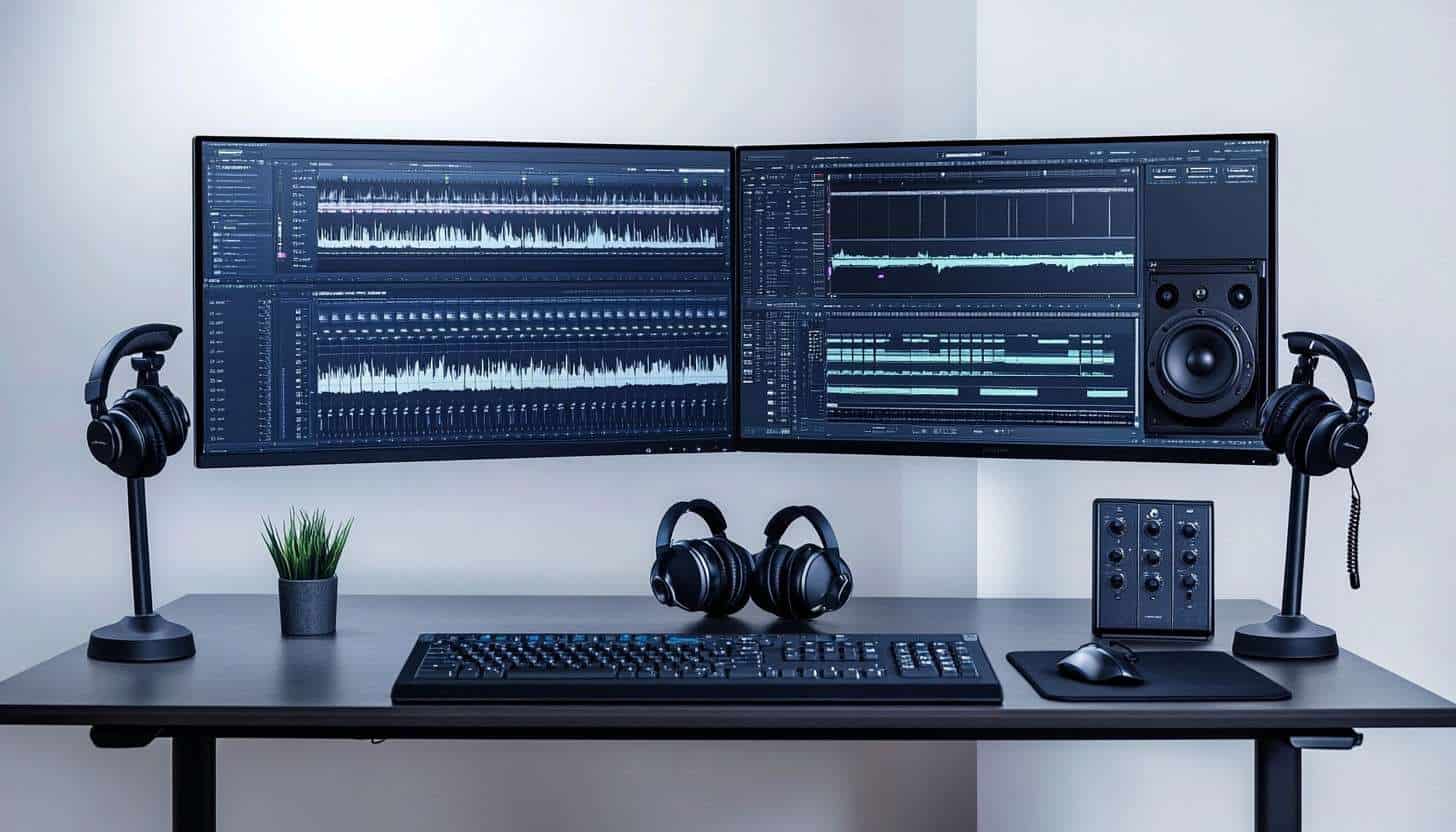
In today’s digital landscape, audio editing software is essential for aspiring musicians and content creators. The right tools can enhance creativity and improve the quality of projects, making the search for the best audio editing software 2026 crucial for success.
Many individuals overlook the advantages of free audio editing software. These budget-friendly audio tools often provide powerful features without compromising quality, making them an excellent choice for beginners and experienced users alike. By exploring the options available, you can find the best audio editing software that meets your needs while staying within budget.
What to Look for in Free Audio Editing Software
When searching for free audio editing software, user-friendliness is a crucial factor. A good interface helps beginners navigate the software easily. Look for programs that offer simple drag-and-drop functionality and clear labeling of tools.
Compatibility with various operating systems is also essential. Many aspiring musicians and content creators use different devices, so your chosen software should work on both Windows and Mac. This ensures you can edit your audio projects without any technical hiccups.
Another important aspect is the availability of community support and resources. Online forums, tutorials, and documentation can significantly enhance the user experience. When using podcast editing software, for example, having access to tips from experienced users can help you learn faster and troubleshoot issues efficiently.
Finding user-friendly audio editors that are compatible with your system and backed by a supportive community will enhance your audio editing journey. These features can make the difference between a frustrating experience and one that fosters creativity and growth. Take the time to explore these elements before making your choice.
Audacity: A Classic Choice
Audacity is a well-known audio editing software that stands out for its user-friendly interface. New users will find it easy to navigate, allowing them to jump right into their projects without a steep learning curve. Its layout is clean and organized, making it simple to access all the essential tools needed for effective audio editing.

One of the standout audio editing features of Audacity is its multi-track editing capability. This allows users to work on several audio tracks simultaneously, a vital function for music production software. Additionally, Audacity offers various effects like reverb and equalization, which help enhance the quality of recordings and create a polished final product.
The community support surrounding Audacity is another significant advantage. Users can find extensive documentation and tutorials online, which makes troubleshooting and learning new techniques easier. This community-driven approach ensures that even beginners can feel confident exploring the robust audio editing features Audacity provides.
Audacity remains a classic choice for those seeking free audio editing software. Its ease of use, powerful editing capabilities, and strong community support make it an excellent option for aspiring musicians and content creators alike. Whether you are just starting or looking to refine your skills, Audacity has something to offer everyone interested in audio editing.
GarageBand: Perfect for Mac Users
GarageBand stands out as one of the best AI tools directory options for Mac users. Its intuitive layout makes it easy to navigate, allowing users to focus on creativity rather than getting lost in complicated menus. The seamless integration with Apple devices enhances the user experience, making it simple to record and edit music directly from an iPad or iPhone.

One of GarageBand’s key features is its collection of virtual instruments and loops tailored specifically for music production. Users can choose from a wide range of pre-recorded loops and samples to create unique tracks quickly. This selection makes it an excellent choice among free music editing tools, especially for those who want to experiment without needing extensive musical training.
GarageBand is suitable for both beginners and experienced users alike. Beginners can easily grasp the basics of music production with helpful tutorials and an accessible interface. Meanwhile, more seasoned musicians will appreciate the advanced features that allow for in-depth customization and complex arrangements, ensuring that everyone can find value in this free audio editing software.
WavePad: Versatile and User-Friendly
WavePad is an excellent choice for those seeking versatile and user-friendly audio editing software. It offers a range of functionalities that cater to both audio editing and sound effects. Users can easily edit audio tracks, add effects, and manipulate sound, making it a favorite among aspiring musicians and content creators.

One standout feature of WavePad is its batch processing capability. This allows users to apply edits to multiple files simultaneously, saving time during projects. Additionally, the voice recording option enables users to capture high-quality audio directly within the software, making it ideal for podcasters looking to create polished episodes.
WavePad’s intuitive interface makes it accessible for beginners while still providing powerful tools for more experienced users. This balance makes it perfect for podcasters who need to edit interviews or enhance their audio quality. Content creators will also find WavePad useful for crafting soundtracks or adding sound effects to their projects.
As an alternative to online audio editors or open-source audio software, WavePad stands out with its robust features and user-friendly design. Its versatility ensures that it meets the diverse needs of audio enthusiasts, from students experimenting with sound to hobbyists creating their own podcasts.
Additionally, freelancers can benefit from its time-saving features, making it one of the freelance productivity tools that enhances efficiency in content creation. Overall, WavePad is a reliable tool for anyone looking to dive into the world of audio editing.
Ocenaudio: Simple Yet Effective
Ocenaudio stands out as a user-friendly option among free audio editing software. Its straightforward design makes it easy for anyone to navigate and start editing audio quickly. Users appreciate the clean interface, which allows them to focus on their projects without unnecessary distractions.

One of Ocenaudio’s key features is its real-time preview capability. This allows users to hear changes instantly, making the editing process more efficient. Additionally, it includes powerful audio analysis tools that help users understand their sound better, whether they are students learning the basics or hobbyists experimenting with different effects.
For students and hobbyists, Ocenaudio provides an excellent platform to hone their audio editing skills. Its simplicity encourages creativity and experimentation, which are essential for growth in any artistic field. With this free audio editing software, aspiring musicians and content creators can easily bring their ideas to life without feeling overwhelmed by complex tools.
Freelancers who need quick and effective audio editing solutions will find Ocenaudio to be one of the best AI tools for freelancers. Its efficiency and simplicity ensure that users can complete tasks swiftly without technical challenges. Whether you’re just starting or looking to refine your skills, Ocenaudio offers a supportive environment for all audio enthusiasts.
Reaper: The Powerful Free Trial Option
Reaper stands out as a robust audio editing software that offers a free trial, allowing users to explore its extensive capabilities. This software is not only feature-rich but also provides a flexible environment for users who are serious about audio editing. While it is technically a paid software, the trial period gives aspiring musicians and content creators a chance to evaluate its potential without any upfront cost.

One of Reaper’s main attractions is its customizable interface, which allows users to tailor their workspace to suit their preferences. Advanced users appreciate the ability to create layouts that enhance their workflow. This level of customization makes it easier to access frequently used tools and features, streamlining the audio editing process.
Additionally, Reaper is equipped with a wide range of features that appeal to those looking to delve deeper into audio production. It supports multi-track recording, MIDI editing, and a plethora of built-in effects. These capabilities make Reaper an excellent stepping stone for anyone considering transitioning to professional audio editing software in the future.
For aspiring musicians and content creators, exploring Reaper can open doors to new possibilities in their audio projects. Its powerful tools and flexible design encourage experimentation and creativity. By taking advantage of the free trial, users can determine if Reaper meets their needs before making any commitments.
Tips for Getting the Most Out of Free Audio Editing Software
To maximize your experience with free audio editing software, here are some tips for you:
- Use online tutorials, like YouTube, for software guidance and skill improvement.
- Experiment with different free audio editing software to find the best fit for you.
- Each program offers unique interfaces and features; explore multiple options for comfort.
- Encourage creativity by exploring genres, mixing sounds, and collaborating with others.
- Embrace the learning process to enhance your audio editing journey and foster creativity.
In Summary
Using free audio editing software in 2024 offers numerous benefits for aspiring musicians and content creators. These tools allow users to create high-quality audio projects without breaking the bank, making them accessible to everyone. With options like Audacity, GarageBand, and WavePad, you can find the right free audio editing software that suits your needs.
Aspiring musicians and content creators should feel encouraged to dive into audio editing. Experimenting with different free audio editing software can enhance your skills and boost your creativity. Ultimately, choosing the right software depends on your individual preferences and goals, so explore your options and enjoy the process.
Related Articles
Best AI Presentation & Slideshow Makers 2026
Creating polished presentations no longer takes hours. Discover the best AI presentation and slideshow makers transforming 2026 workflows.
Read more
Best AI Storytelling & Screenwriting Tools 2026
Want to write stories and scripts faster without losing creativity? Explore the best AI storytelling and screenwriting tools shaping 2026.
Read more
Best AI Tools for Academic Research & Study This 2026
The best AI tools for academic research & study are transforming how students learn and scholars conduct investigations. From organizing sources to analyzi…
Read more