
5 Best Photo Editing App & Software in 2025
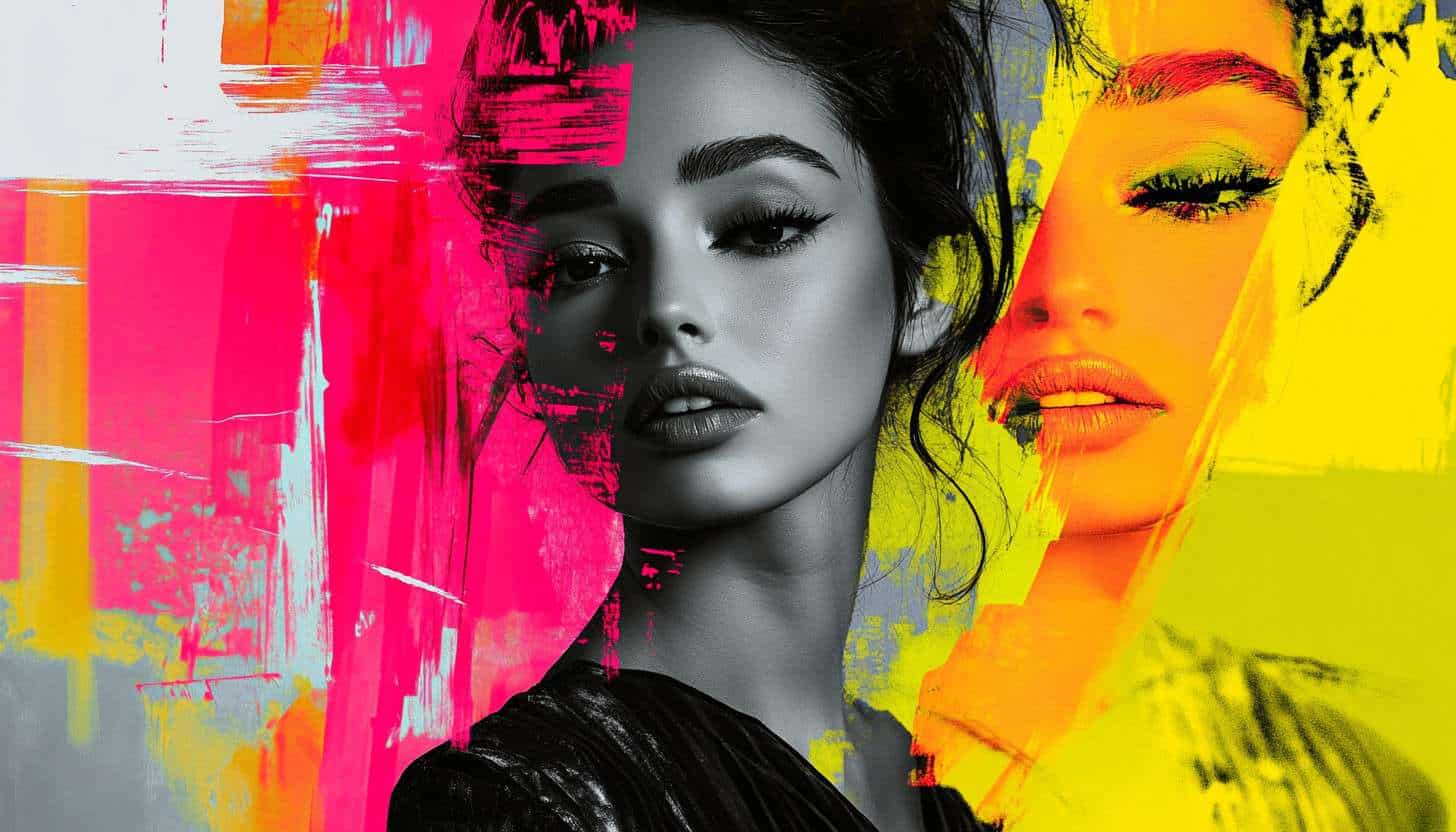
Photography is a form of art that has been around for centuries. People have always wanted to capture special moments and preserve them for generations to come, but now there are so many apps and software that people use to enhance photos. Learning the basics of photo editing through apps and software is part of how to start freelancing with no experience.
Photo editing software can be a great way to enhance and manipulate your photos on your computer. Programs like Photoshop make it easy to change and enhance an entire photo and share it on social media. But there are plenty of other programs that offer similar features in different ways.
What is a photo editing app & software?
Photo editing apps and software have become a staple for anyone who loves photography. Whether you’re an amateur or professional photographer, you can use apps and software to edit your photos to achieve the perfect final product. Photo editing apps allow you to do everything from basic edits to extreme edits such as changing the color of the photo or adding filters.
People also use this process to correct brightness and contrast levels, remove unwanted objects from the photo, and add effects such as soft focus or sepia tone.
Top 5 Photo Editing App & Software
When it comes to photo editing, we have a variety of options that we can choose from. There are some simple apps on the market that offer some basic editing tools and filters, while more advanced ones offer a lot more on top of this. Here’s 5 of the best apps and software for 2025:
1.Photoshop

Photoshop is the most popular photo editing program in the world. It has over 400 million users and it’s still growing. It makes it easy for anyone to take ordinary photos and make them look like professional photos taken by a photographer with expensive equipment.
It also enables people to create any type of image they want, such as art or cartoons. You can retouch and modify images, add effects and make them look like paintings, or change backgrounds and add any design you want.
2.Lightroom

Lightroom is a popular photo editing software that has many features for its users to explore. It’s affordable and can be bought in a bundle package with Lightroom Camera Raw, which is the best way to edit raw photos. The program allows you to do local adjustments in batches so you can quickly go through them one at a time instead of doing them all manually.
It’s great for beginner photographers who are just starting with editing tools because it’s easy to learn and use. There are also many tutorials on how to use Lightroom online which make it easy for people to master the basics of the program.
3.Picsart

Picsart is a photo editing app that has been designed for beginner and amateur photographers. It has over 500 million users who use the app daily to edit their photos with filters, collages, stickers, text, and more. You can also create animated GIFs from your photos in a few easy steps.
Picsart also has great collage options that allow you to mix up different photos together or just use one photo at a time. It also allows the user to edit videos. Picsart is available on Android, iOS, Windows Phone 8, and Blackberry 10 Mobile Devices.
If you’re looking for a photo editing app that’s easy to use and has tons of features, Picsart is a great choice.
4.Snapseed

Snapseed is an app for editing and sharing photos on your phone. It has a lot of features including filters, textures, frames, perspectives, and more. The design keeps the user interface simple so it’s easy to use. You can also get creative with the many different features available.
Snapseed offers numerous different filters, effects, and tools that can help anyone turn any photo into an artistic masterpiece. More than anything, this app provides a unique way for people to express themselves through photography.
5.Fotor

Fotor is a free photo editor that allows you to edit photos quickly, easily, and conveniently. It can be accessed from any device with an internet connection. The user-friendly interface is easy to navigate and beginner photographers find it easy to use.
Fotor provides many editing tools that are popular with professionals, including resizing, cropping, rotating, adding filters, brightness/contrast adjustments, etc. It also provides a text tool for adding captions. The best thing about Fotor is that it’s free to download for anyone!
In Summary
Every day we take pictures of our lives and share them with the world. The photos we take tell a story, and often we want to edit these photos to make them more visually appealing. There are many editing apps and software that you can use for this purpose, and each has its own benefits.
There are so many great photo editing apps and software to choose from, but there is no one perfect app for every individual’s needs. It’s important to know what you need to look for in a photo editing app or software before downloading it onto your computer to ensure you’re using the best one possible.
Related Articles
Best AI Presentation & Slideshow Makers 2026
Creating polished presentations no longer takes hours. Discover the best AI presentation and slideshow makers transforming 2026 workflows.
Read more
Best AI Storytelling & Screenwriting Tools 2026
Want to write stories and scripts faster without losing creativity? Explore the best AI storytelling and screenwriting tools shaping 2026.
Read more
Best AI Tools for Academic Research & Study This 2026
The best AI tools for academic research & study are transforming how students learn and scholars conduct investigations. From organizing sources to analyzi…
Read more