
AutoDraw
AutoDraw pairs machine learning with drawings from talented artists to help you draw stuff fast.
What is AutoDraw?
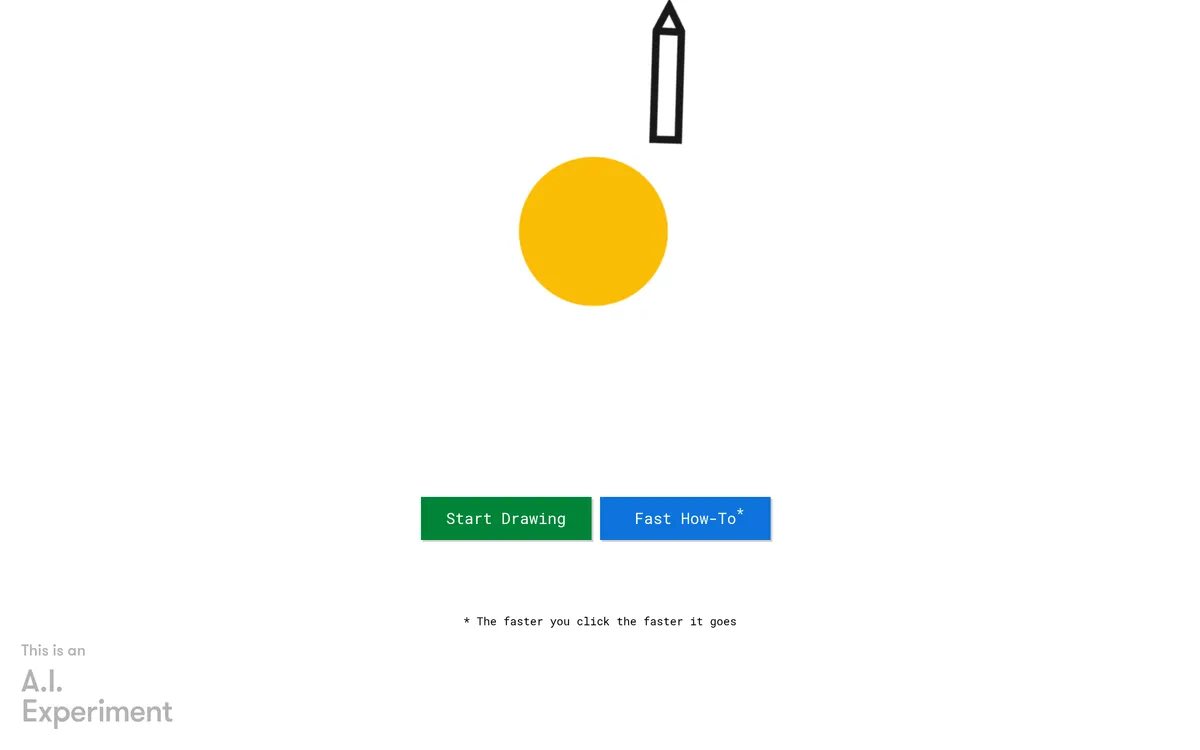
AutoDraw is presented on the site as "AutoDraw" and includes prompts such as "Start Drawing" and "Fast How-To*". The interface lists tools including "pointer tool", "autodraw tool", "pencil tool", "type tool", "bucket tool", and "shape tool", and provides actions to "Start over", "Download", and "Share".
The site provides "How-To", "Shortcuts", "Artists", and "About" resources and a "Share what you're working on:" section with options "FB", "TW", "G+"; it also displays "* The faster you click the faster it goes".
AutoDraw Features
pointer tool
autodraw tool
pencil tool
type tool
bucket tool
shape tool
What is AutoDraw used for?
- ✓Start Drawing
- ✓Download
- ✓Share what you're working on:
Pricing
Contact for pricing
User reviews
No reviews yet. Be the first to review this tool.
Log in to write a review.