
Speechify
Listen to documents, dictate text and work with a voice-based AI assistant
Pricing
Pricing not verified
- Turn documents and photographed pages into audio with playback controls.
- Summarize content, dictate text and create a podcast from source material.
What is Speechify?
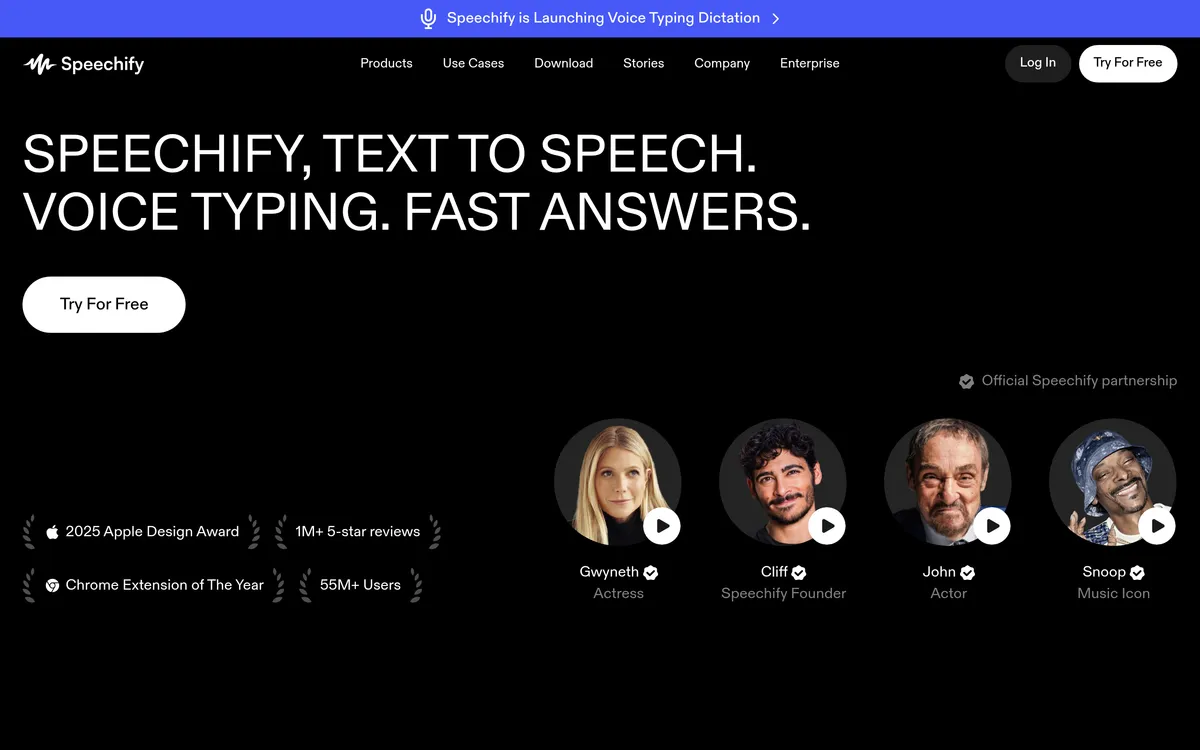
Speechify turns written material into spoken audio and adds voice-based ways to work with information. Students and professionals can listen to books, PDFs and documents, follow highlighted text and adjust playback speed. Its scan-and-listen feature also turns a photographed page into audio, making printed material usable in the same listening workflow.
The voice assistant can summarize content and help users understand pages. Speechify also supports dictating text into apps and creating a podcast from a document or short description. These functions bring reading, writing and reviewing information into a shared voice-oriented workspace across desktop, mobile and browser apps.
Listen to written and printed material
- Document listening Read books, PDFs and documents aloud while following highlighted text.
- Playback controls Change listening speed to fit the material and the listener.
- Scan and listen Photograph a page to have it read aloud.
Work with information through voice
- Page summaries Use the voice assistant to summarize content while reviewing it.
- Voice typing Dictate text into an app instead of entering it with the keyboard.
- Podcast creation Start with a document or short description to develop a podcast.
Details
- Platforms
- iOS, Android, Web, Chrome, Edge, Windows, Mac
User reviews
No reviews yet. Be the first to review this tool.
Log in to write a review.
Join the Aivolut newsletter
Occasional practical AI tips, app updates, and offers. Unsubscribe anytime.