
Step-by-Step DALL-E 3 Tutorial Guide
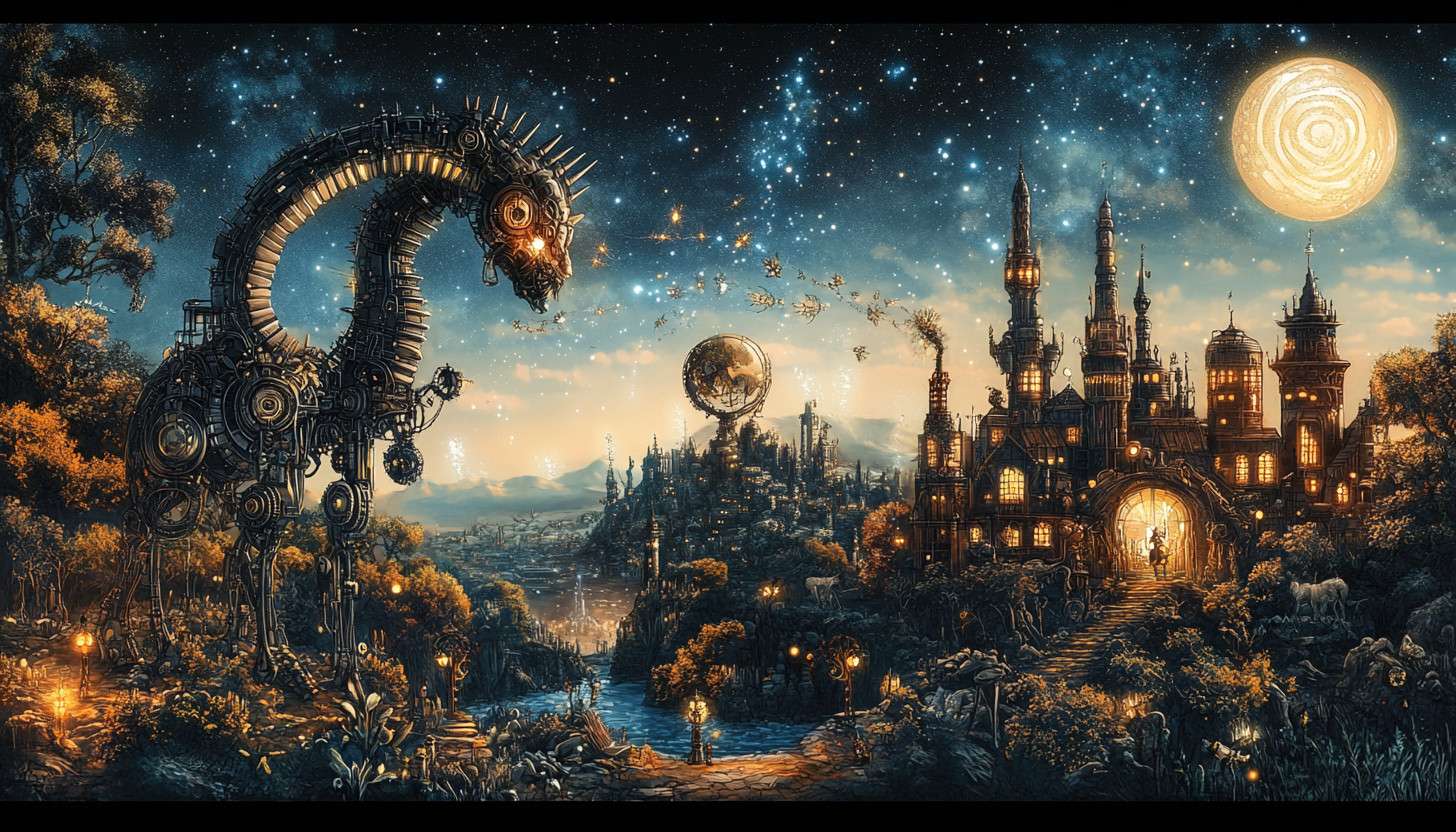
In today’s digital age, creativity knows no bounds thanks to tools like DALL-E 3. This DALL-E 3 tutorial will guide you through the exciting possibilities of this innovative AI, which can transform your imaginative ideas into stunning visuals. By exploring the list of AI tools websites, you can enhance your artistic expression and explore new avenues of creativity that were previously unimaginable.
Join us as we unlock the potential of DALL-E 3 and inspire your creative journey with its digital art advantages.
What is DALL-E 3?
DALL-E 3 is an advanced AI image generation tool that creates stunning visuals from text descriptions. This powerful model can interpret complex prompts and produce high-quality images that reflect creativity and detail. With DALL-E 3, artists and content creators can easily transform their ideas into visual representations, enhancing their projects significantly.

When compared to previous versions, DALL-E 3 shows remarkable improvements in accuracy and versatility. Unlike earlier iterations, this version can better understand nuanced language and create more coherent images. Additionally, it outperforms other AI painting software by delivering higher resolution outputs that are visually appealing and contextually relevant.
The technology behind DALL-E 3 involves sophisticated neural networks that analyze and generate images based on user input. It utilizes a combination of transformer architecture and extensive training on diverse datasets. This allows DALL-E 3 to create unique images that not only match the prompt but also convey artistic styles, emotions, and themes effectively, making it a valuable tool for anyone exploring the world of image generation.
Getting Started with DALL-E 3
To begin your journey with DALL-E 3, the first step is to access the platform. You can do this by visiting the official website or downloading the app if available. Once you arrive at the site, look for a prominent button that allows you to create an account.
Creating an account is straightforward. You will need to provide some basic information like your email address and a password.
After confirming your email, you can log in to start exploring the DALL-E 3 interface. The layout is user-friendly, making it easy for artists and creators to navigate through various features and tools.
Once inside, take a moment to familiarize yourself with the basic tools available in DALL-E 3. You’ll find sections for generating images, managing your saved creations, and accessing tutorials.
Each tool is designed to enhance your experience in creating AI art, allowing you to dive into your creative projects seamlessly. As you start experimenting, remember that DALL-E 3 offers various options for generating unique images. You can choose from different styles and themes to match your artistic vision, similar to other automated graphic design tools.
Generating Unique Images
Crafting effective prompts is essential for generating unique images with DALL-E 3. A well-defined prompt can lead to stunning visuals that align with your creative vision.

To start, be specific about the subject and style you want. For instance, instead of saying “a cat,” try “a fluffy white cat sitting on a vintage blue armchair.” This level of detail helps DALL-E 3 understand your request better.
Exploring different styles and themes can also enhance your image generation process. DALL-E 3 supports various artistic styles, from impressionism to surrealism.
You can create a prompt like “a futuristic city in the style of Van Gogh” to see how it combines elements from both themes. This flexibility allows artists and content creators to push the boundaries of their imagination.
Successful image generation with DALL-E 3 often relies on iterative prompt engineering. After receiving an initial output, you can refine your prompt based on what you liked or didn’t like.
For example, if the generated image lacks color depth, you might adjust your prompt to include “vibrant colors” or “high contrast.” Such adjustments lead to more satisfying results and keep the creative process flowing.
As you experiment, consider using examples from your own experiences or interests. If you’re a graphic designer wanting to create marketing materials, you might prompt DALL-E 3 with “a modern coffee shop interior, bright and welcoming.”
This can provide unique visuals tailored to your needs. In this way, aivolut.com/ becomes a powerful tool for unlocking your creativity and producing exceptional images.
Refining Your Prompts
Refining your prompts is crucial when using DALL-E 3. Specificity and clarity can significantly enhance the quality of the generated images. For instance, instead of saying “a dog,” try “a fluffy golden retriever playing in a sunny park.” This level of detail helps DALL-E 3 understand your vision better.
Utilizing keywords and phrases effectively can also improve your results. Words like “surreal,” “vibrant,” or “futuristic” guide the AI toward a particular style or theme. For example, a prompt like “a surreal landscape with vibrant colors and abstract shapes” will yield more interesting images than a vague description, especially when crafted with the help of an AI writing assistant.
Iterative prompt adjustments are essential for achieving desired outcomes. If the first image generated doesn’t meet your expectations, analyze what could be improved.
You can tweak your original prompt by adding descriptors or changing the focus, such as shifting from “a cat” to “a playful tabby cat wearing a wizard hat in a magical forest.” By employing these techniques, you can maximize the potential of DALL-E 3 as a digital art tool. The ability to refine prompts not only enhances creativity but also leads to more satisfying results with high-quality image upscaling.
Advanced Features of DALL-E 3
DALL-E 3 offers impressive image editing capabilities that elevate your creative projects. Users can modify existing images by adding or removing elements with ease. This feature allows for seamless adjustments, making visual storytelling more dynamic and engaging.

Customization options within DALL-E 3 enable users to further refine their generated images. You can tweak colors, styles, and even specific details to better align with your vision. These options empower artists and creators to produce artwork that truly reflects their unique style.
Integrating external inputs is another exciting aspect of DALL-E 3. For instance, you can upload sketches or reference images to guide the AI in generating new visuals. This integration enhances creativity, allowing users to blend traditional art techniques with advanced AI-based photo editing in their DALL-E 3 tutorial.
These advanced features make DALL-E 3 a powerful tool for enhancing artistic expression. By leveraging these capabilities, artists and content creators can push the boundaries of their imagination. The result is a richer, more versatile approach to visual storytelling that captivates audiences.
Practical Applications for Artists and Creators
DALL-E 3 can be a game-changer for graphic designers in their workflow. By generating unique images based on specific prompts, designers can quickly develop concepts and visuals. This capability allows them to focus more on refining artistic projects rather than spending excessive time on initial drafts.
Marketers and content creators also benefit significantly from DALL-E 3. They can produce eye-catching visuals for campaigns that resonate with audiences. The ability to create diverse imagery tailored to different themes enhances storytelling and engagement in marketing strategies.
In educational settings, DALL-E 3 serves as a powerful tool for teaching creativity and technology. Educators can use it to demonstrate how AI can assist in artistic projects alongside automatic photo editing. This hands-on approach encourages students to explore new ideas and enhances their understanding of both art and technology.
By integrating DALL-E 3 into various fields, artists, designers, and educators unlock new possibilities for innovation. The tool not only streamlines workflows but also inspires creativity in ways that were previously unimaginable. Embracing DALL-E 3 can lead to exciting advancements in artistic projects across disciplines.
Best Practices for Using DALL-E 3
When using DALL-E 3, it is essential to consider the ethical implications of generating images with AI. This technology can create stunning visuals, but it is crucial to respect the rights of original creators.

Always ensure that the images you generate do not infringe on copyright or misrepresent someone’s work. By being mindful of these ethical considerations, you can use DALL-E 3 responsibly and contribute positively to the creative community.
Maintaining originality is another important aspect of using DALL-E 3 effectively. While the tool offers a wealth of inspiration, it is vital to add your unique touch to any generated content.
For instance, if you are creating marketing materials, combine DALL-E 3’s images with your brand’s visuals to maintain a cohesive identity. This approach not only helps avoid copyright issues but also enhances your personal creativity in the content creation process.
Balancing AI assistance with your artistic vision is key to maximizing DALL-E 3’s potential. Use the tool as a collaborator rather than a crutch. Experiment with different prompts and styles, but always infuse your personal ideas and concepts into the final output.
By finding this balance, you can create compelling content that reflects both your creativity and the innovative capabilities of DALL-E 3.
Best practices for using DALL-E 3 include ethical awareness, maintaining originality, and balancing AI with personal creativity. These guidelines will help ensure that your work remains authentic and respects the rights of others. Embrace the power of this DALL-E 3 tutorial to enhance your projects while staying true to your artistic integrity with the best background removal software.
Troubleshooting Common Issues
Using DALL-E 3 can sometimes present challenges for users. One frequent issue is generating images that do not align with the intended prompt.
This can happen when prompts are vague or overly complex. To resolve this, try simplifying your language and focusing on key elements to enhance clarity.
Another common problem is slow loading times or connectivity issues. These can arise from high server demand or unstable internet connections. If you encounter this, ensure your connection is stable or try accessing DALL-E 3 during off-peak hours for better performance.
For additional help, numerous resources are available online. The DALL-E community forums provide valuable insights and solutions from fellow users. Additionally, you can find FAQs on the official website, covering common questions about using the technology in art, features, and troubleshooting tips.
Engaging with community support can also enhance your experience with DALL-E 3. Many users share their challenges and solutions, creating a collaborative environment. By participating in discussions, you not only gain solutions but also contribute to the growing knowledge base surrounding this innovative technology in art.
In Summary
The DALL-E 3 tutorial highlights the transformative potential of this powerful tool for creativity. By using DALL-E 3, artists and creators can unlock new possibilities in their work. This innovative technology encourages you to experiment and explore its many features.
Integrating DALL-E 3 into your artistic practices can enhance your projects significantly. Embrace the opportunity to create unique images and refine your prompts. With the insights from this DALL-E 3 tutorial, you are well-equipped to expand your creative horizons.
Related Articles
Is Character AI Generative AI? How It Works and What It Creates
Is Character AI generative AI? Yes. It creates original text responses from your prompts, conversation context, and patterns learned during training. Instead…
Read more
Best AI Image Generator: How to Choose the Right Tool for Creative Work
Choosing the best ai image generator is harder than ever. Many platforms now produce polished results, but quality, speed, pricing, control, and licensing ca…
Read more
AI for Landscape Design: Tools, Workflows, and Real-World Examples
A client wants a polished garden concept by Friday, but you have only a rough sketch, a few site photos, and a stubborn deadline. This is where AI for landsc…
Read more