
AI for Landscape Design: Tools, Workflows, and Real-World Examples
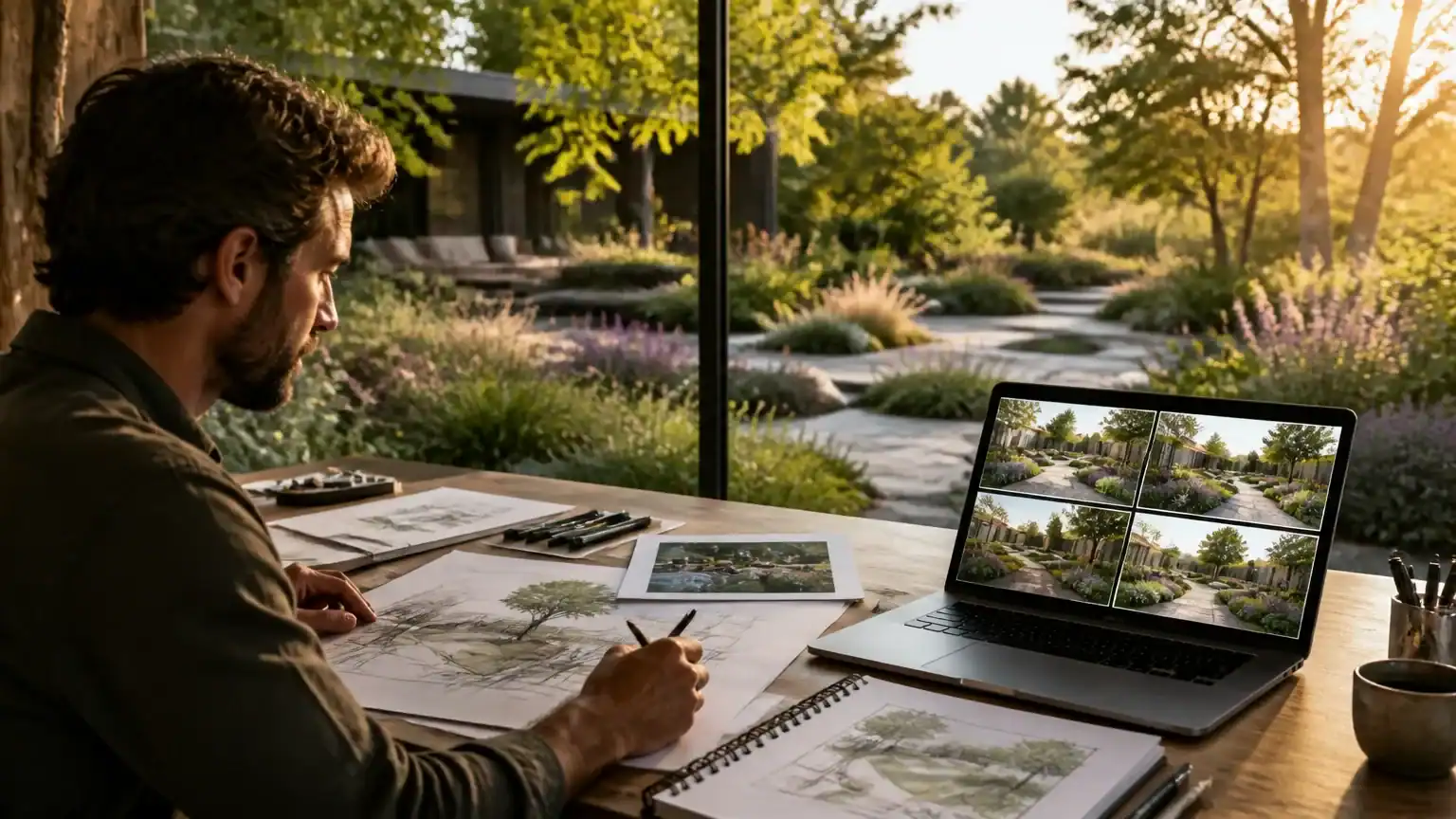
A client wants a polished garden concept by Friday, but you have only a rough sketch, a few site photos, and a stubborn deadline. This is where AI for landscape design can help turn loose ideas into persuasive visual concepts—without pretending it knows where every tree should go.
AI works best as a practical support system. It can generate design options, visualize planting styles, organize site notes, draft copy, and help explain ideas to clients. Human judgment still matters for plant suitability, drainage, grading, safety, budgets, and construction details. In other words, AI can suggest the outfit, but you still check whether it fits the weather.
This article follows a useful workflow: gather site information, generate concepts, refine visuals, validate feasibility, and present the result professionally. An AI tools directory such as Aivolut can help you compare tools for images, writing, research, and productivity instead of forcing one platform to do everything.
Start With a Strong Site Brief and the Right AI Tasks
AI for landscape design works best with reliable inputs. Before opening a tool, photograph the property from multiple angles and collect a simple sketch, measurements, zoning information, and client priorities. Record the climate zone, sun and shade patterns, drainage, soil, existing plants, budget, maintenance expectations, brand style, and intended users.
Turn vague requests into design directions AI can understand. Instead of “make the yard modern,” try: “Create a low-maintenance courtyard with porcelain pavers, architectural grasses, evergreen screening, warm neutral colors, clear wheelchair circulation, and seating for eight.” AI can generate concepts, planting themes, material palettes, mood boards, layout variations, and presentation copy.
For example, a brief might say: “Design a 600-square-foot restaurant courtyard in USDA Zone 8. Include dining for 30, a 12-foot accessible route, drought-tolerant planting, soft lighting, branded terracotta accents, privacy from the street, and a weekly maintenance limit.” That gives AI something more useful than creative fog.
However, AI is a brainstorming partner—not a licensed designer wearing a hard hat. It may suggest invasive, toxic, climate-sensitive, unavailable, or structurally unsuitable plants. Verify every recommendation with local horticultural guidance, zoning rules, building codes, drainage requirements, and qualified professionals. Decisions involving grading, irrigation, structures, safety, and accessibility require expert review.
Use AI Image Tools to Explore Landscape Concepts Quickly
Once site information is verified, use AI image tools to explore possibilities quickly. Start with a clear reference photo showing the existing architecture, property lines, mature trees, slopes, and other constraints. Then ask the tool to create three to five distinct directions—not endless variations of one first draft.
For example, generate a drought-tolerant courtyard, a resort-inspired patio, a family-friendly lawn, a minimalist garden, and a pollinator-focused design. Your prompt should describe the camera angle, season, time of day, hardscape materials, plant textures, furniture, lighting, and desired level of photorealism. “Front-yard view, late-summer evening, limestone paving, ornamental grasses, cedar bench, warm path lighting, highly photorealistic” gives the AI more useful guidance than “make it beautiful.”
Keep the original structure and site limits in view during every revision. Ask the tool to preserve the home’s roofline, windows, driveway, retaining walls, and key trees. Otherwise, your dream patio may casually relocate the garage—a bold design choice, but rarely a profitable one.
Remember that an AI image is a mood image, not a construction-ready plan. It can communicate atmosphere and possibilities, but it will not reliably show scale, grading, irrigation, utilities, drainage, or exact plant placement. Use the visuals to guide discussion, then validate details with professionals.
Consistent imagery can also strengthen a landscaping company’s marketing. AI can support creating a brand identity with AI tools across proposals, social posts, and website imagery.
Build a Repeatable AI Workflow From Concept to Client Proposal
The best use of AI for landscape design is not pressing “generate” and hoping for a garden miracle. Build a repeatable workflow: summarize the client brief, research climate-appropriate plant palettes, create visual directions, draft the scope and proposal, write presentation captions, and prepare questions for revisions.
Start with structured prompt iteration. Preserve the successful parts of a prompt, then change one variable at a time, such as planting style, paving, or lighting. Save strong prompts in a shared library so your team can repeat successful work instead of reinventing the digital wheel.
AI writing support can explain design rationale in plain language, create maintenance notes, and adapt one concept into a proposal, Instagram caption, client email, or sales-page section. Explore AI tools that support authors and content creators for broader examples of how writing assistants can extend creative workflows.
Before delivery, run an internal quality check. Compare visuals with the brief, flag unverified plants, review accessibility and practical constraints, and confirm every revision request is answered. Keep source photos, prompts, revision history, plant-verification notes, and final approvals organized. This record helps your team reproduce the work, explain decisions, and defend the proposal when a client asks, “Why does the shrub look taller now?”
Three Practical Examples for Homes, Businesses, and Marketing Teams
A homeowner can upload a photo of a neglected backyard and ask AI for several low-maintenance pollinator-garden concepts. The output might show native flowers, paths, mulch, and seating. A human must verify plant suitability, drainage, pet safety, sunlight, and realistic maintenance needs before presenting the plan.
A restaurant or office team can provide a site photo, brand colors, customer-flow goals, and seating targets. AI for landscape design can generate courtyard options with planting, shade, lighting, and furniture zones. Designers then check accessibility, seating dimensions, fixture placement, permitting, and safety requirements.
Marketing teams can reuse one approved concept for a case-study outline, before-and-after visual, social posts, email campaign, and website service page. However, the “after” image must not imply completed work if it is synthetic; label it when audience expectations require disclosure.
Visual references, including creative direction from contemporary art, can spark ideas. They should not become a shortcut for copying another firm’s distinctive work. In every example, human review turns impressive pixels into credible proposals.
Use AI as a Design Partner, Not the Final Decision-Maker
Start with one repeatable use case, then measure time saved and client response. AI excels at exploration, synthesis, visualization, and communication; people must verify ecological fit, safety, constructability, ethics, and trust.
Use a checklist for plant accuracy, scale, accessibility, water, privacy, budget, licensing, and visual disclosure. Expand only after review standards work. Durable creative work still depends on accountable expertise—see roles most likely to endure as AI becomes more capable.
Related Articles

Best AI Image Generator: How to Choose the Right Tool for Creative Work
Choosing the best ai image generator is harder than ever. Many platforms now produce polished results, but quality, speed, pricing, control, and licensing ca…
Read more
Uncensored AI Image Generator: How to Choose One Safely and Responsibly
An uncensored AI image generator can appeal to artists, marketers, and product teams who need more creative control. Fewer arbitrary filters may support unus…
Read more
AI Muscle Generator: Create Fitness Visuals and Personalized Training Plans
An ai muscle generator can turn a rough fitness idea into a visual, workout concept, or campaign asset in minutes. These tools combine image generation, body…
Read more