
Uncensored AI Image Generator: How to Choose One Safely and Responsibly
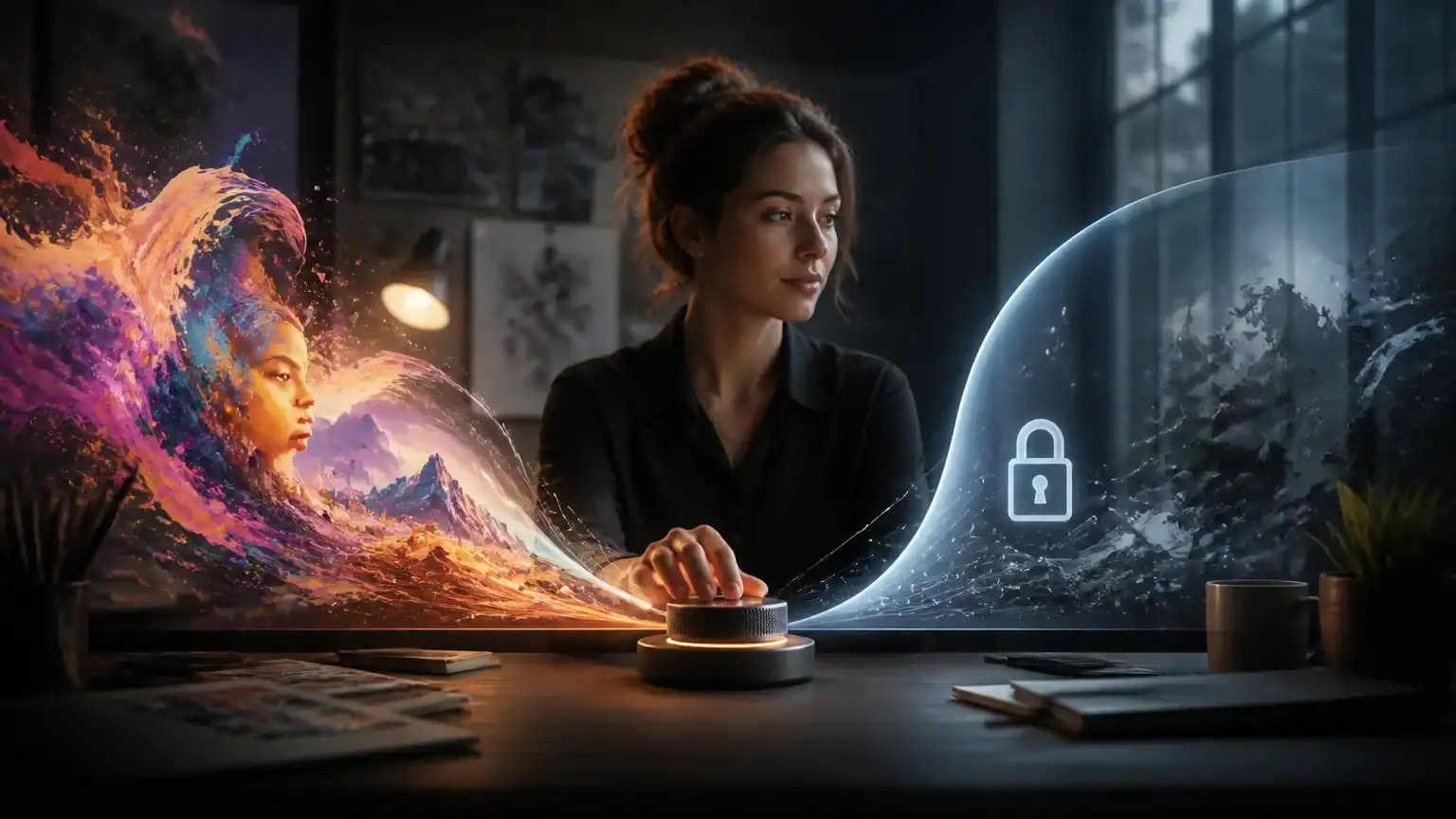
An uncensored AI image generator can appeal to artists, marketers, and product teams who need more creative control. Fewer arbitrary filters may support unusual concepts, mature themes, or brand-specific visuals that stricter tools reject. But “uncensored” should mean flexibility—not permission to create anything without consequences.
The safest approach treats image generation as a risk-management decision. A strong tool balances creative control with output quality, privacy, transparent policies, commercial rights, and responsible-use safeguards. For example, an AI image creation workspace may help teams explore ideas efficiently, but users still need to understand how prompts, uploads, and generated images are handled.
That distinction matters because legitimate creative freedom has clear boundaries. Designing a provocative fashion campaign is different from producing non-consensual intimate imagery. Creating a fictional character is different from impersonating a real person, deceiving an audience, exploiting someone, or violating copyright and other laws.
This article focuses on how to evaluate these tools before trusting them with professional or personal work. You will learn what to check, which warning signs deserve attention, and how to preserve creative control without abandoning judgment, consent, accountability, or platform responsibilities.
Start With the Use Case, Audience, and Acceptable Risk
Before comparing an uncensored AI image generator, define what you need it to produce and where the images will appear. A private mood board or internal concept sketch usually carries less risk than a public advertising campaign, product listing, news illustration, or children’s content.
Next, identify who or what may appear in the images. Will they be fictional characters, employees, customers, real people, or recognizable public figures? Note whether sensitive attributes, realistic likenesses, medical topics, violence, nudity, or other mature themes are relevant. Tools designed for flexible character creation, including AI woman generators, may support legitimate creative work, but they still require careful review when images resemble real people.
Write a short project brief before testing platforms. Document prohibited uses, approval thresholds, target formats, turnaround times, and the person responsible for final sign-off. For example, a social media graphic might need one marketing review, while a healthcare advertisement may require legal, compliance, and accessibility checks.
This exercise clarifies the acceptable risk level. An uncensored tool can help with unusual concept art, sensitive historical subjects, or internal ideation where standard filters block valid requests. However, it may be a poor choice for strict brand environments, regulated industries, public-facing campaigns, or work involving children. In those settings, predictable safeguards, audit records, consent controls, and reliable moderation may matter more than maximum creative freedom. Decide that trade-off before a polished image creates pressure to use it.
Evaluate Safety Controls Without Confusing Them With Censorship
An “uncensored AI image generator” should not mean a tool with no meaningful boundaries. Overbroad prompt blocking can prevent legitimate work, such as medical education, historical research, or non-explicit artistic studies. Targeted safeguards are different: they should block sexual content involving minors, non-consensual intimate imagery, impersonation, harassment, graphic abuse, and criminal exploitation.
Start by reading the provider’s policy, not just its marketing page. Look for adjustable content settings that support lawful creative work, while keeping stronger protections enabled by default for shared or public-facing projects. For example, tools used to create AI girlfriend generators should explain how they handle fictional characters, real-person likenesses, sexual content, and consent.
Good safety controls also include age safeguards, clear reporting channels, and human escalation for difficult cases. Check whether users can report abusive outputs, request removal, and contact a person when automated decisions are wrong. Watermarking, content credentials, or other provenance options can help identify synthetic images and reduce misleading reuse.
Before adopting a generator, test it with representative, borderline, and clearly disallowed prompts. Include ordinary creative requests, sensitive but legitimate topics, and attempts to create prohibited material. Record false positives, where harmless prompts are blocked, and dangerous failures, where harmful outputs are allowed.
Finally, examine audit logs, enforcement consistency, and response times. Can an administrator review who created an image, when, and with which settings? Can the provider act quickly after a report? “Uncensored” is often a vague label; the actual policy, implementation, and accountability process matter far more than the slogan. The goal is not maximum restriction, but predictable controls that preserve creative freedom while reducing foreseeable harm.
Check Privacy, Data Retention, and Commercial Rights
Before using an uncensored AI image generator for professional work, find out what happens to your inputs. Review whether prompts, uploaded reference images, face photos, and generated outputs are stored, used to train models, shared with vendors, or deleted when requested. Privacy policies may not answer every question, so check the service agreement and ask for clarification in writing.
Do not upload confidential product designs, customer information, unreleased campaigns, or identifiable people without permission. For client or regulated work, you may also need an appropriate data-processing agreement. A tool that offers private generations is not necessarily suitable if staff access, backups, or third-party infrastructure remain unclear.
Next, inspect the ownership and license terms. Look for explicit commercial-use rights, model releases, likeness rights, copyright limitations, indemnification, attribution requirements, and restrictions on resale or trademark use. For example, a generated image may be usable in an internal presentation but restricted in merchandise, paid advertising, or a logo.
Treat these terms like PLR licensing and usage rights: broad wording can still hide exclusions, platform restrictions, or liability gaps. “Royalty-free” does not automatically mean unrestricted, and the provider may give you permission to use an image without guaranteeing that nobody else’s rights are affected.
Copyright protection can also be limited for content created mainly by a machine. Teams should preserve meaningful human direction, editing, compositing, and selection, then document those contributions. Keep prompts, source materials, revision history, permissions, and final approvals in the project record. This evidence will not solve every legal question, but it supports responsible authorship and helps explain how the final work was made.
Compare Image Quality, Control, Cost, and Workflow Fit
An uncensored AI image generator should be judged by production results, not unrestricted prompts alone. Start with prompt adherence, realistic anatomy and hands, accurate text rendering, and character consistency. Then test image editing, inpainting, outpainting, reference-image control, and batch generation. A tool that creates one impressive image may still waste hours if revisions are unreliable.
Match the output to its destination. Check available aspect ratios, resolution, transparent backgrounds, print quality, API access, file formats, and metadata handling. For example, social posts may need fast square exports, while packaging requires high-resolution files and dependable color workflows. Metadata controls also matter when projects contain sensitive source images or client information.
Look beyond the advertised subscription price. Compare credit limits, concurrency, upscaling fees, commercial-use tiers, and API charges. Include the cost of failed generations, especially when complex prompts require repeated attempts. A cheaper plan can become expensive if it produces few usable images or slows a team with queues and manual workarounds.
Test whether the generator supports repeatable brand work. Saved styles, reusable workflows, model selection, negative prompts, and team templates can turn experimentation into a dependable process. If several people contribute, cloud-based collaboration tools may also help manage briefs, feedback, approvals, and source files.
Run a small pilot using real briefs rather than showcase prompts. Track the usable-image rate, revision time, approval rate, and cost per approved asset. Test several formats and difficulty levels, then record where human review remains essential. This evidence gives you a practical basis for choosing a tool—and makes switching easier if the promise does not match daily performance.
Build a Responsible Review and Publishing Process
A responsible workflow turns tool selection into a repeatable publishing system. Create a lightweight human-review checklist covering consent, recognizable likenesses, stereotypes, misleading context, unsafe details, accidental logos, copyrighted characters, and factual representation.
Apply stricter rules to higher-risk subjects. Political content, health claims, news or documentary imagery, financial promotions, children, vulnerable groups, and realistic depictions of real people deserve additional review. For example, a fictional product image may need ordinary brand approval, while a realistic “patient” image supporting a health claim may require legal and clinical review.
Keep a project record for every approved asset. Save the prompt, source materials, generation date, model version, edits, relevant licenses, reviewer names, approval status, and disclosure decision. These records help explain how an image was created and make corrections easier when questions arise.
Assign ownership clearly. The provider of an uncensored AI image generator supplies a tool; it is not your final editor, publisher, advertiser, or legal decision-maker. Name the person responsible for checking each image and the person authorized to approve publication. Do not let a fast-moving campaign turn “the AI made it” into an accountability vacuum.
Tell audiences when an image is AI-generated if realism could cause confusion, or when a platform, client, regulator, or newsroom requires disclosure. A clear label can be brief: “AI-generated illustration.” When an image depicts a real person, event, place, or product, disclose enough context to prevent viewers from mistaking fiction for evidence. Keep the final approval with a human who understands the audience, the claim, and the consequences.
Choose Creative Freedom With Accountability Built In
Choosing an uncensored AI image generator should follow a practical sequence: define the use case, test safeguards, verify privacy and usage rights, compare production performance, and pilot the workflow with human review. The strongest option is usually the least restrictive tool that still offers appropriate protections, reliable documentation, predictable quality, and a contract suited to your business.
Creative freedom should not mean transferring every risk to the user. Keep records of prompts, sources, permissions, revisions, and approvals, especially for public-facing work. Speed and creative range matter only when the resulting images can be published confidently, lawfully, and transparently.
Related Articles
Best AI Image Generator: How to Choose the Right Tool for Creative Work
Choosing the best ai image generator is harder than ever. Many platforms now produce polished results, but quality, speed, pricing, control, and licensing ca…
Read more
AI for Landscape Design: Tools, Workflows, and Real-World Examples
A client wants a polished garden concept by Friday, but you have only a rough sketch, a few site photos, and a stubborn deadline. This is where AI for landsc…
Read more
AI Muscle Generator: Create Fitness Visuals and Personalized Training Plans
An ai muscle generator can turn a rough fitness idea into a visual, workout concept, or campaign asset in minutes. These tools combine image generation, body…
Read more